The instructions were found at the following page.
Disabling and debugging caching
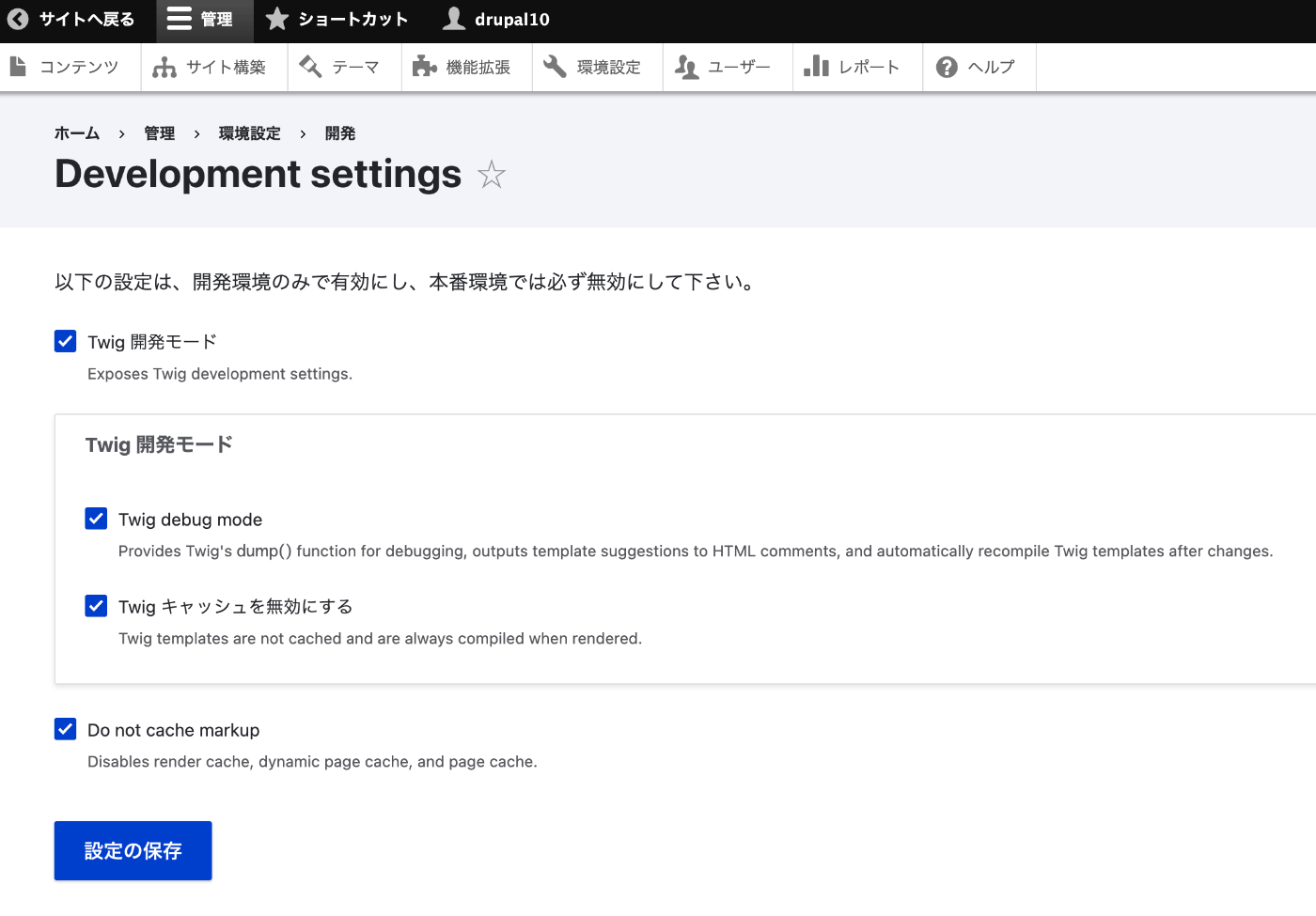
Disabling caching (render cache, dynamic page cache, Twig cache) during development is useful for seeing changes without clearing the cache. Accessing the site as an anonymous user still makes use of caching even when local development settings have been enabled. You must be logged in to view your site with caches disabled. Disable Twig Caching Drupal 10.1.0 introduced a new "Development settings" page at /admin/config/development/settings that contains Twig development settings, as well as the ability to disable various caches.
Access the following path:
/admin/config/development/settings
Checking the boxes on the following screen disables the cache.
I hope this is helpful for others.


Comments
…