概要
Omeka Sでタイムラインを作成するモジュール「Timeline」の紹介です。
Omeka S
- Timeline
Omeka is a free, flexible, and open source web-publishing platform for the display of library, museum, archives, and scholarly collections and exhibitions. Its five-minute setup makes launching an online archive or exhibition as easy as launching a blog.
インストール
Omeka Sの一般的な方法で、本モジュールをインストールできます。以下、インストール方法の例です。
cd omeka-s/modules
wget https://github.com/Daniel-KM/Omeka-s-module-Timeline/releases/download/3.4.16.3/Timeline-3.4.16.3.zip
unzip Timeline-3.4.16.3.zip
使い方
本モジュールを使用するには、サイトでページを作成する必要があります。以下の例では、「Timeline」という名前のページを作成しています。

そして画面右部の「新規ブロックを追加」からTimelineを選択します。デフォルトでは、dcterms:dateに格納された値を対象に、年表へのマッピングを行います。

そこで、アイテムのdcterms:dateフィールドに日付の値を入れてみます。
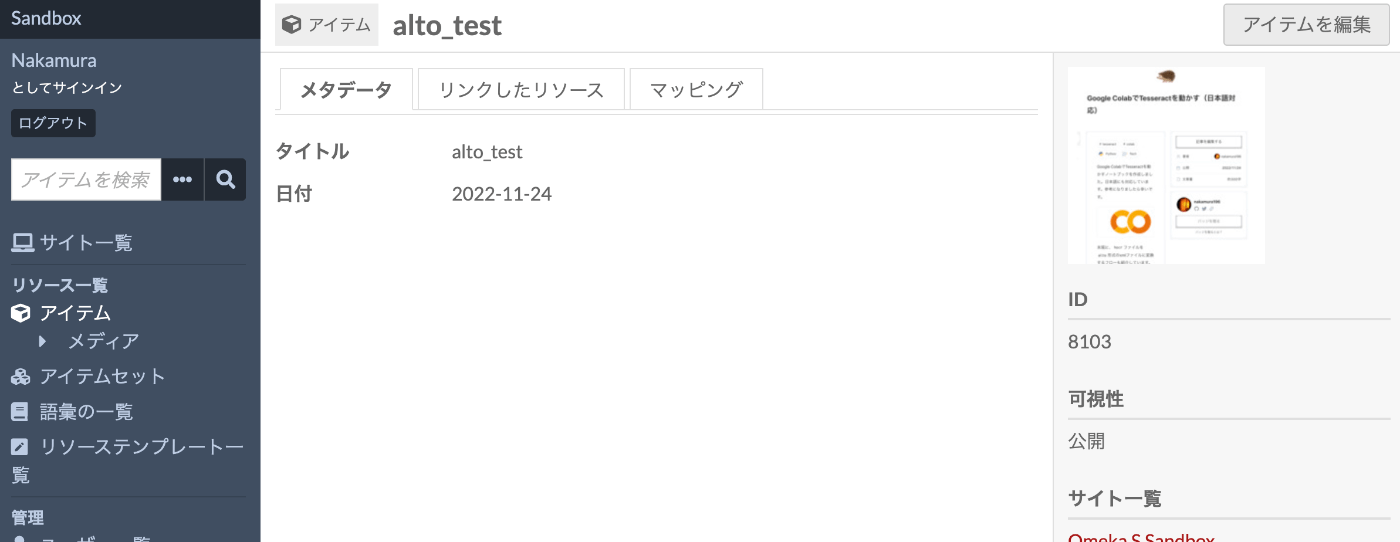
その結果、以下のように、年表を用いたアイテムの検索が可能になります。

まとめ
年表を用いたアイテムの可視化の参考になりましたら幸いです。
コメント
…