Running SIP Creator on Docker
A video walkthrough of running CCA's SIP Creator on Docker (amd64 + noVNC) without BitCurator: creating a SIP (Submission Information Package) from transfer files. It covers format identification (Siegfried), virus scanning (ClamAV), technical metadata (DFXML), checksums, an auto-populated description spreadsheet, and BagIt packaging — all in one run.
Narrated walkthrough
Chapters
- 1
Creating a SIP (full run)
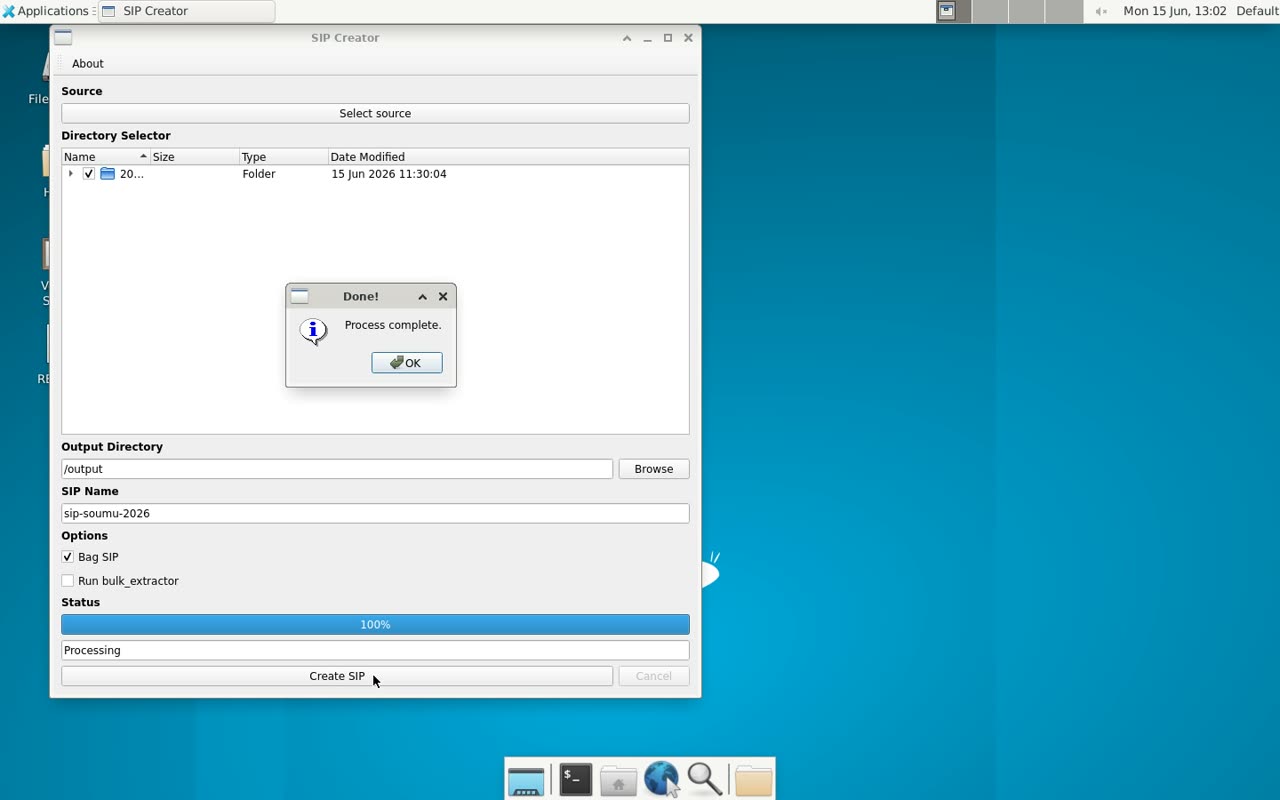
The full sequence: select source, tick targets in the tree, enter the output location and SIP name, BagIt, Create SIP, and done.
Narration script
- 0:00Running SIP Creator on Docker
In this video, assuming a scenario of transferring and preserving electronic records, we walk through creating a SIP (Submission Information Package) from target files using a tool called SIP Creator. SIP Creator normally runs inside an environment called BitCurator, but here we run it on Docker.
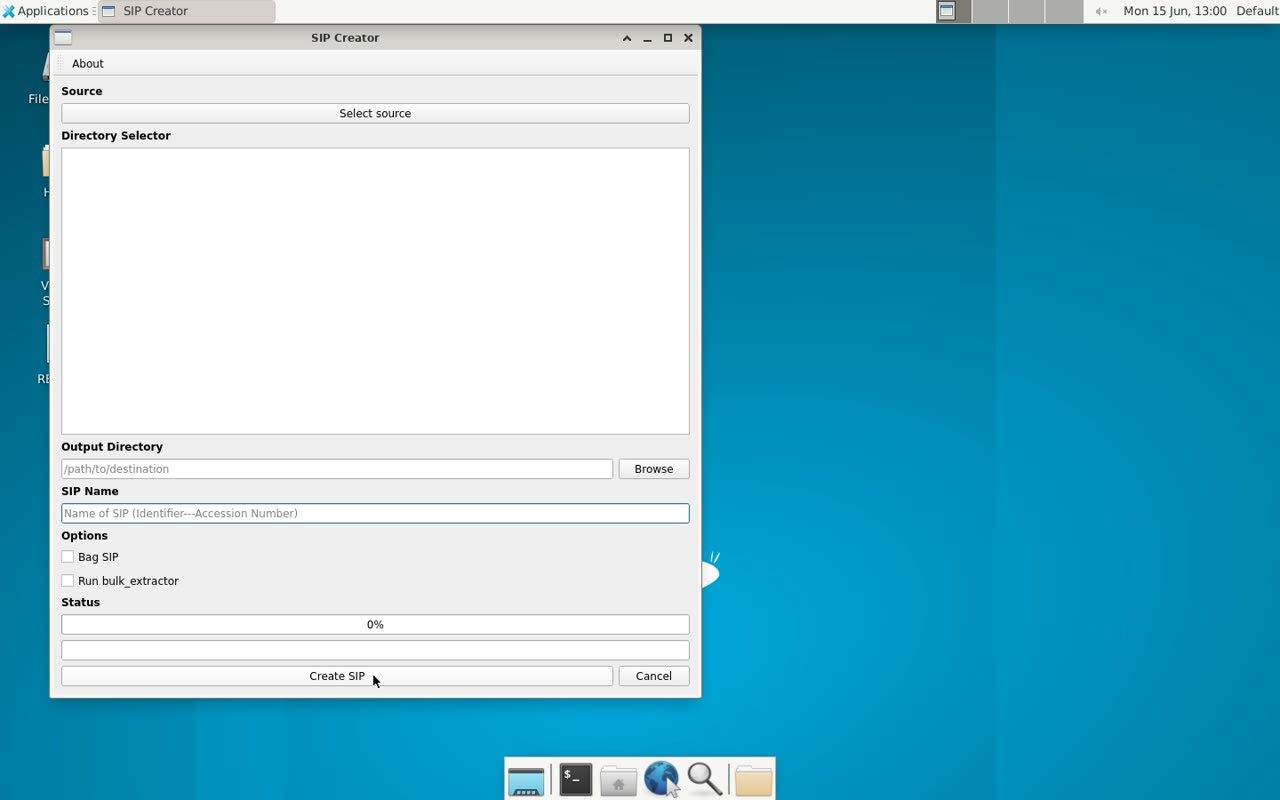
- 0:22First, choose the target folder
First, click the Select source button and choose the folder to transfer. Here we point it at the sample transfer materials placed in the container's input folder.
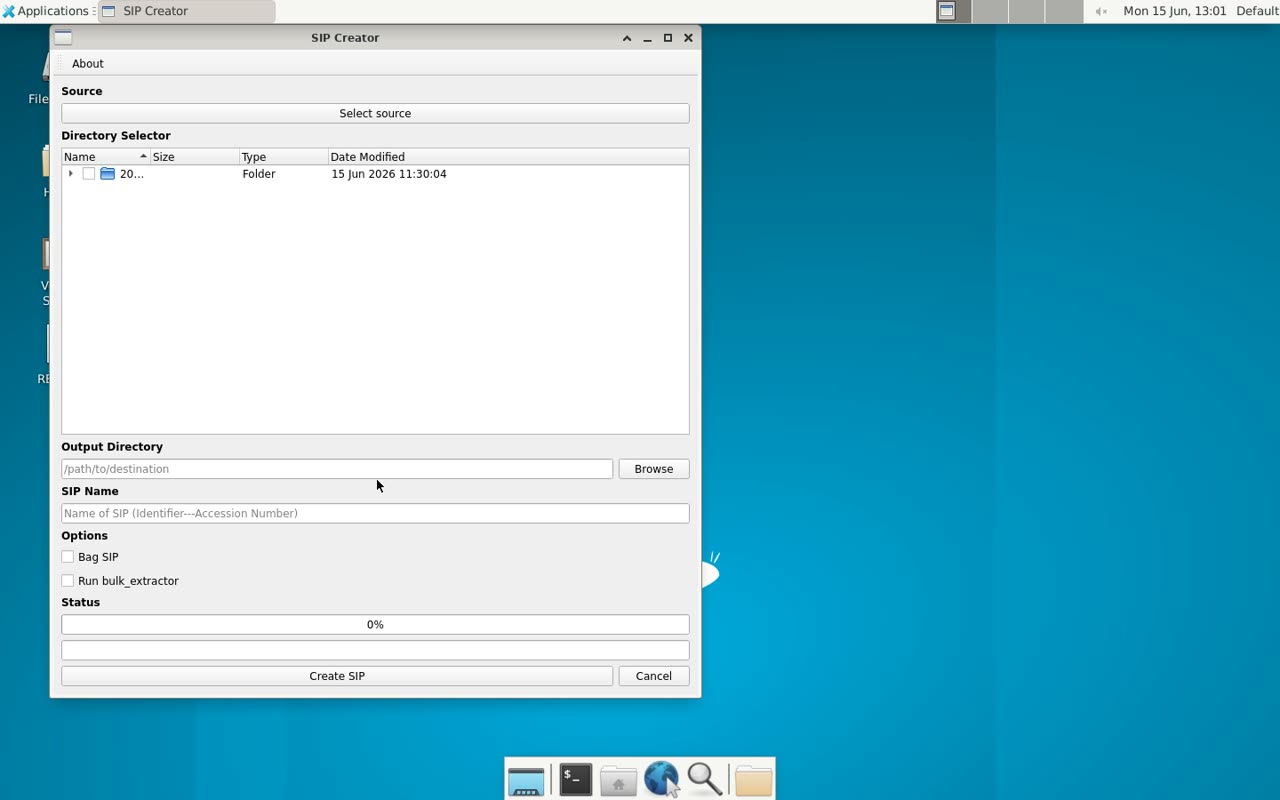
- 0:36Check the targets in the Directory Selector
Once selected, the Directory Selector shows the folder contents as a tree. We tick the checkboxes for the items to include in the SIP. This time we select the whole transfer folder.
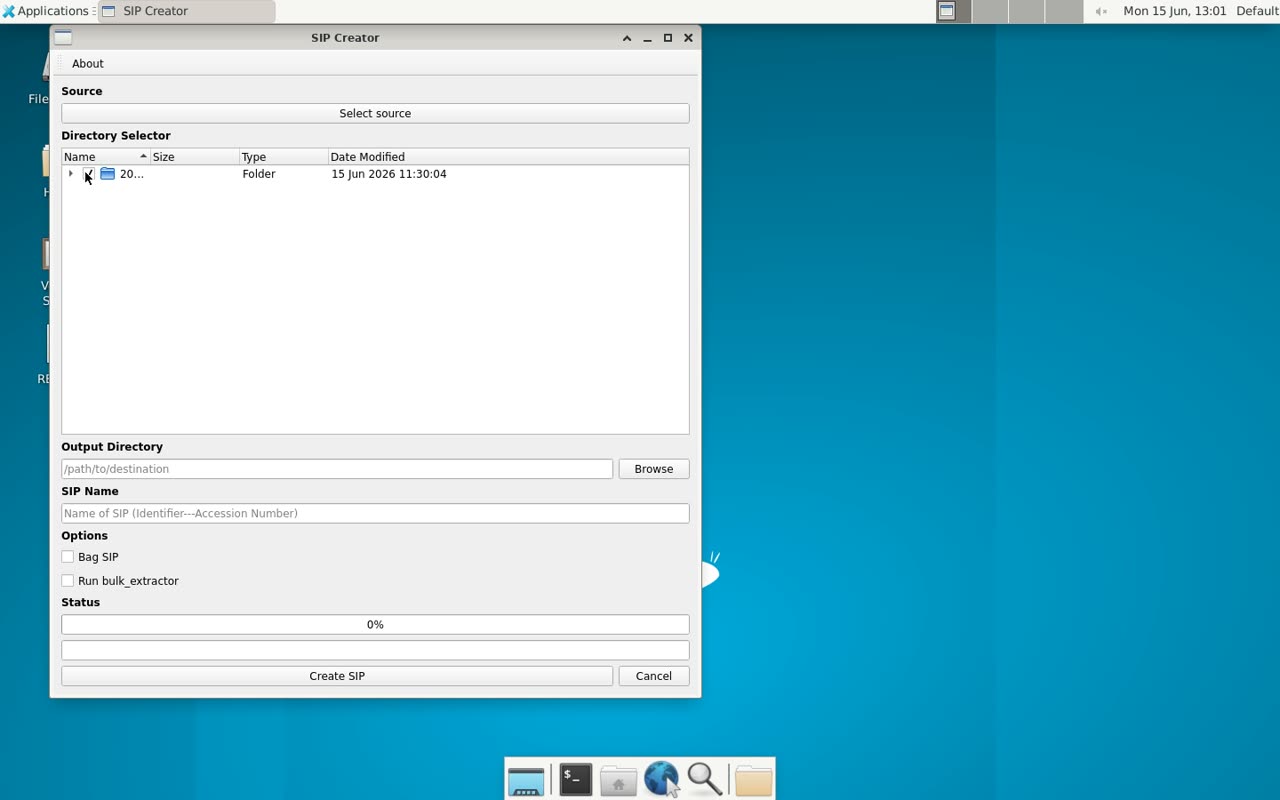
- 0:54Enter the output location and SIP name
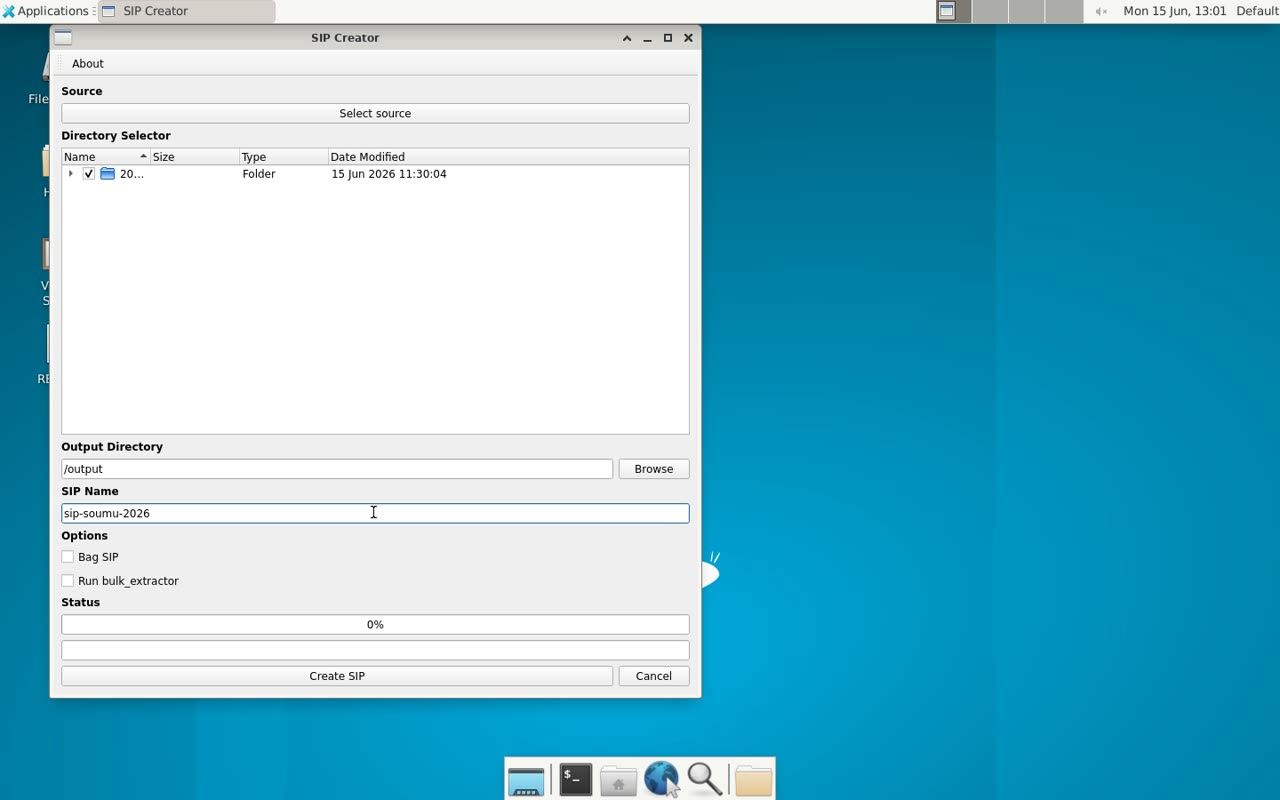
Next, we enter the output folder and the SIP name. SIP Creator creates a new folder with this name under the output location. Leaving the name blank causes an error, so be careful.
- 1:10Package as a BagIt bag
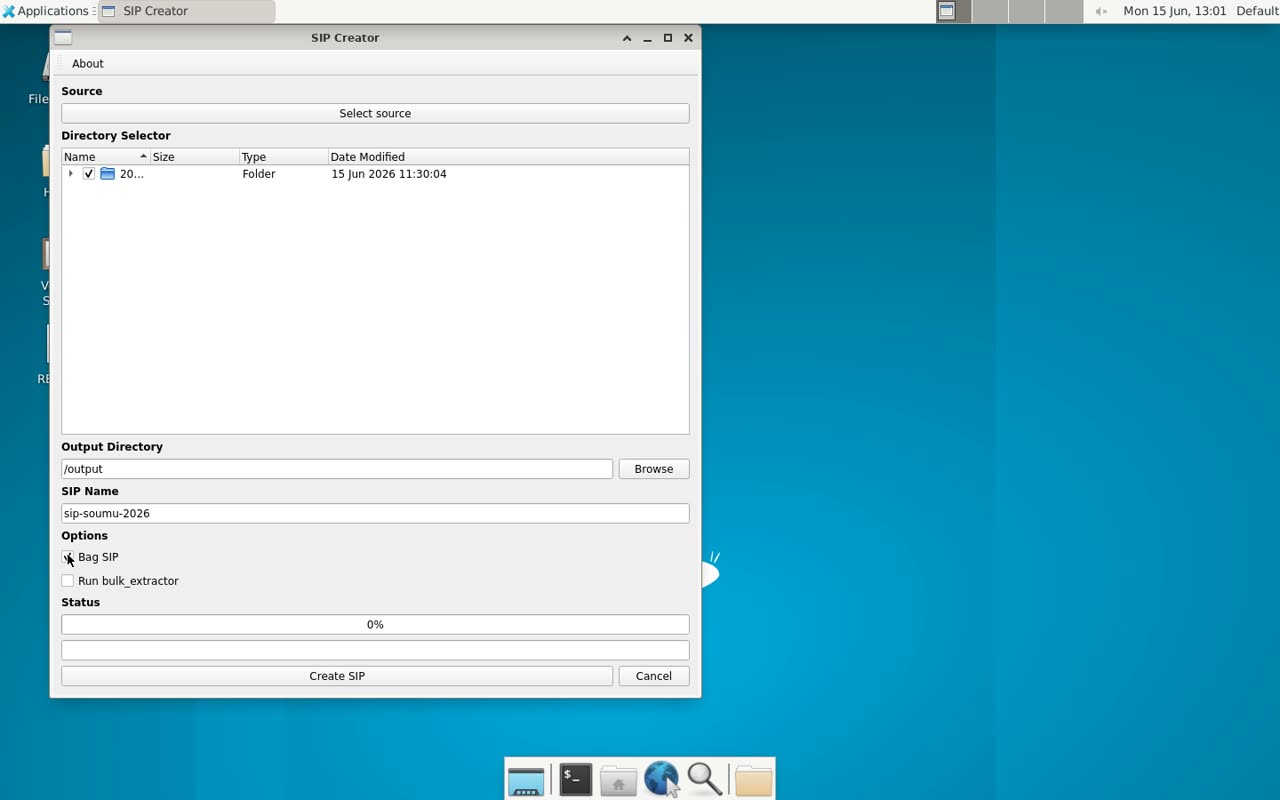
Checking Bag SIP wraps the generated SIP into a BagIt-format package. It is a standard packaging format that allows integrity verification via checksums.
- 1:25Run characterization and packaging
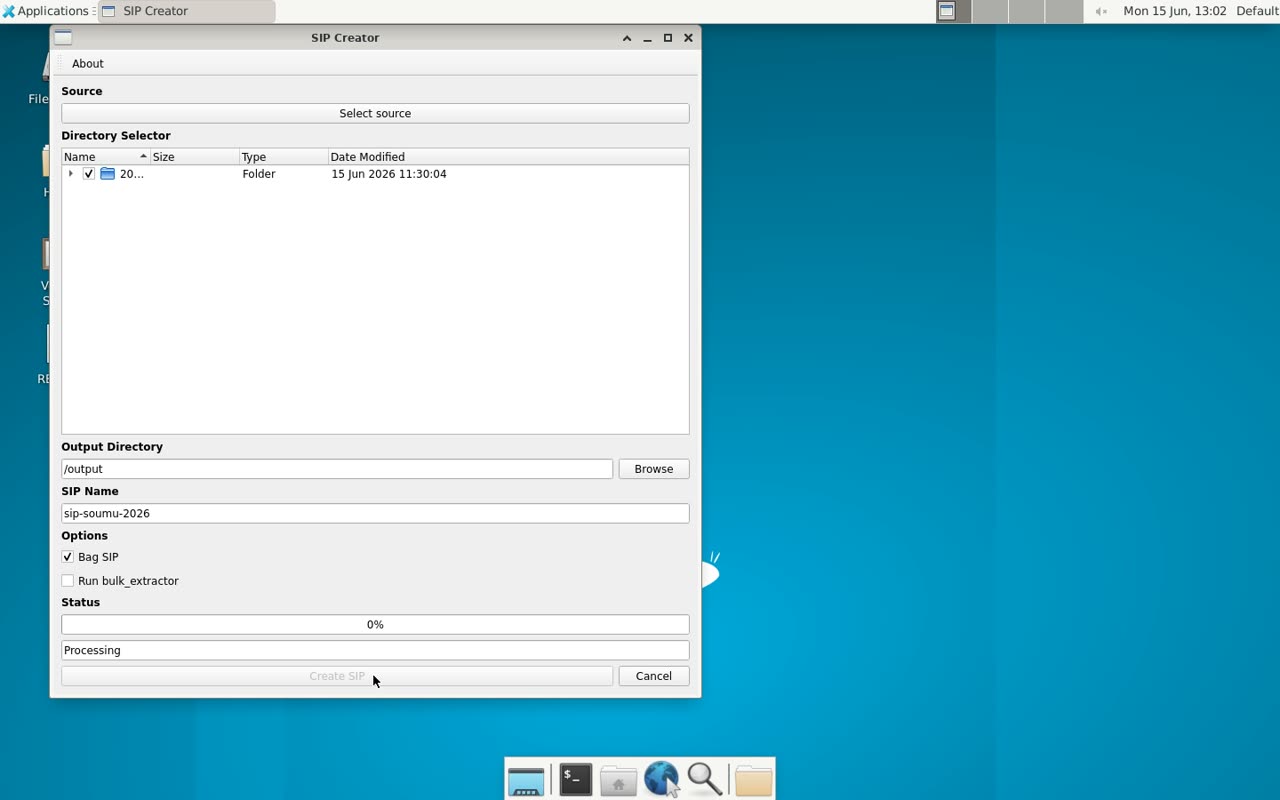
Pressing Create SIP starts the process. Internally, Brunnhilde runs Siegfried for format identification and ClamAV for virus scanning, records technical metadata in DFXML, and generates checksums with MD5 — all in one go.
- 1:49Done: SIP, description sheet, and reports
The process is complete. The output contains a SIP — packaged as a BagIt bag — with objects and metadata, along with an auto-populated description spreadsheet and reports from Siegfried and Brunnhilde. That completes the SIP creation workflow.