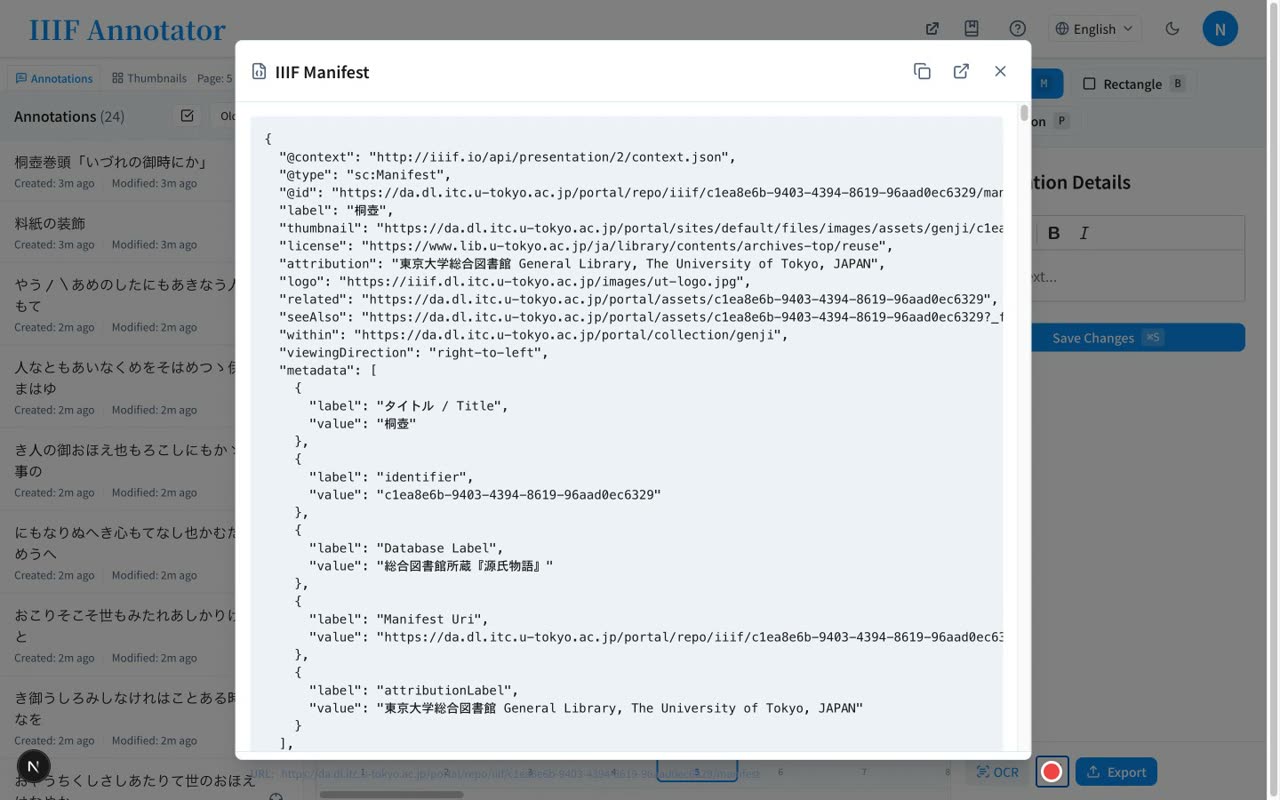
How to use the IIIF Annotation Editor
A video walkthrough of an open-source, browser-based editor for IIIF images: draw rectangle and polygon annotations, read cursive (kuzushiji) script with NDL Koten OCR, and collaborate in real time via Firebase.
Narrated walkthrough
Chapters
- 1
Intro — annotation, OCR & collaboration
What the editor is, its key features, and getting started by just entering a Manifest URL
Narration script
- 0:02IIIF Annotation Editor
IIIF Annotation Editor is an open-source editor that lets you annotate IIIF digital images and share them, entirely in your browser.
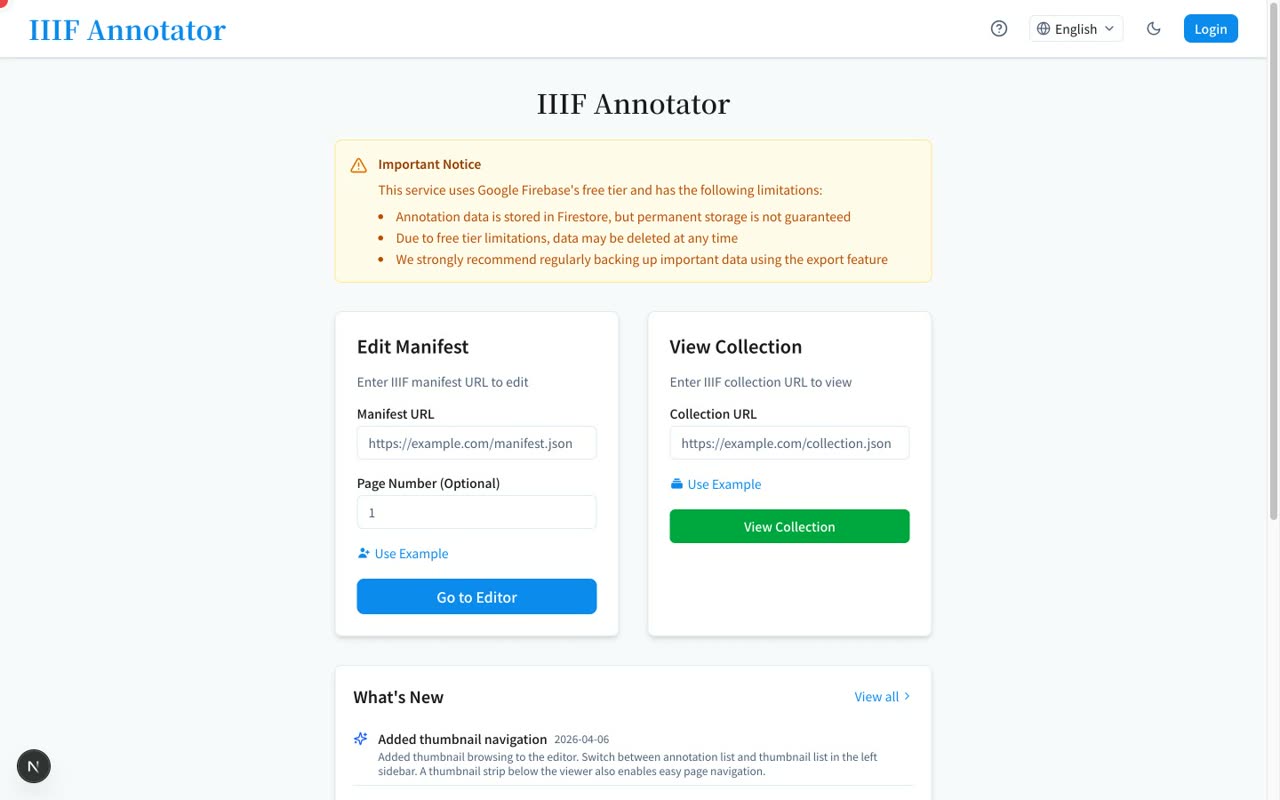
- 0:17Annotation, OCR, and collaboration
Its key features are creating rectangle and polygon annotations, OCR that reads cursive script, and real-time collaboration powered by Firebase.
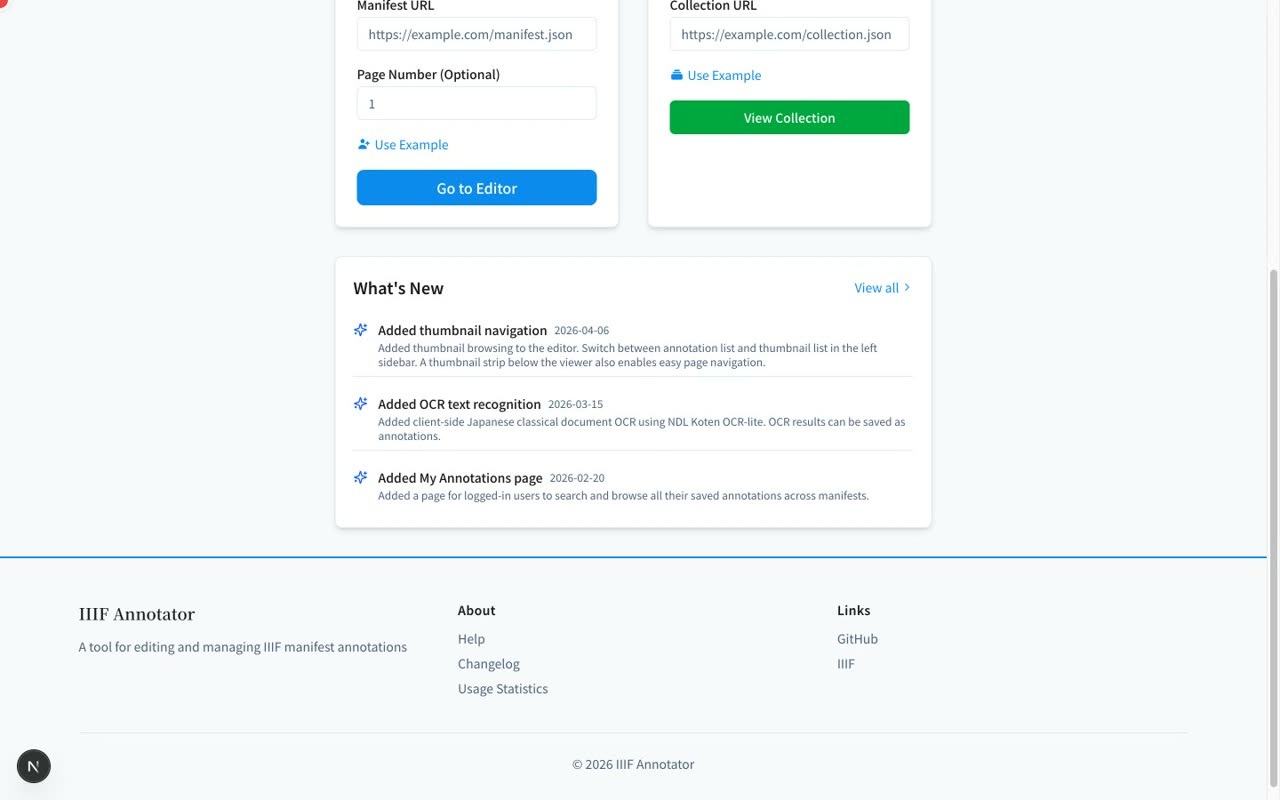
- 0:33Just enter a Manifest URL
Getting started is simple: just enter a IIIF Manifest URL. In this video, we'll walk through the main features on the live screen.
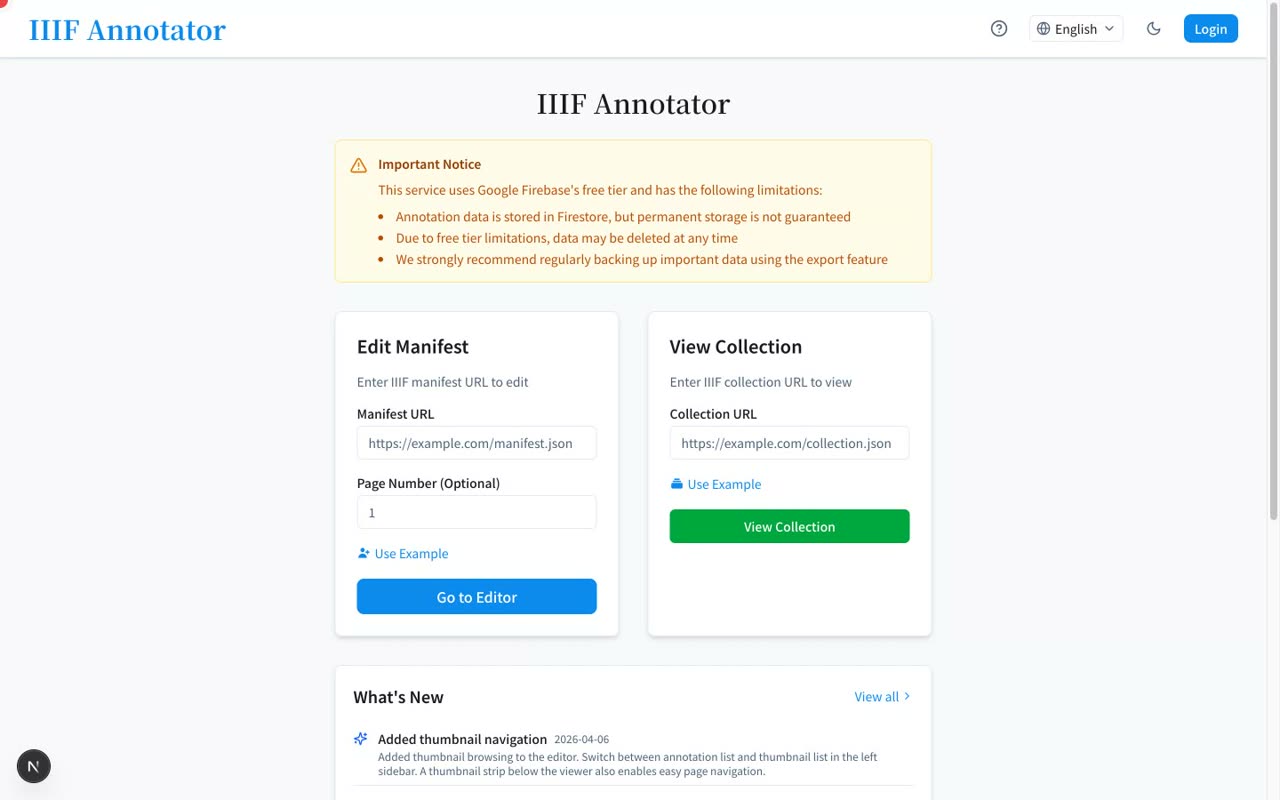
- 2
Signing in & opening a IIIF image
Create an account with email/Google, then view the Tale of Genji (Kiritsubo) from the University of Tokyo in OpenSeadragon across multiple pages
Narration script
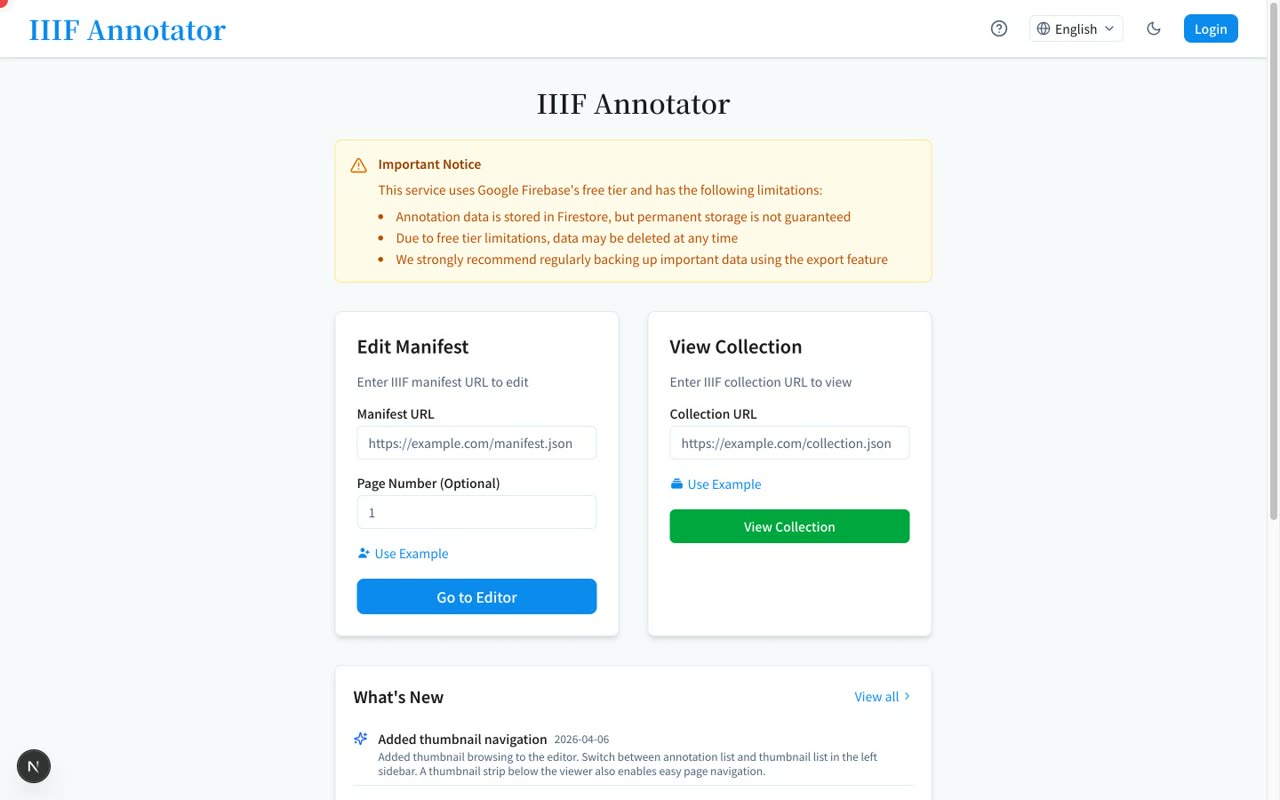
- 0:02Create an account with email
First, let's create an account. From Login in the top right, you can sign up with an email address. Signing in with a Google account is also supported.
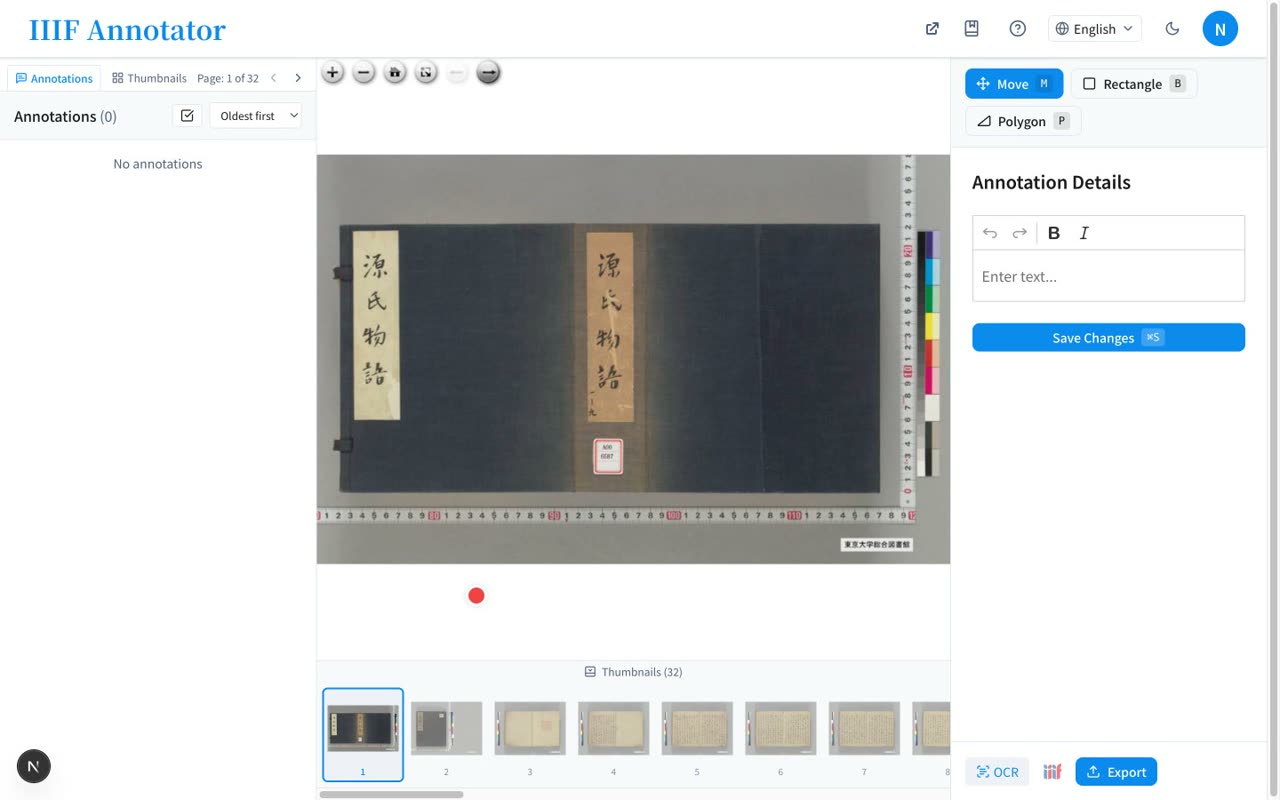
- 0:30Tale of Genji (Kiritsubo), University of Tokyo
Next, we load an image. Enter a Manifest URL and go to the editor. This time we use the Tale of Genji, Kiritsubo, held by the General Library of the University of Tokyo.
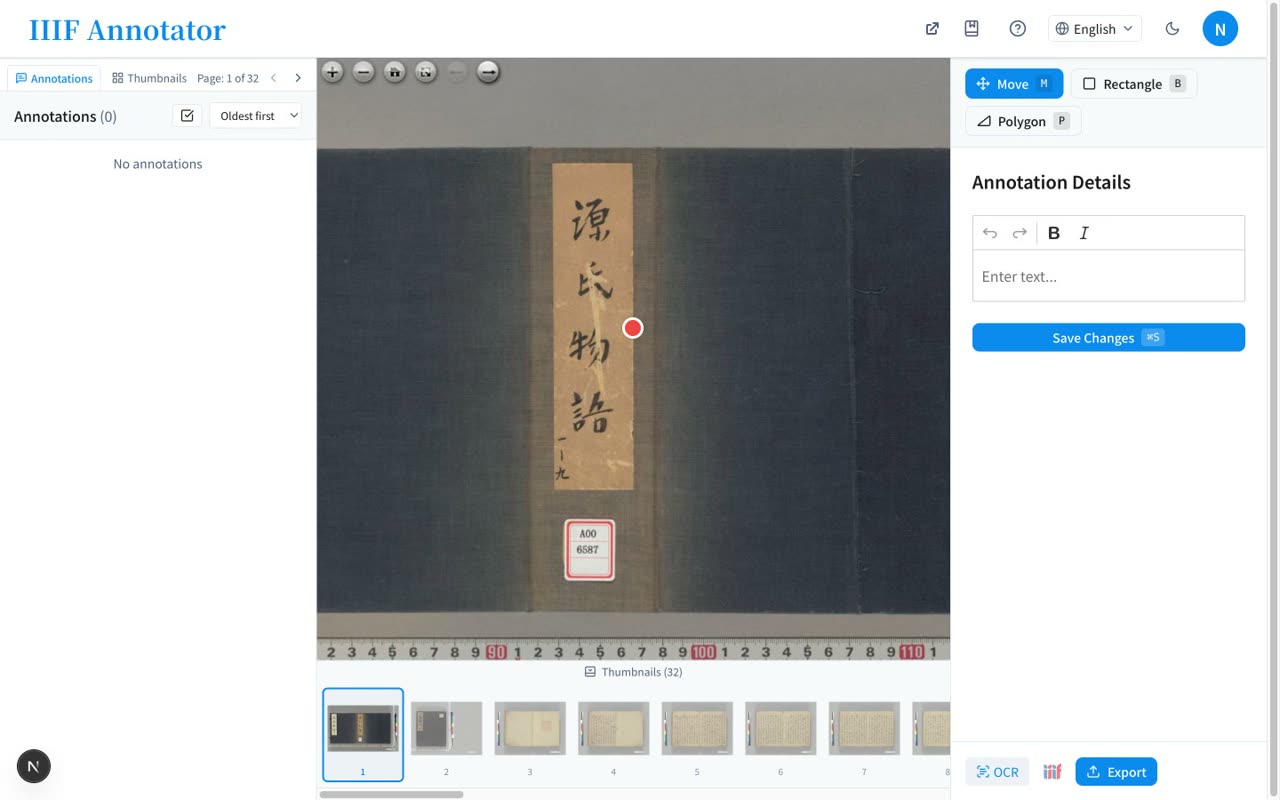
- 0:50Zoom with OpenSeadragon / multiple pages
With OpenSeadragon, you can smoothly zoom into high-resolution images. For multi-page materials, you can turn pages with the left and right buttons.
- 3
Drawing rectangle & polygon annotations
Enclose a region with the rectangle tool, enter rich text saved to Firestore, and use polygons for complex shapes
Narration script
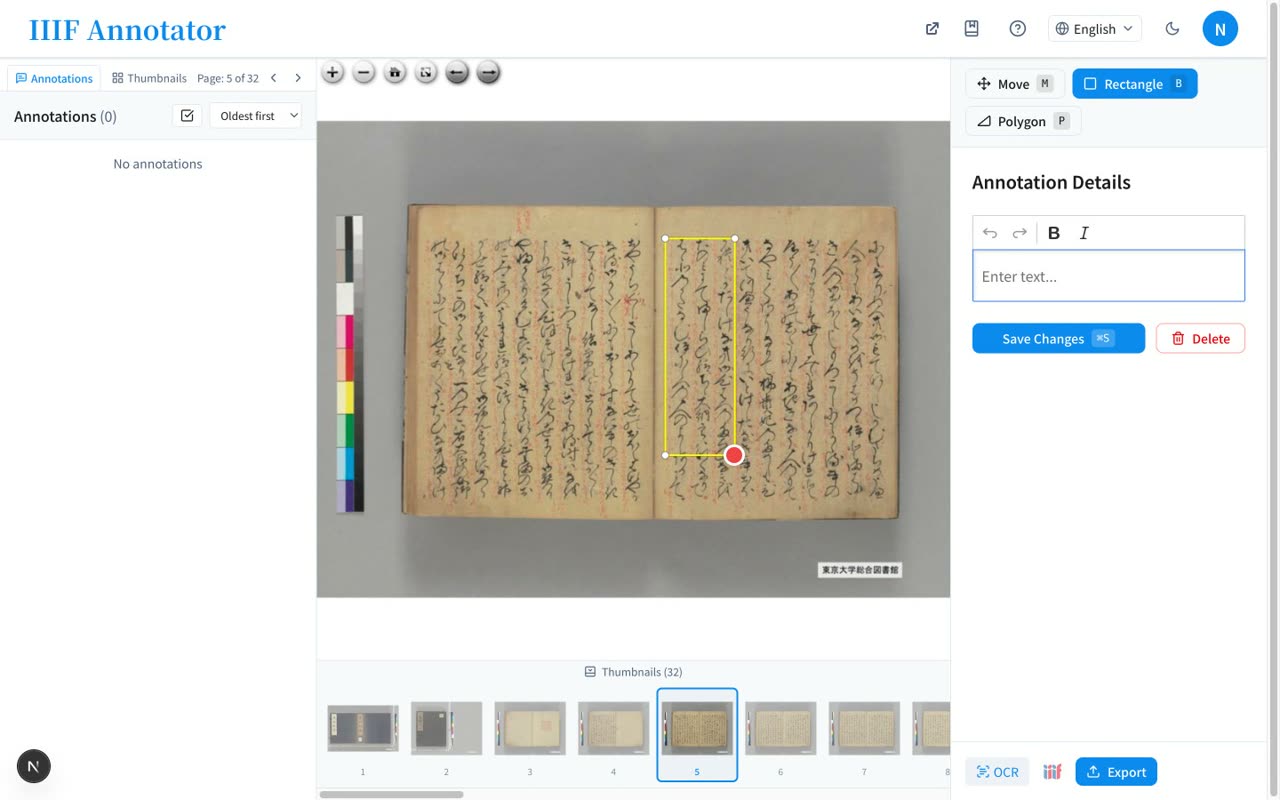
- 0:16Draw a region with the rectangle tool
Let's add an annotation. Select the rectangle tool, then click once and click again on the image to enclose a region. You can mark any area of interest.
- 0:36Rich text, then save to Firestore
Once you enclose a region, a text field opens. Write freely in rich text, and when you press save, the content is stored in Firebase's Firestore.
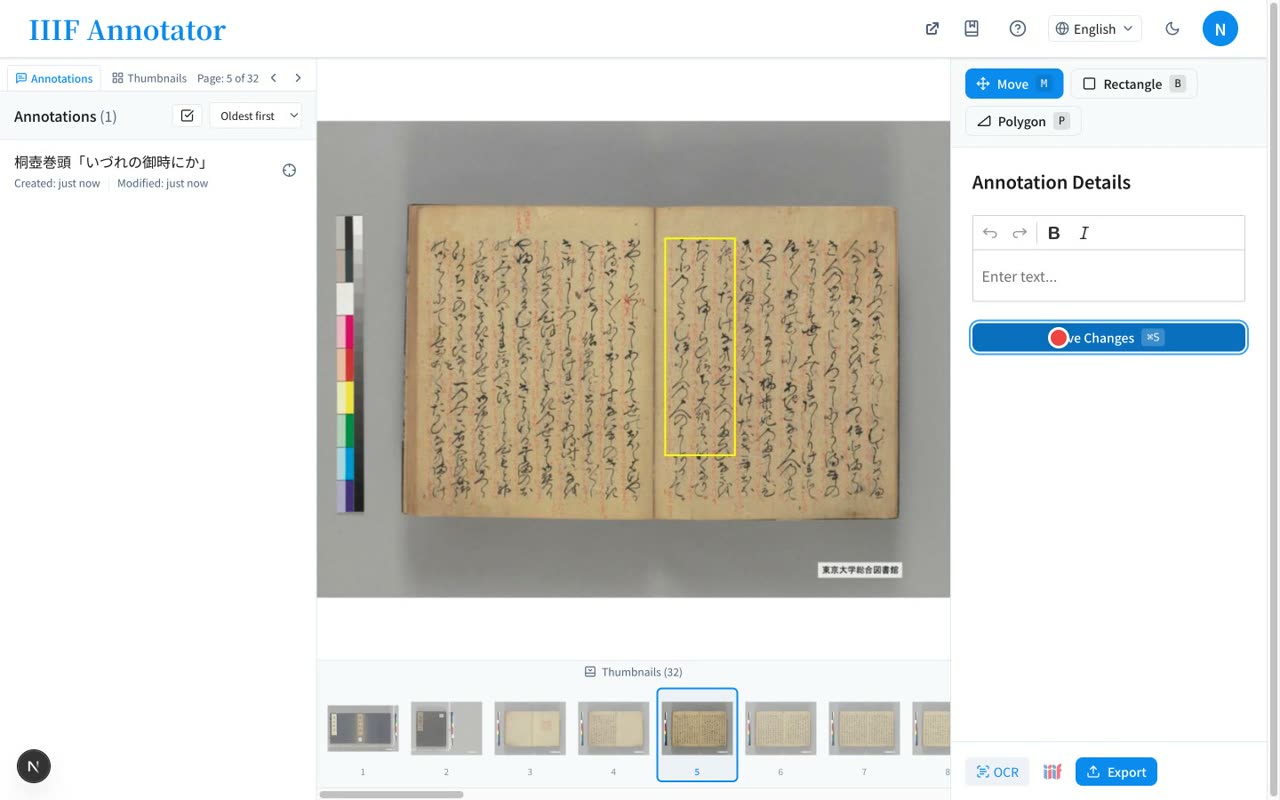
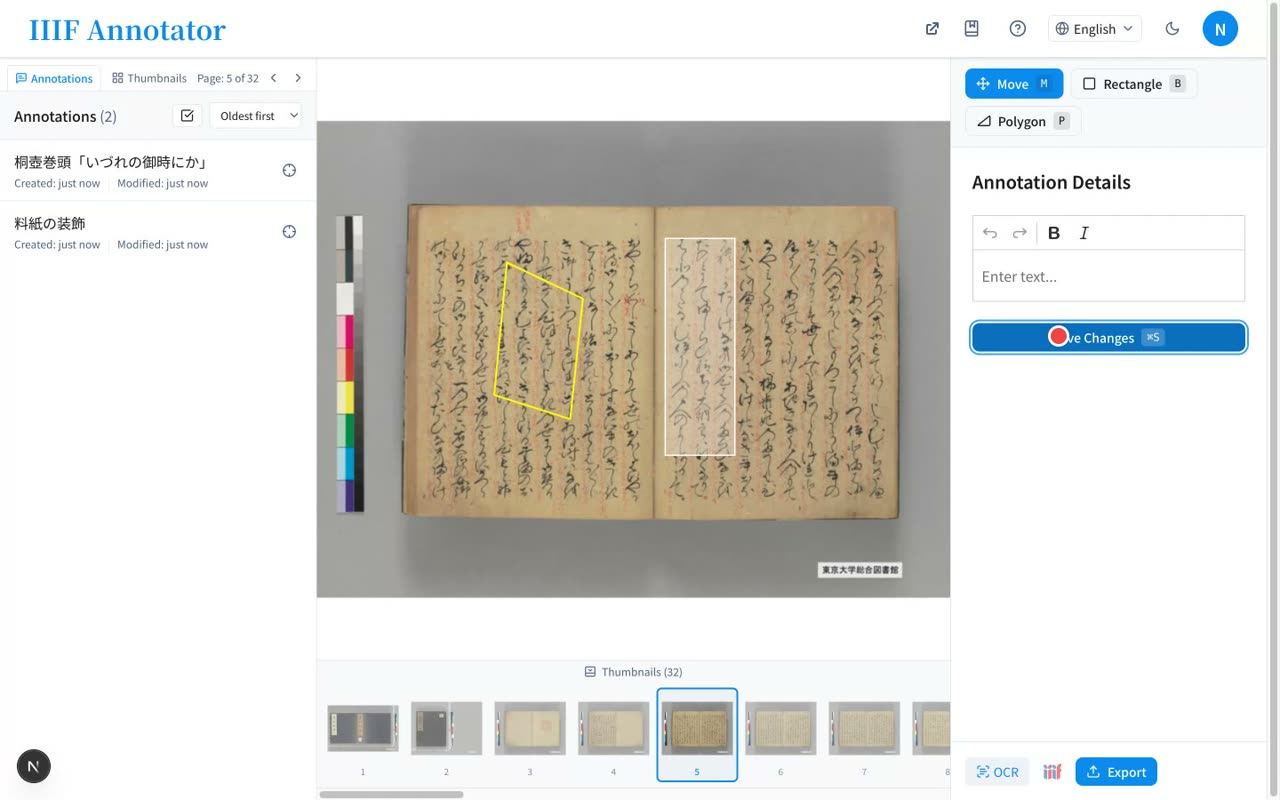
- 1:04Polygons for complex shapes
With the polygon tool, you can also enclose complex shapes that a rectangle can't capture, by clicking each vertex in turn.
- 4
OCR in the browser
Run NDL Koten OCR from the toolbar and turn detected regions and text into annotations in bulk
Narration script
- 0:10The OCR button in the toolbar
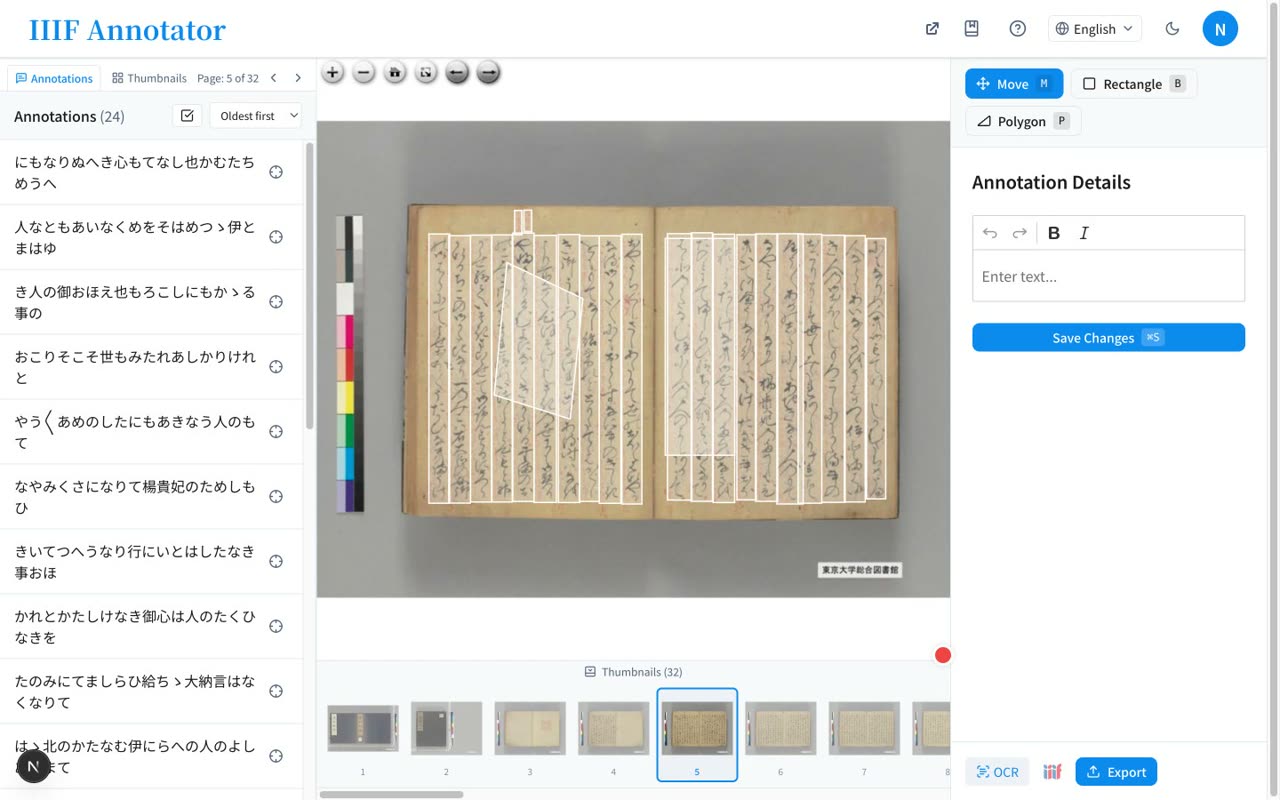
For classical texts, OCR is handy. Pressing the OCR button in the toolbar opens the text recognition screen.
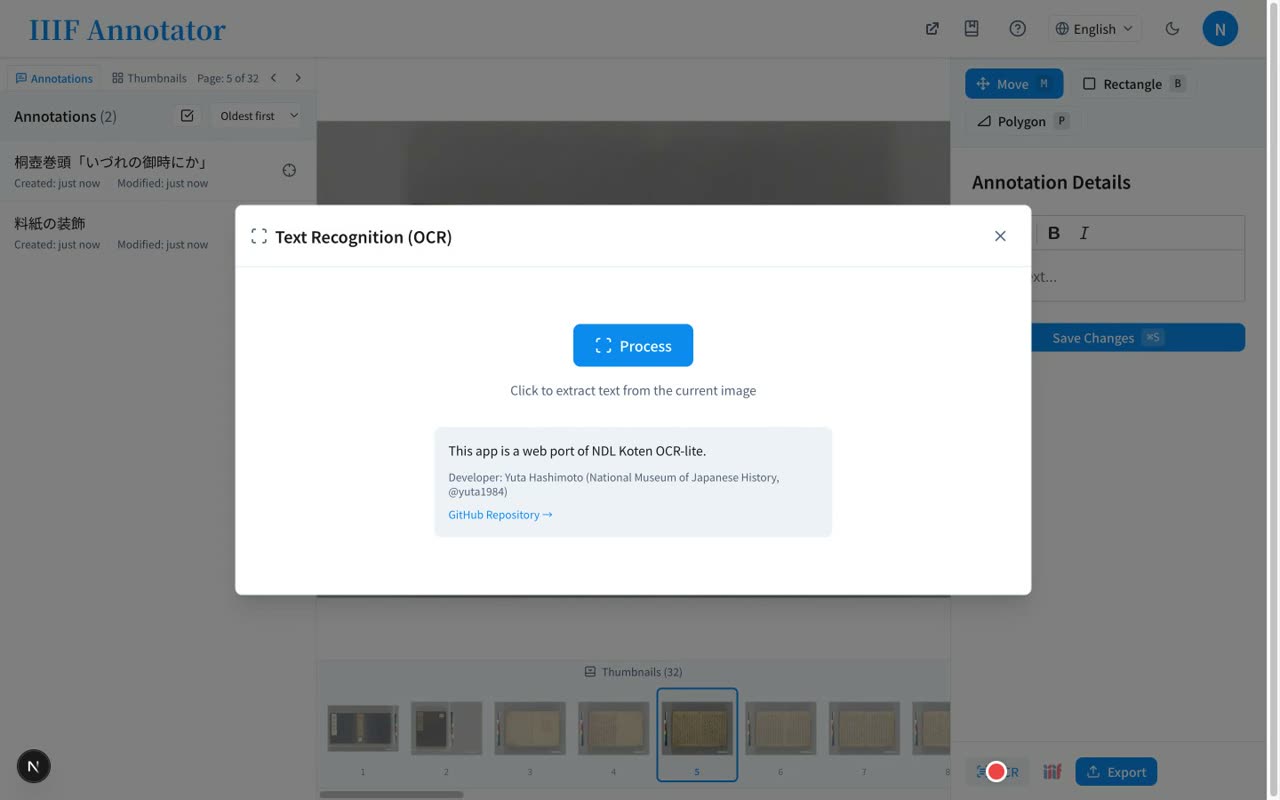
- 0:36Run NDL Koten OCR in the browser
It runs the National Diet Library's classical-text OCR right in your browser. It reads cursive script without sending the image to any server.
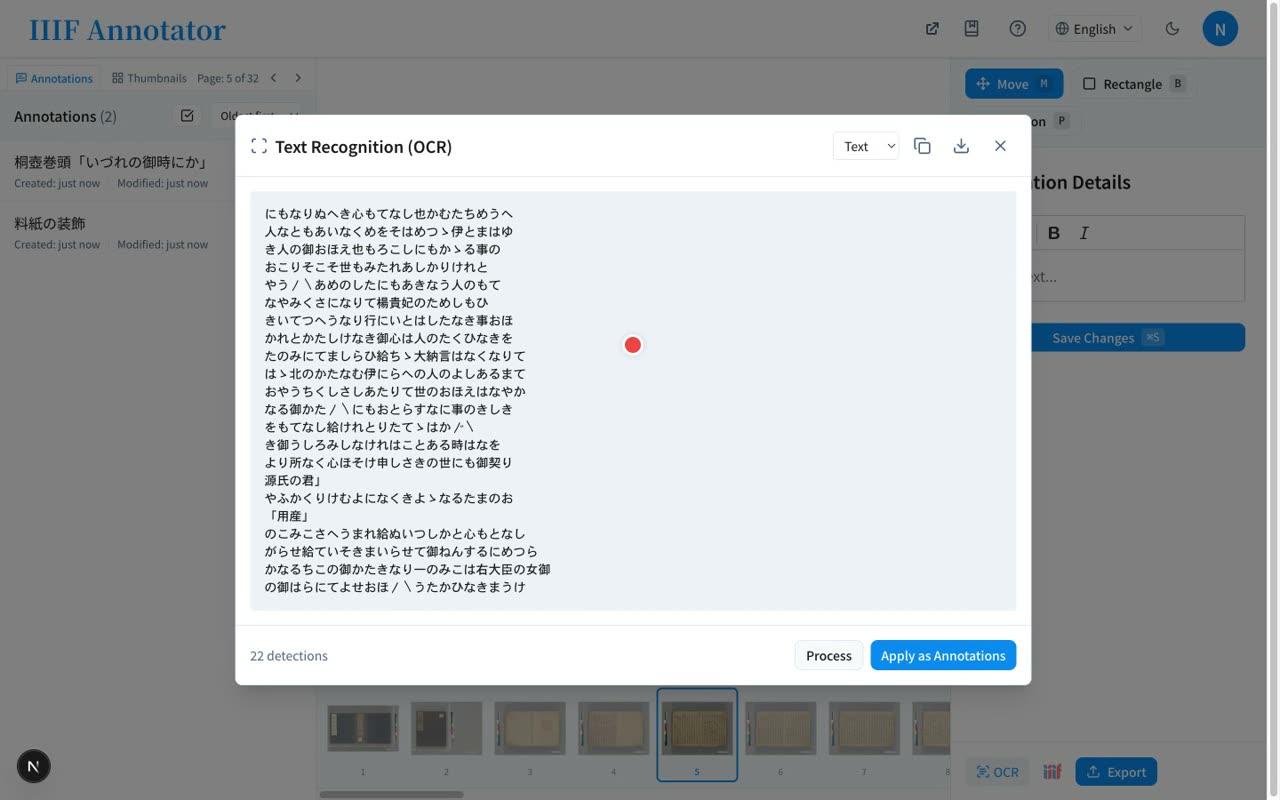
- 0:55Turn detected regions and text into annotations
The detected regions and text can be turned into annotations all at once, just by pressing Apply as Annotations. It's a fast way to draft a transcription.
- 5
Managing annotations & collaboration
Manage and search in the list, click to focus a region, browse across materials in My Annotations, and sync on any device
Narration script
- 0:08Manage annotations in the list
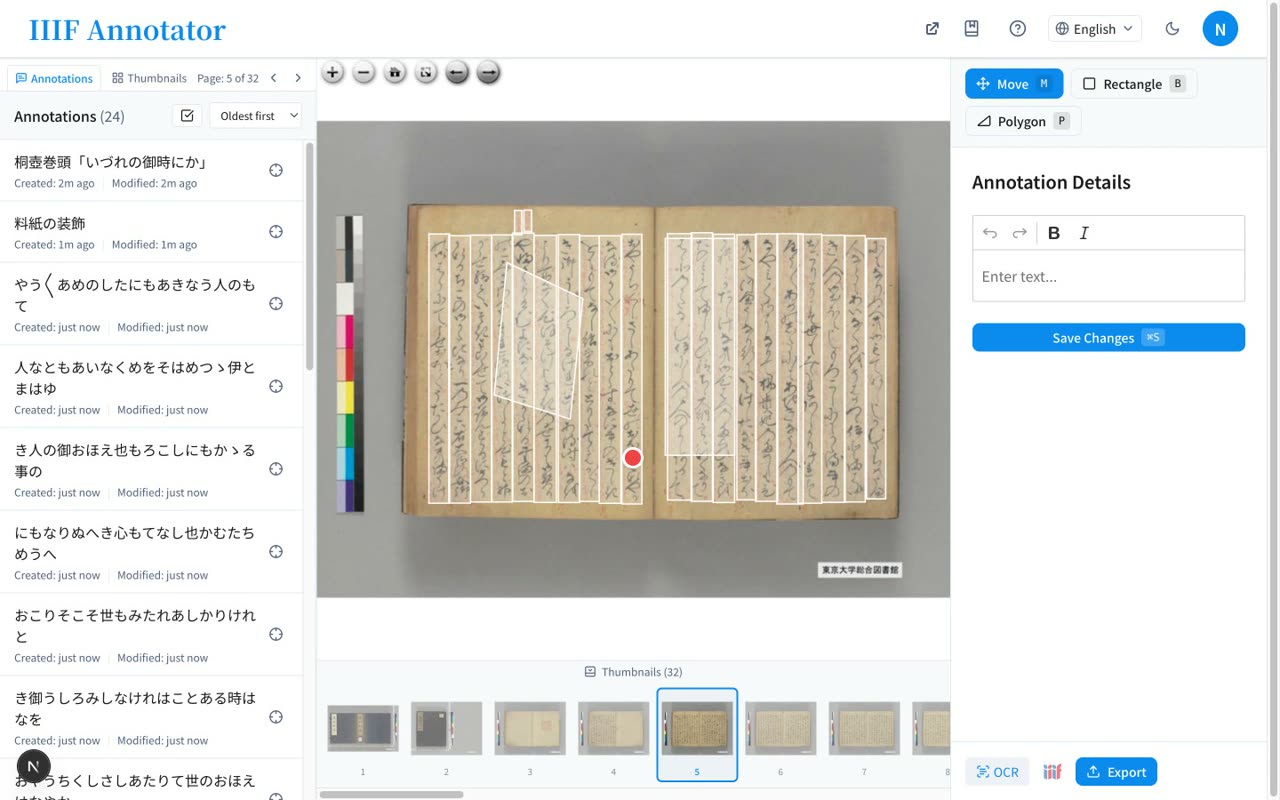
Your annotations are managed in the list on the left, with sorting and search support.
- 0:24Click to focus on the region
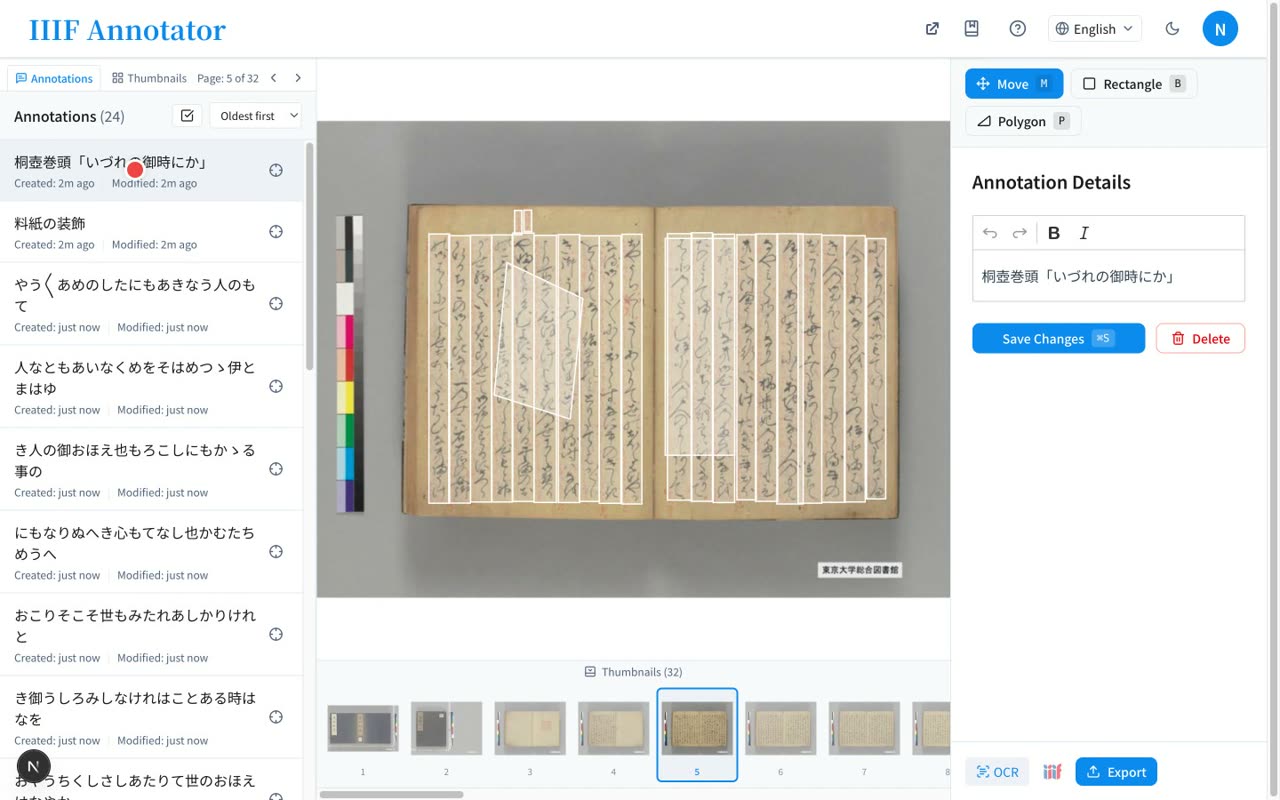
Clicking an item focuses the image on that region. You can delete the ones you no longer need, right there.
- 1:00My Annotations across materials / any device
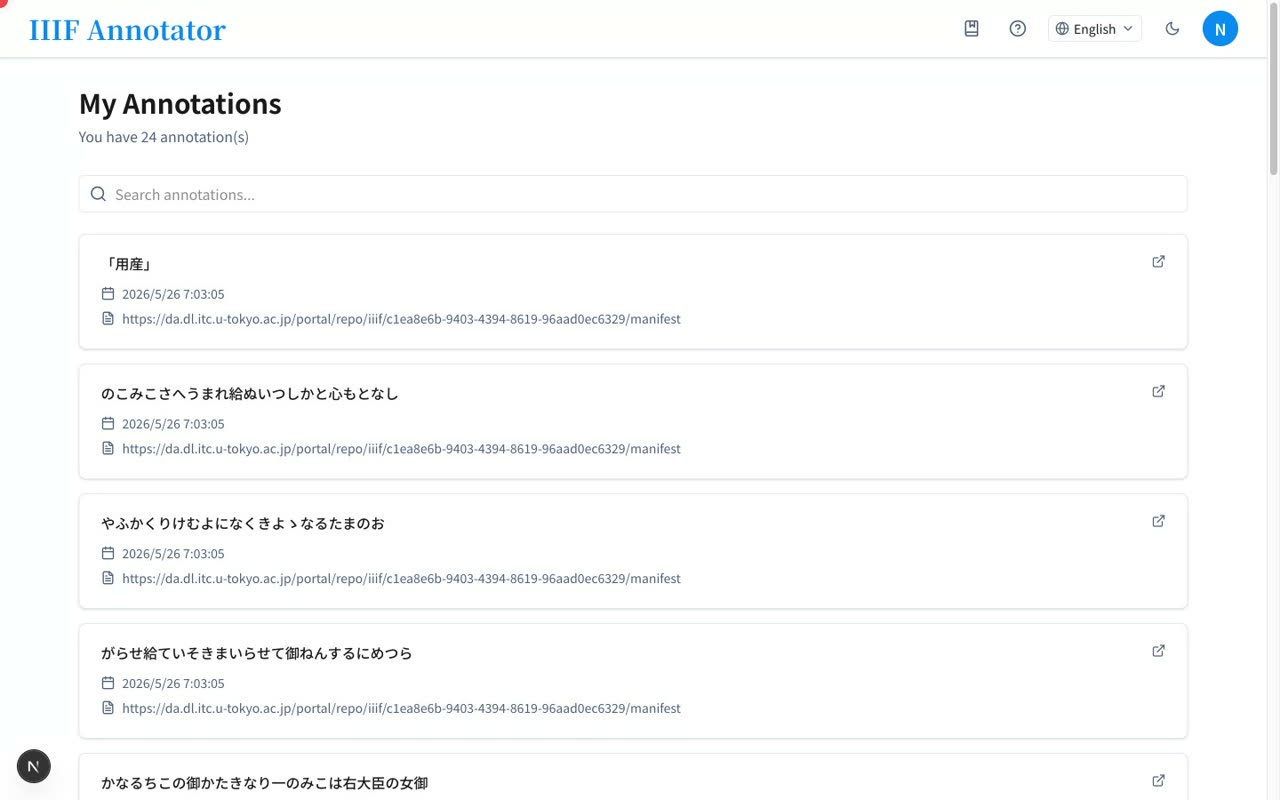
My Annotations lets you browse your annotations across different materials. Because they're stored in Firebase, you can keep editing the same content from another device.
- 6
Export & wrap-up
Export as IIIF Annotation, TEI/XML, or JSON, generate a IIIF Manifest with annotations, and find it open-source on GitHub
Narration script
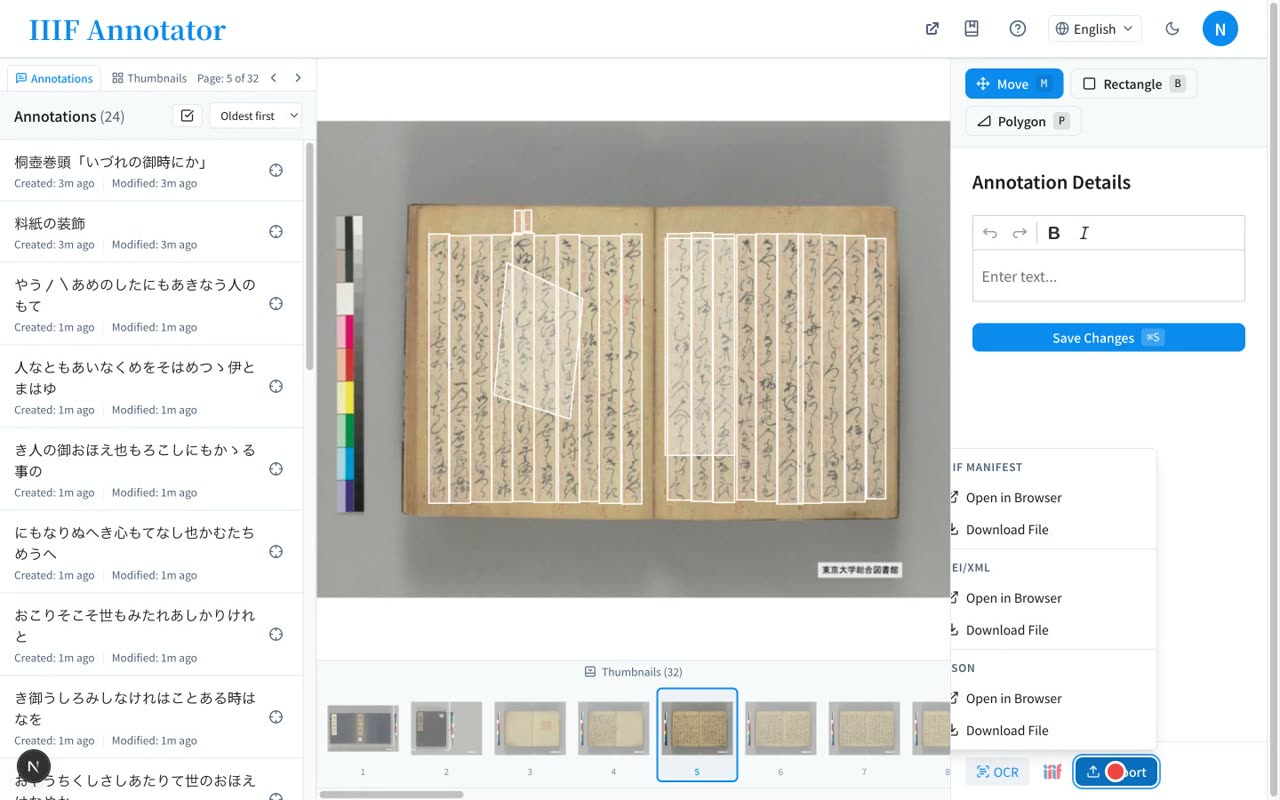
- 0:10Export as IIIF Annotation, TEI/XML, JSON
You can export the annotations you've made. Three formats are supported: IIIF Annotation, TEI/XML, and JSON. Choose TEI and use it directly in research or transcription work.
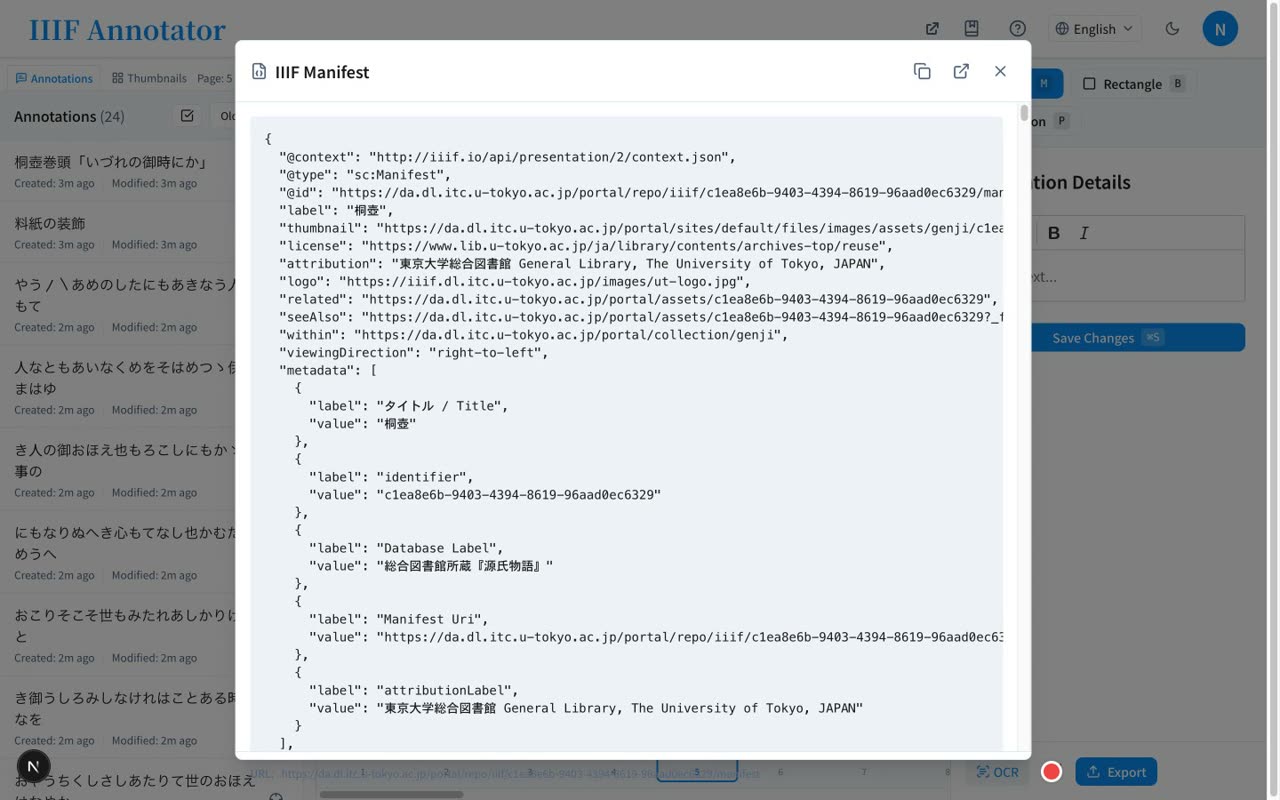
- 0:30Generate a IIIF Manifest with annotations
You can also generate a IIIF Manifest with the annotations embedded. It opens directly in other viewers such as Mirador.
- 0:44Open source / available on GitHub
The source code is available on GitHub. Just enter your own Manifest URL to get started right away. See the links in the description for details.