How to use the Domesday Digital Text Project
A video walkthrough of the digital scholarly edition of the Lincolnshire portion of Domesday Book, presenting its structured text (TEI/XML) alongside high-resolution images (IIIF): search, the three-pane viewer, and OpenSeadragon / Mirador.
Narrated walkthrough
Chapters
- 1
Intro & overview
Domesday Book and an overview of this digital edition
Narration script
- 0:04Domesday Digital Text Project
In this video, I'll introduce the Domesday Digital Text Project. Domesday Book is a survey of land in medieval England, compiled in ten eighty-six. This site is a digital scholarly edition that lets you read its Lincolnshire portion through structured text and high-resolution images.
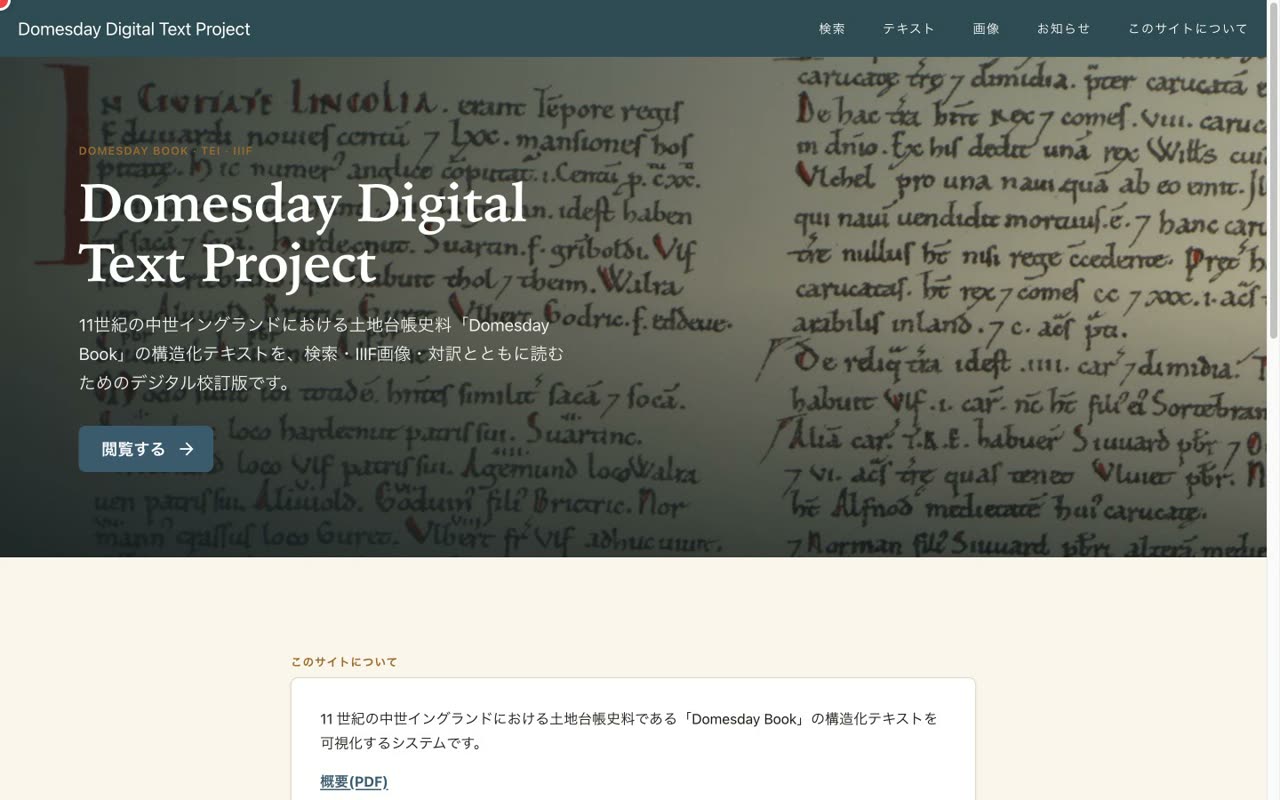
- 0:26Structured text (TEI/XML) and high-resolution images (IIIF)
At the heart of the edition are a transcription structured in TEI XML, and high-resolution page images served through IIIF. A defining feature of the project is that the text and the image can be handled together.
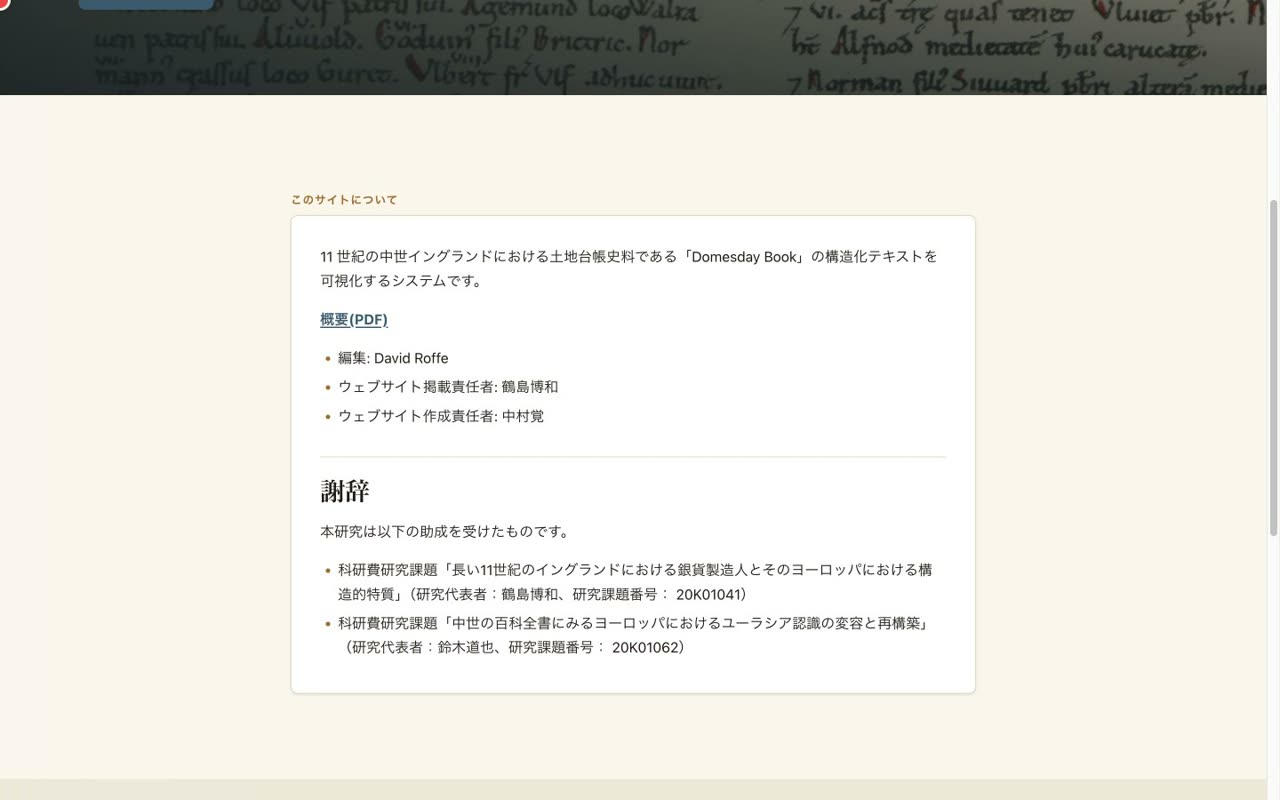
- 0:45Bilingual and openly available
The interface is available in both Japanese and English, and anyone can browse it freely. In the next chapter, let's start with search.
- 2
Search
Client-side full-text search and facets (hundred / place)
Narration script
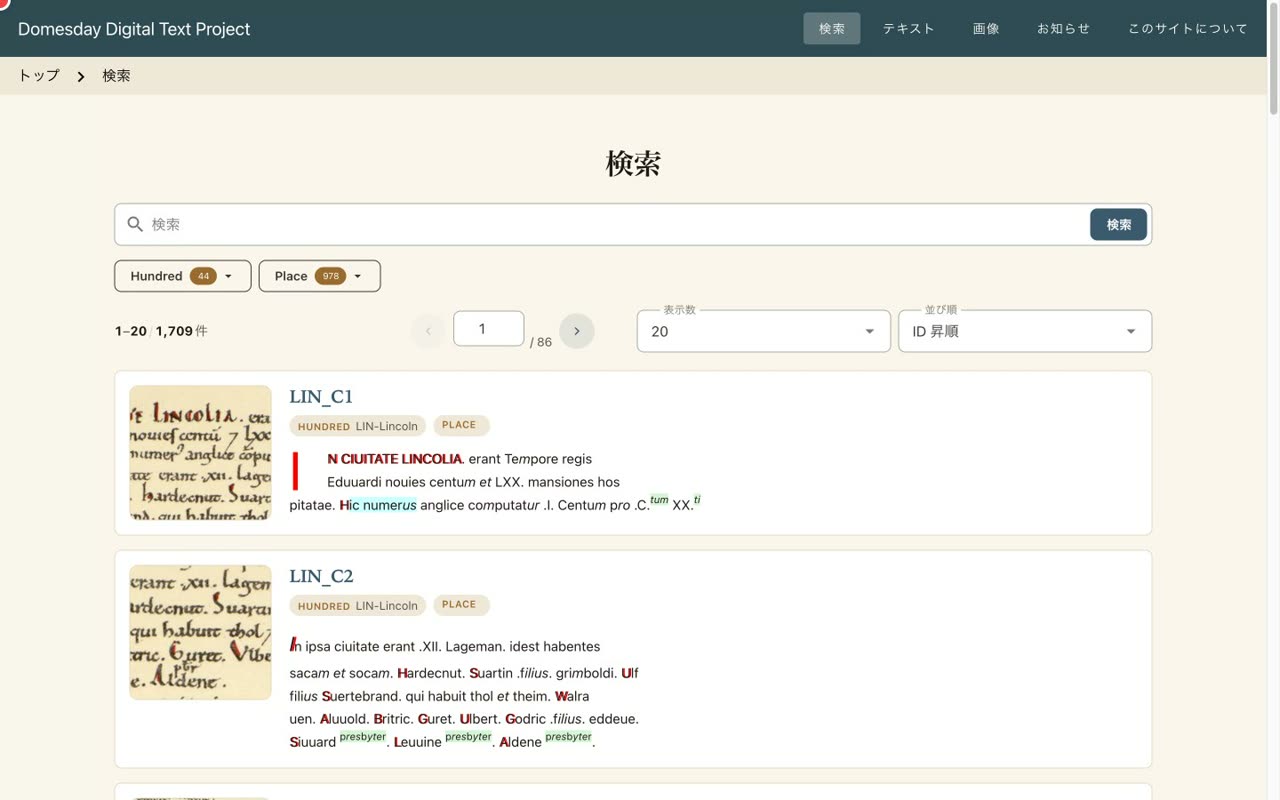
- 0:05Full-text search that runs entirely in the browser
This is the search page. The search here does not query a server. It runs entirely in your own browser, narrowing down more than seventeen hundred pre-exported entries on the fly.
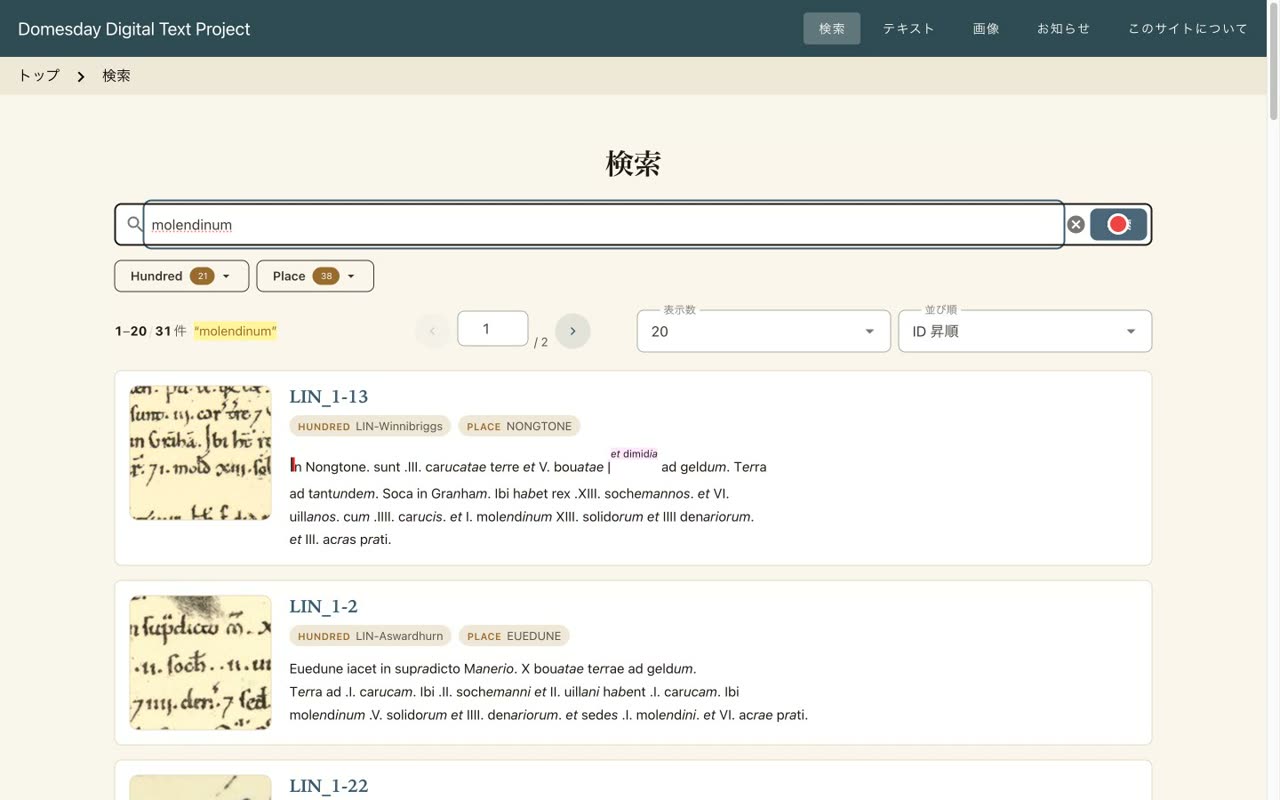
- 0:28Filter instantly by keyword
When you type a keyword, the results are filtered right away, and the matching terms are highlighted. You can search across the full Latin transcription.
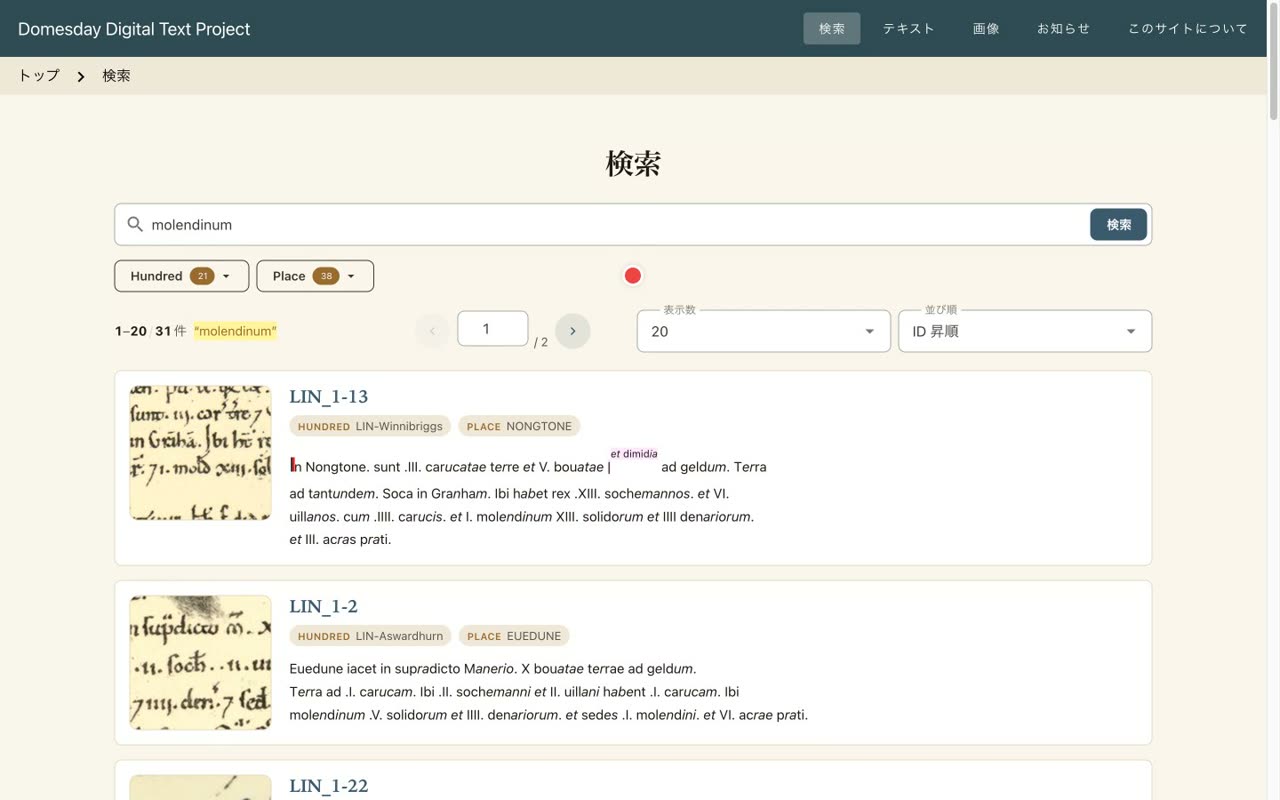
- 0:50Narrow down with facets (hundred / place)
Beyond keywords, you can also narrow the results by facets, such as hundred and place. Following the structure of the survey, you can reach the entry you want quickly.
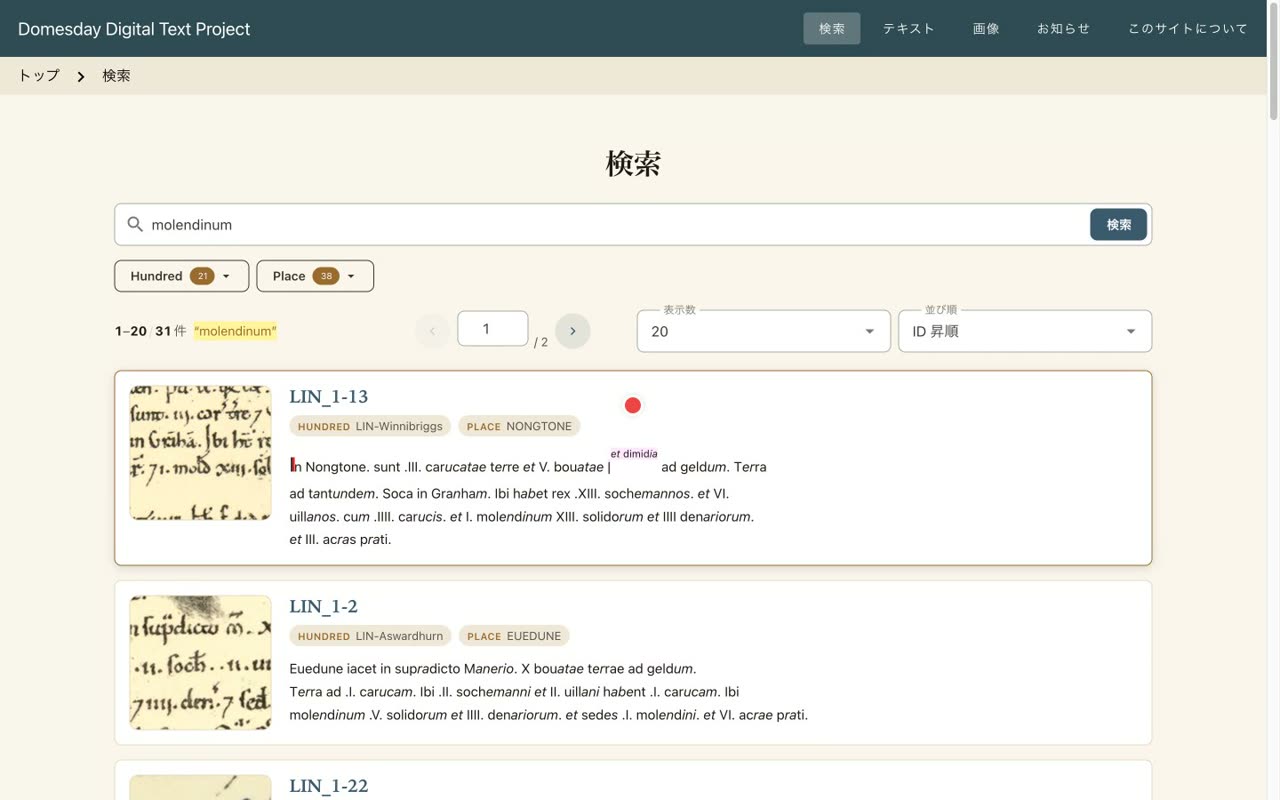
- 1:08Each result shows a thumbnail and a snippet
Each result shows a thumbnail of the corresponding page image, together with a snippet of the text. Choose an entry, and its detailed three-pane view opens.
- 3
Three-pane viewer & IIIF
The transcription / IIIF image / translation viewer with OpenSeadragon / Mirador
Narration script
- 0:06Three panes: transcription / IIIF image / translation
This is the detailed view of an entry. The transcription is on the left, the page image in the center, and the translation on the right. You can read a single record while comparing the original text, the image, and the translation side by side.
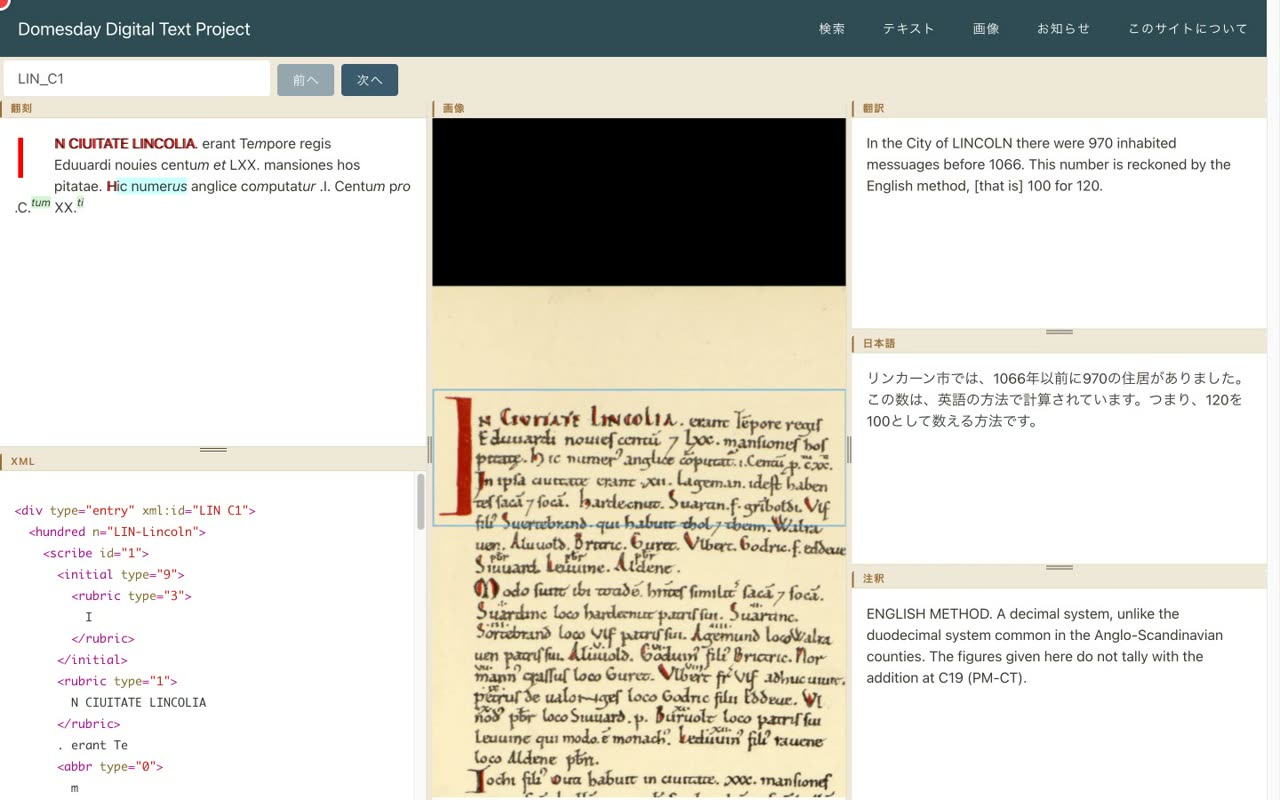
- 0:29Deep-zoom the IIIF image (OpenSeadragon)
The image in the center is delivered through IIIF and can be deep-zoomed with OpenSeadragon. You can check the transcription against the actual manuscript hand, down to the finest detail.
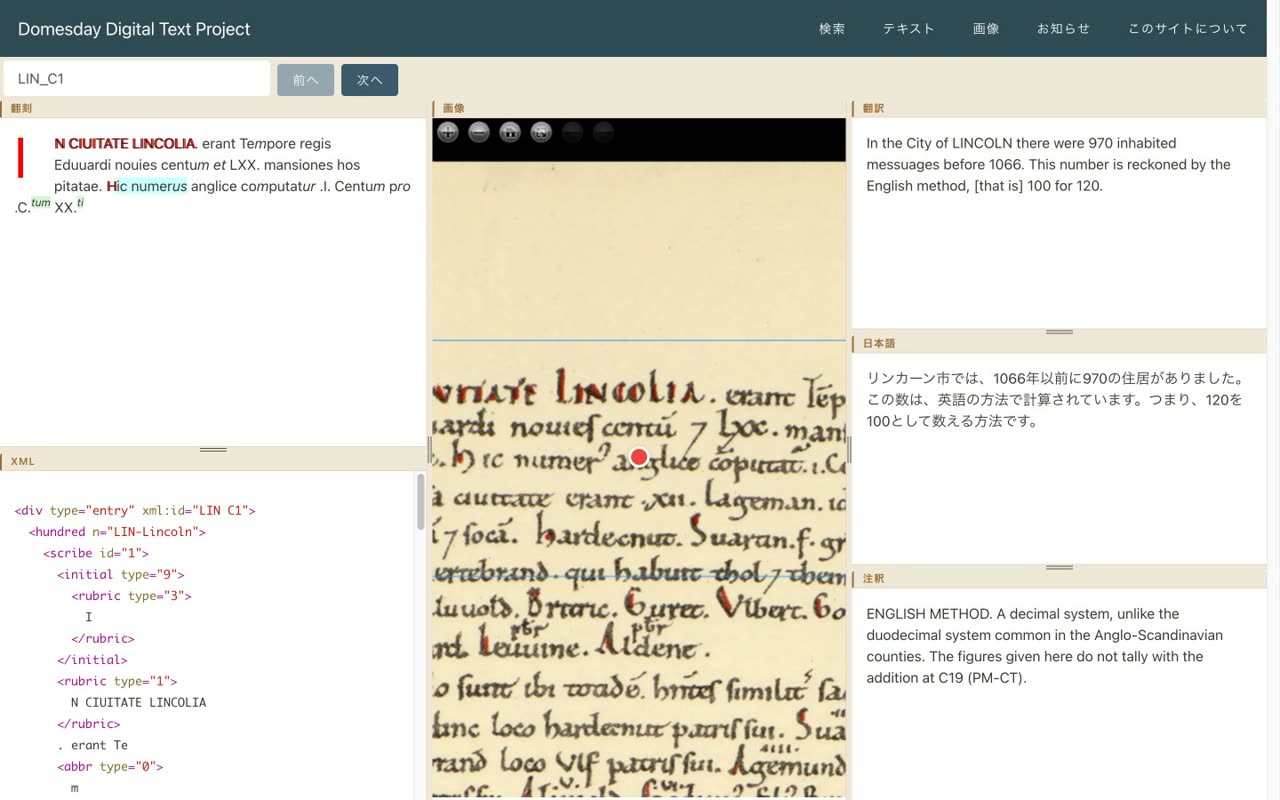
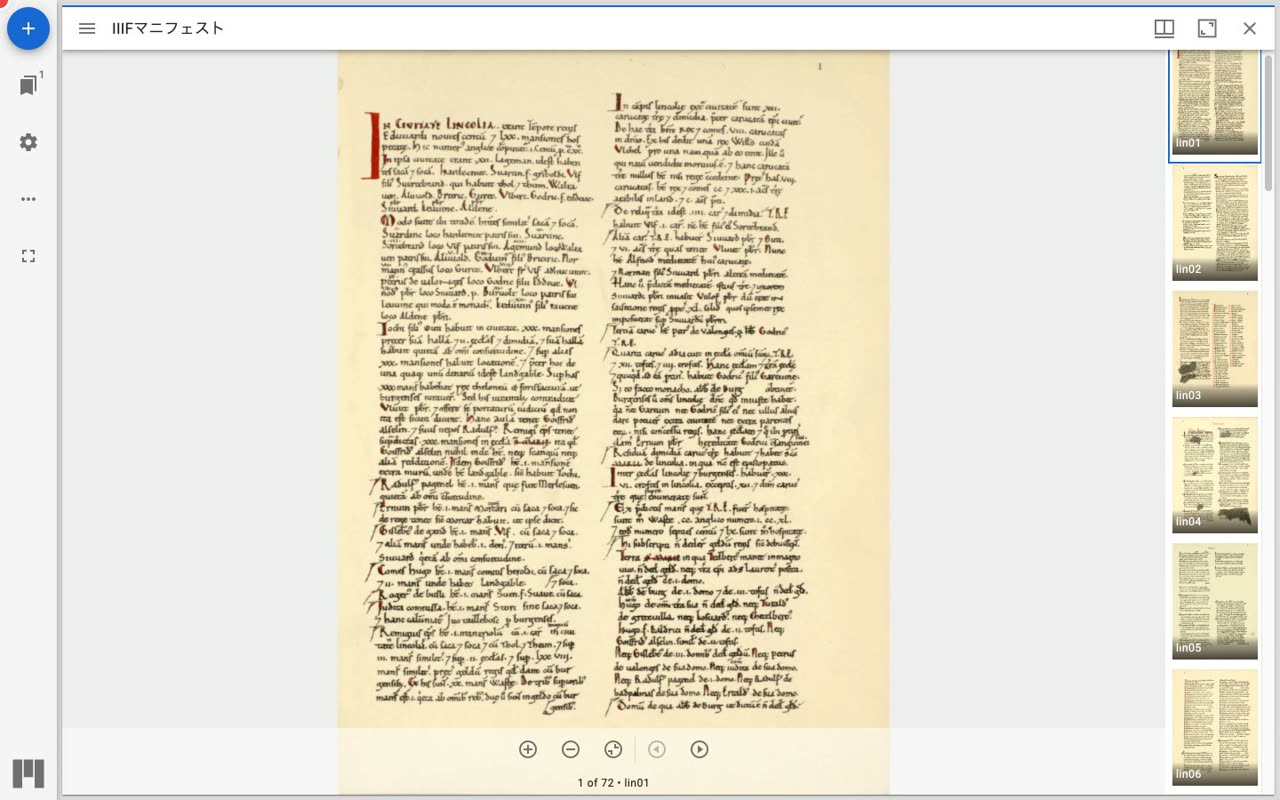
- 0:54Open the same IIIF manifest in Mirador
A great strength of IIIF is interoperability. The very same manifest can be opened in another viewer, such as Mirador, letting you page through the whole of Lincolnshire.
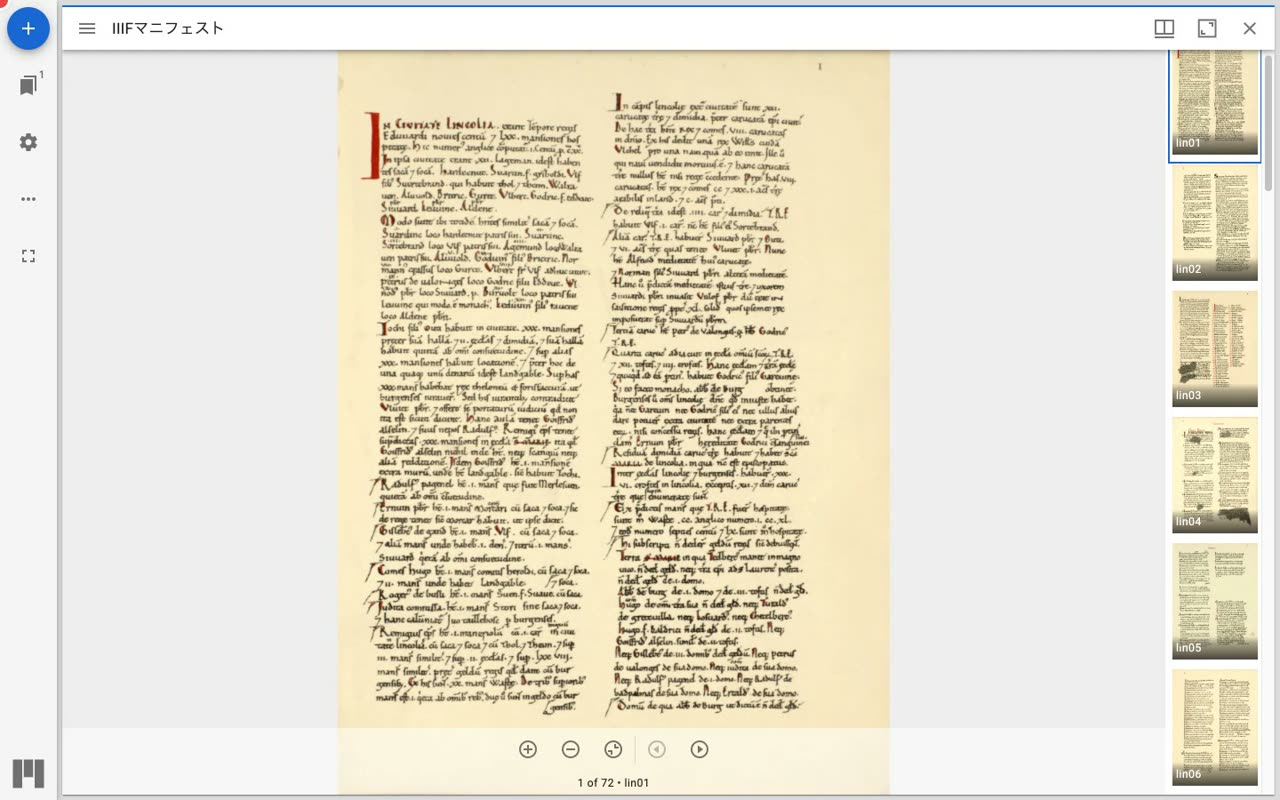
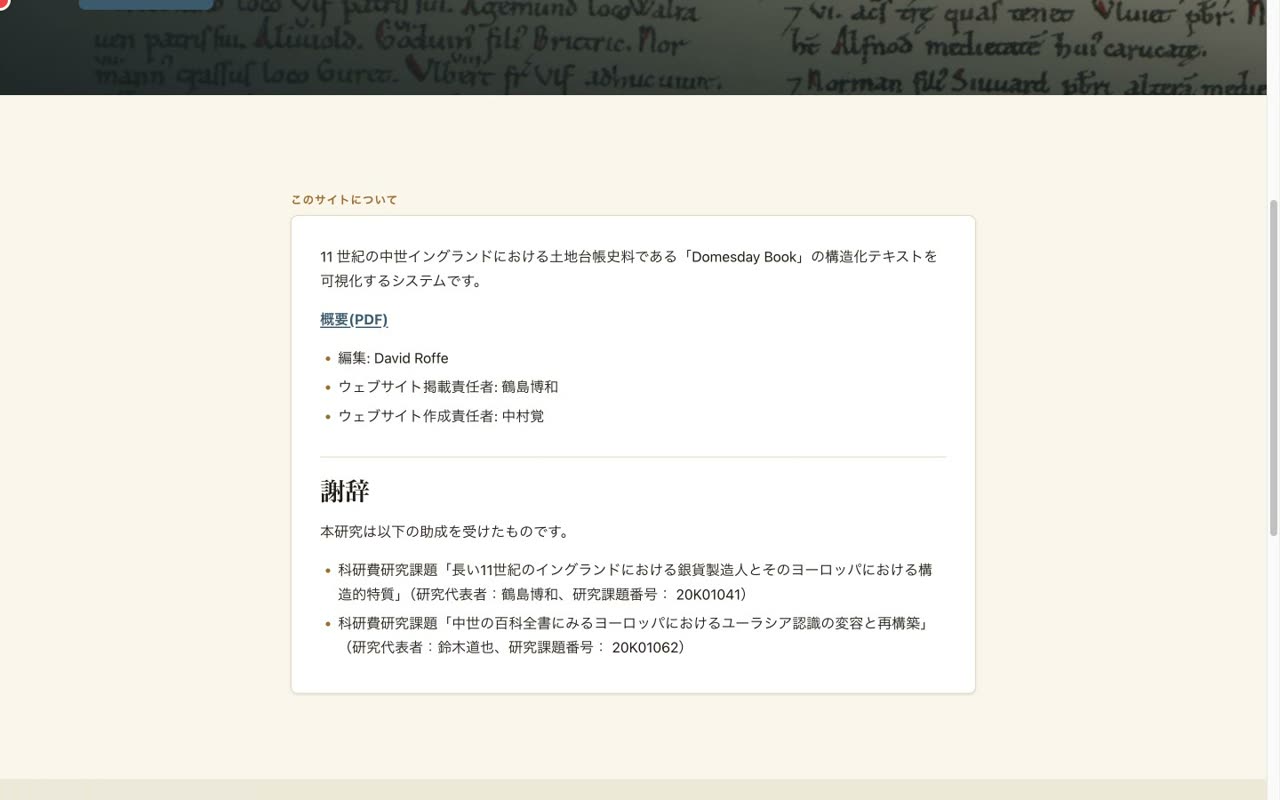
- 1:11Openly available — supported by KAKENHI
In this way, the project links structured text with high-resolution images, and publishes them together with search and translation. This database is part of research supported by Japanese government grants. Please try it out at gdb.ldas.jp.