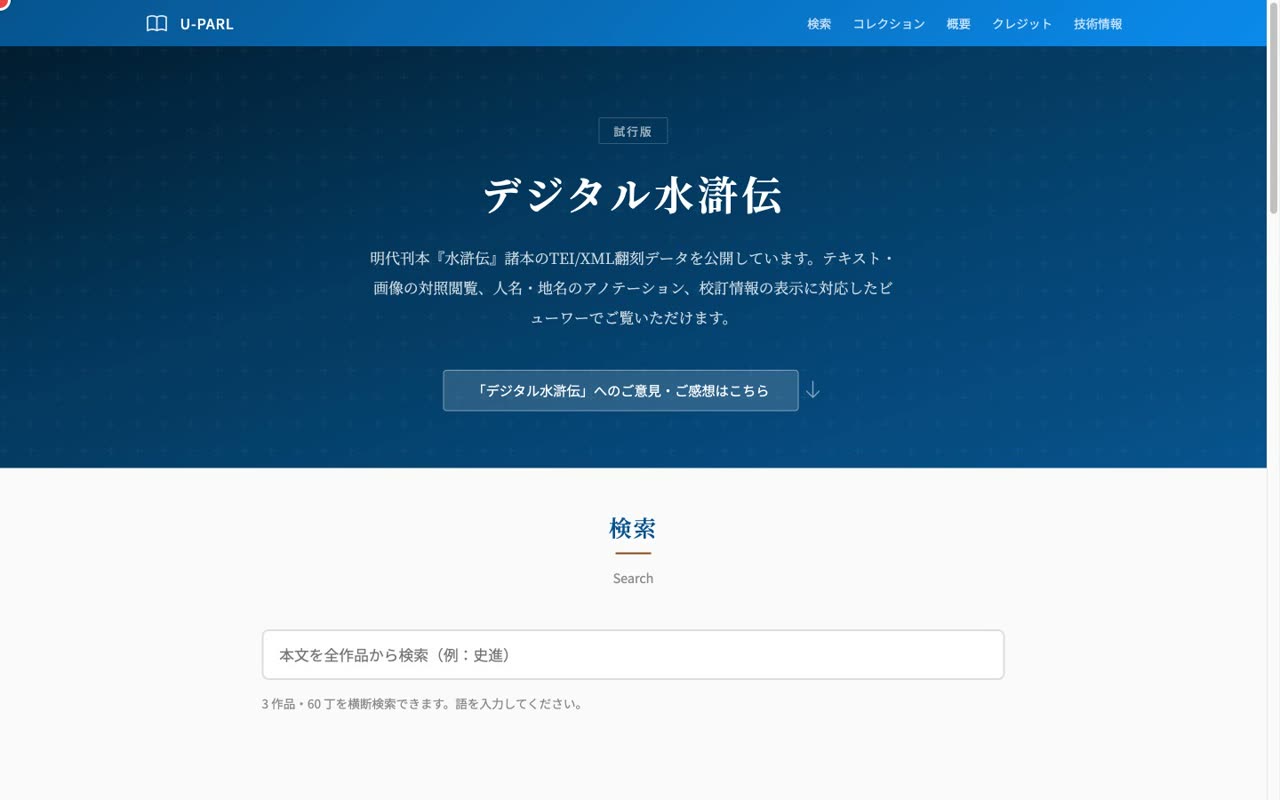
How to use Digital Suikoden
A video walkthrough of Digital Suikoden (UTokyo U-PARL): a viewer for TEI/XML transcriptions of late-Ming printed editions of the Shuihu zhuan, shown side by side with IIIF images.
Narrated walkthrough
Chapters
- 1
Introduction
Overview of Digital Suikoden and its top page (three editions)
Narration script
- 0:01Digital Suikoden
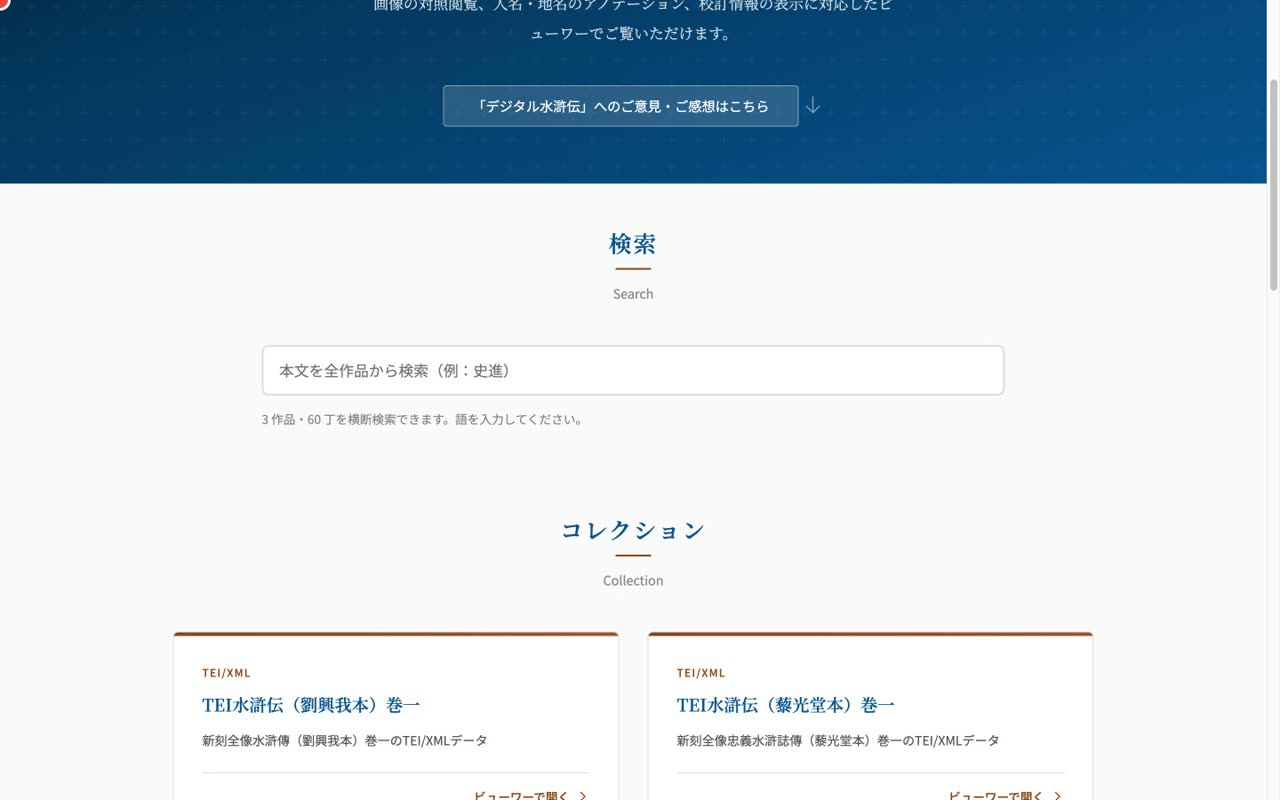
Digital Suikoden is a viewer and a collection of TEI/XML transcriptions of late-Ming printed editions of the Shuihu zhuan, published by U-PARL at the University of Tokyo.
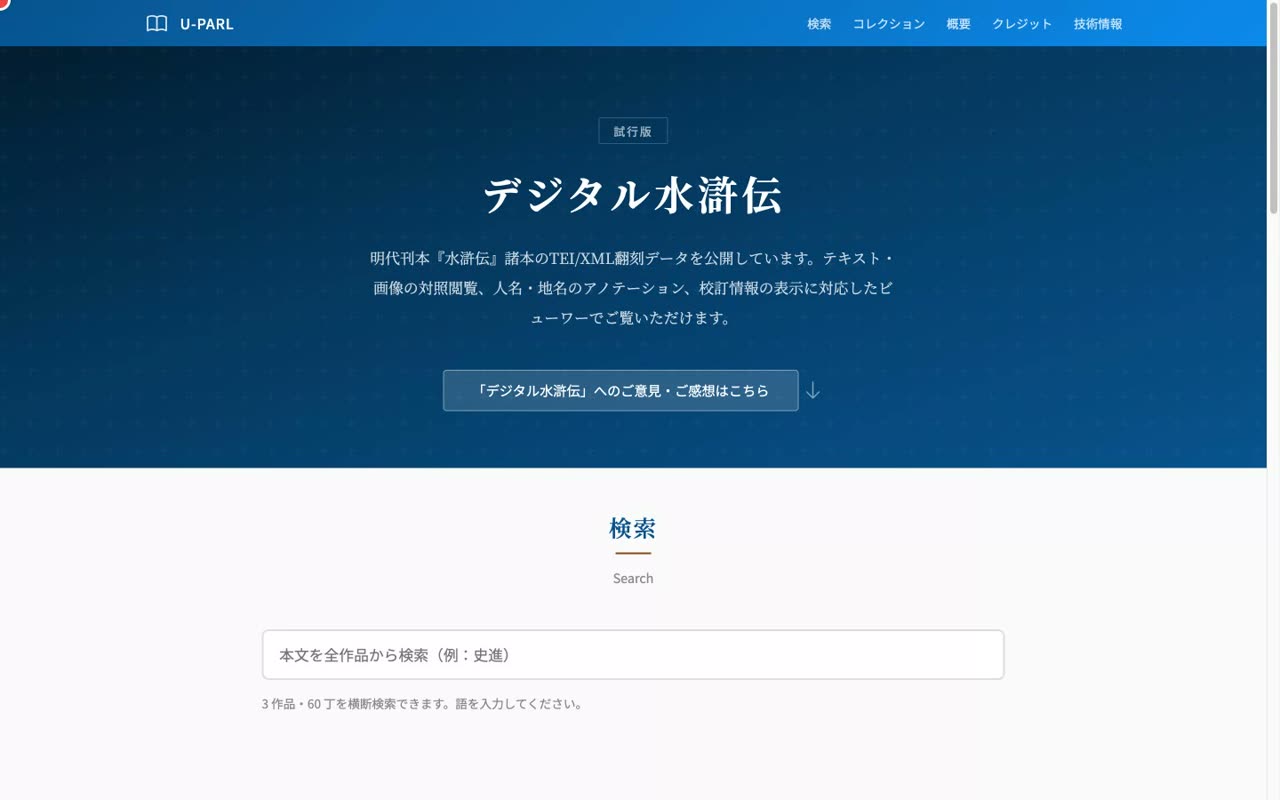
- 0:09Three editions (all volume 1)
The top page currently lists three printed editions: the Liu Xingwo edition, the Lihuangtang edition, and the Faculty of Letters copy of the complete Shuihu zhuan. All are volume one.
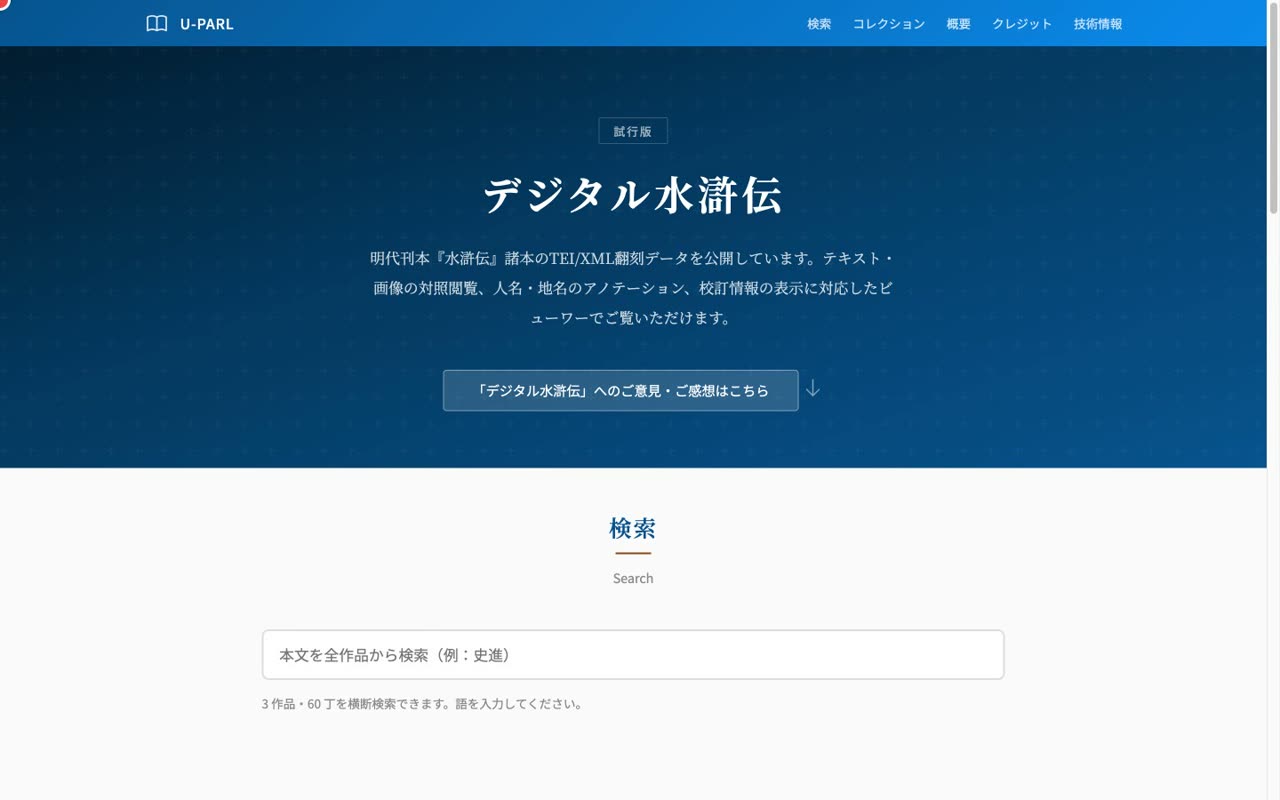
- 0:17TEI/XML with IIIF images
Each edition is transcribed in TEI-compliant XML and can be read against its IIIF image. The header uses the University of Tokyo school color.
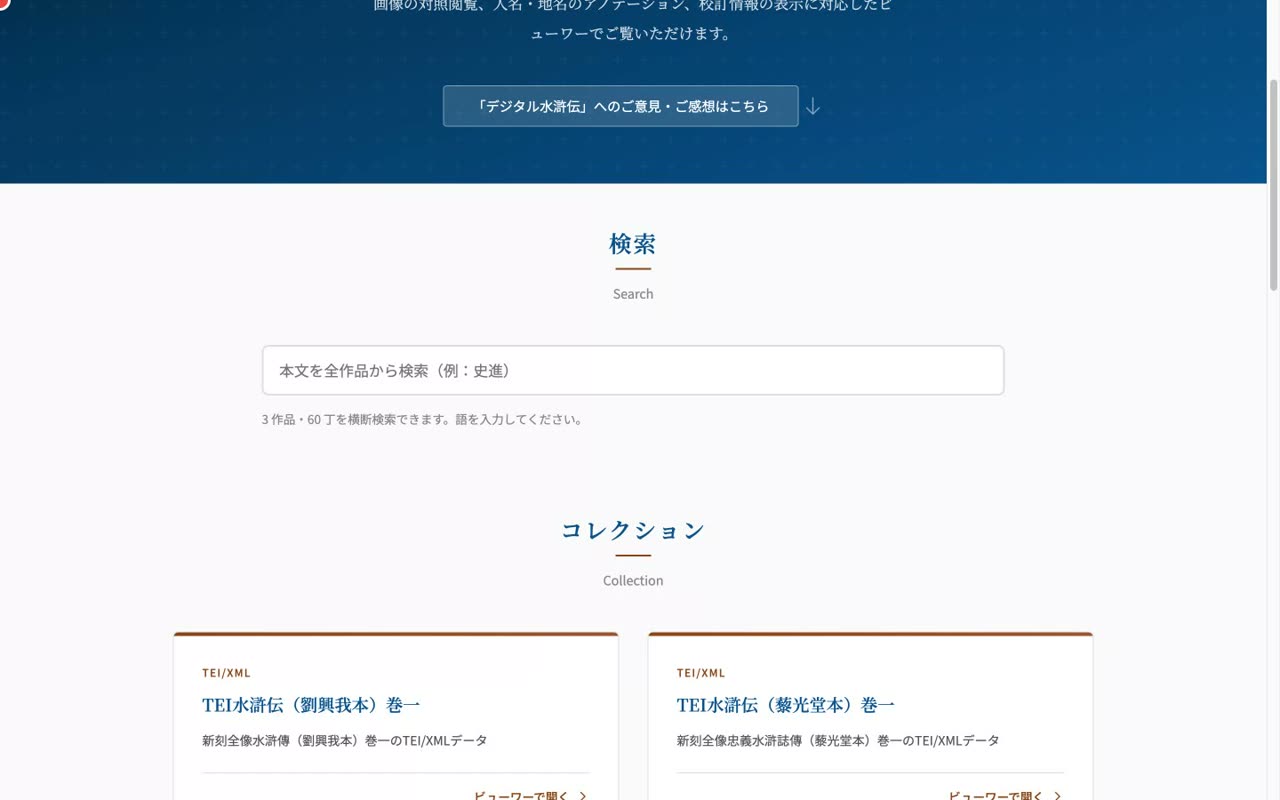
- 0:24Click a card to open the viewer
Let's look at the features in order, starting with the cross-work search on the top page.
- 2
Cross-work search
Full-text search across works, including normalized/corrected forms, jumping to the leaf and highlighting
Narration script
- 0:03Full-text search across all works
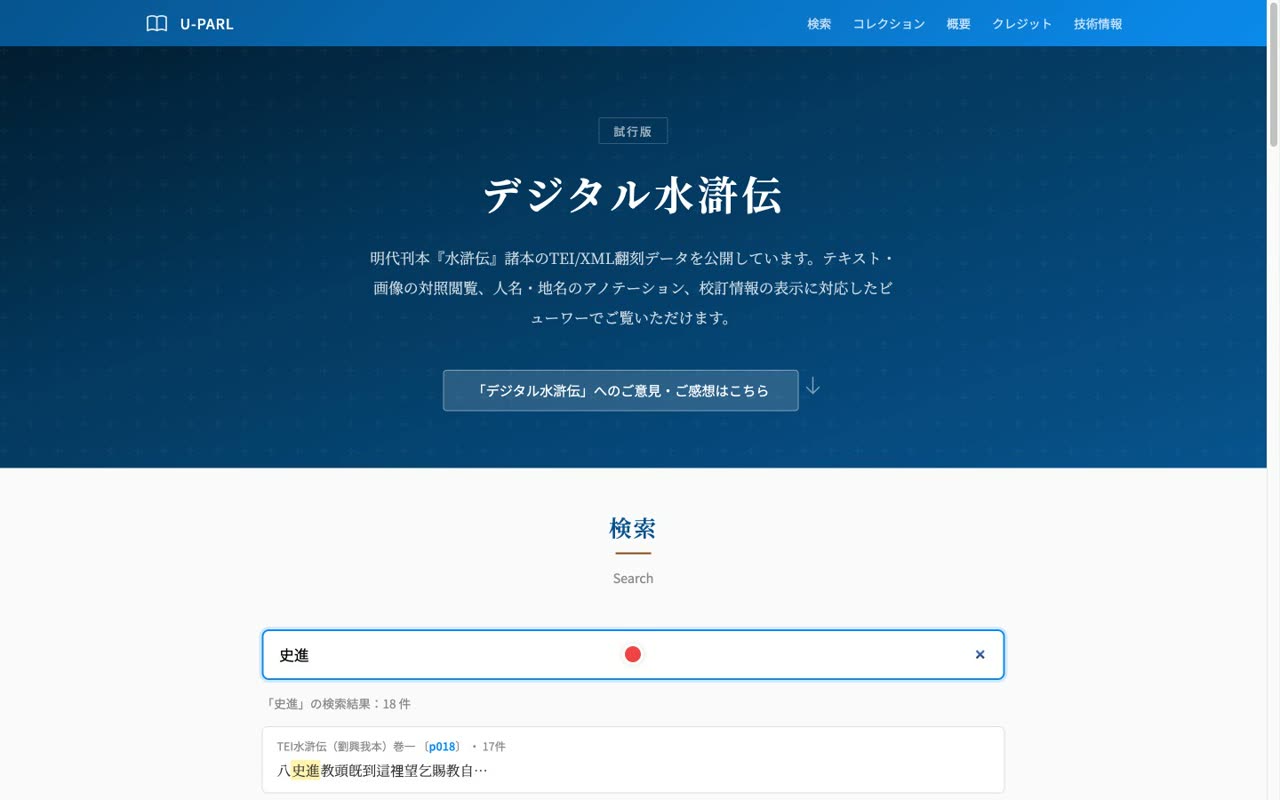
Type a word in the search box and it searches every edition, page by page. For example, Shi Jin. Multiple editions and leaves are hit, with the leaf number and a surrounding snippet.
- 0:15Jump to the leaf and highlight
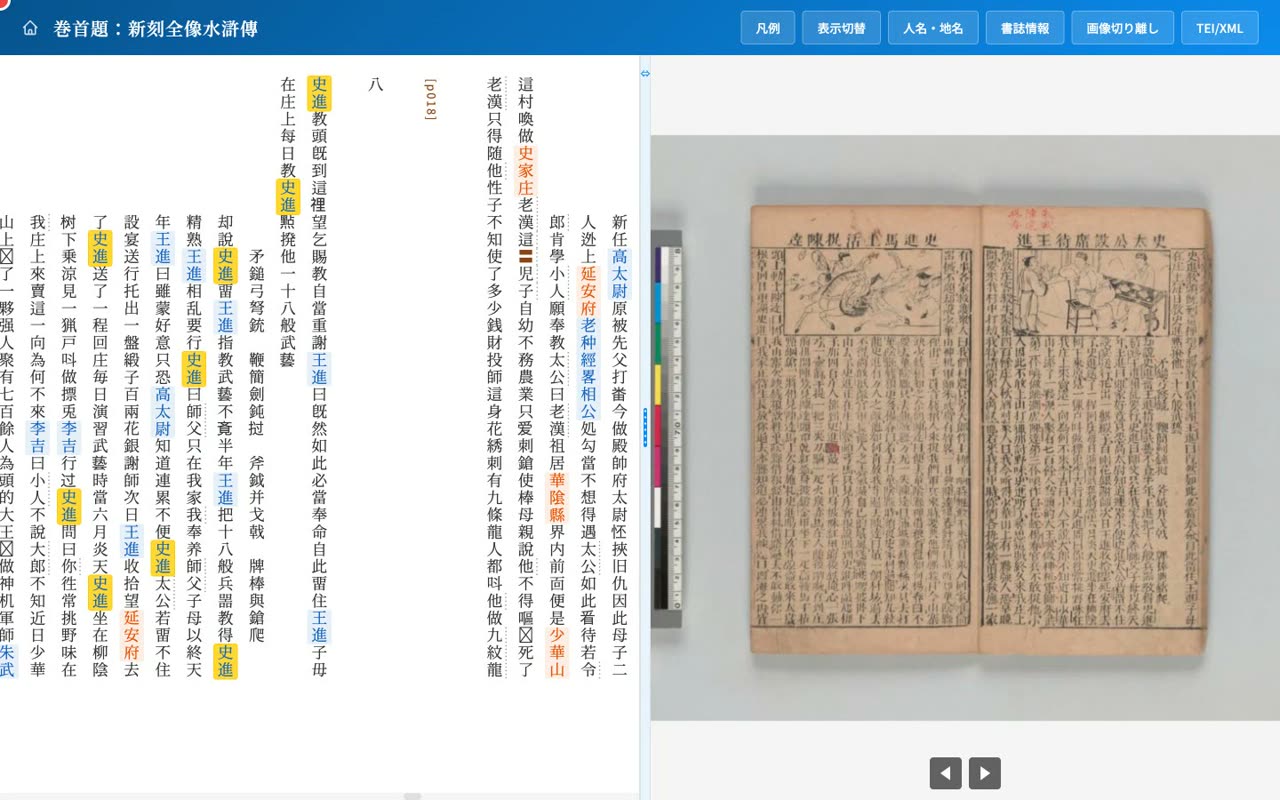
Click a result and the viewer opens at that leaf, with the search term highlighted in yellow in the text.
- 0:25Search even normalized or corrected forms
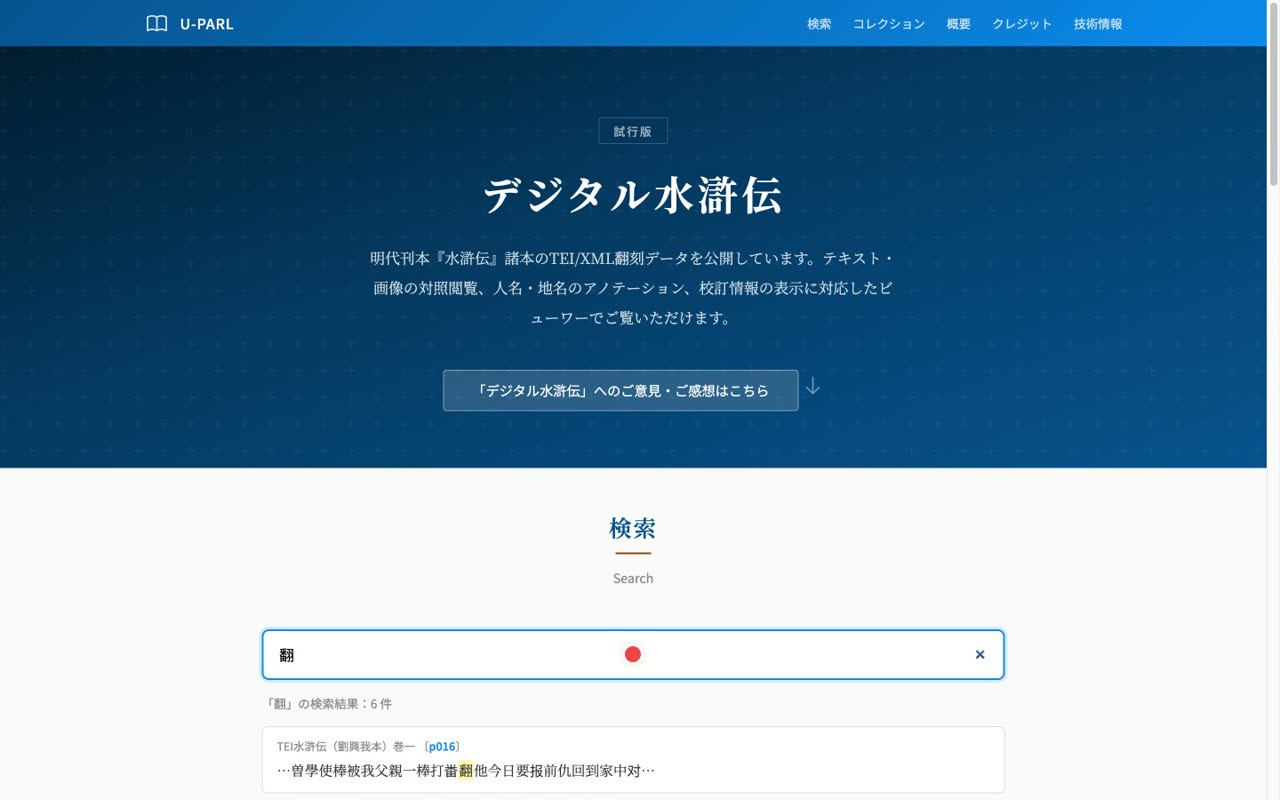
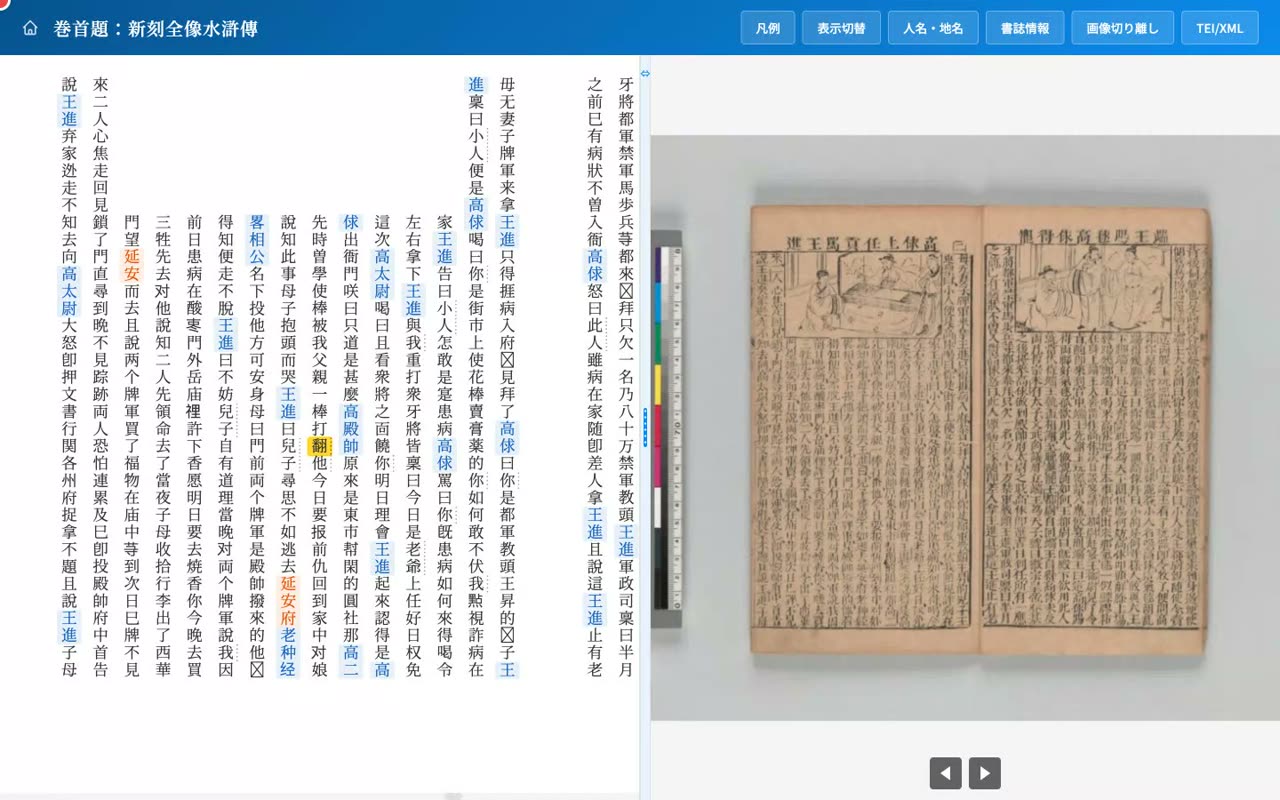
Search is not limited to the original characters. Take the character used here for fan: in the Liu Xingwo edition it is a corrected form, and the original is a different character. The result is labeled corrected or normalized, so you can find such characters too.
- 0:37Auto-switch to the hidden corrected face
When you click it, the viewer automatically switches to the corrected display and highlights the character. You can reach the same place from either the original or the corrected form.
- 3
The viewer
Side-by-side vertical transcription and IIIF image, paging/zoom, scroll-linked image
Narration script
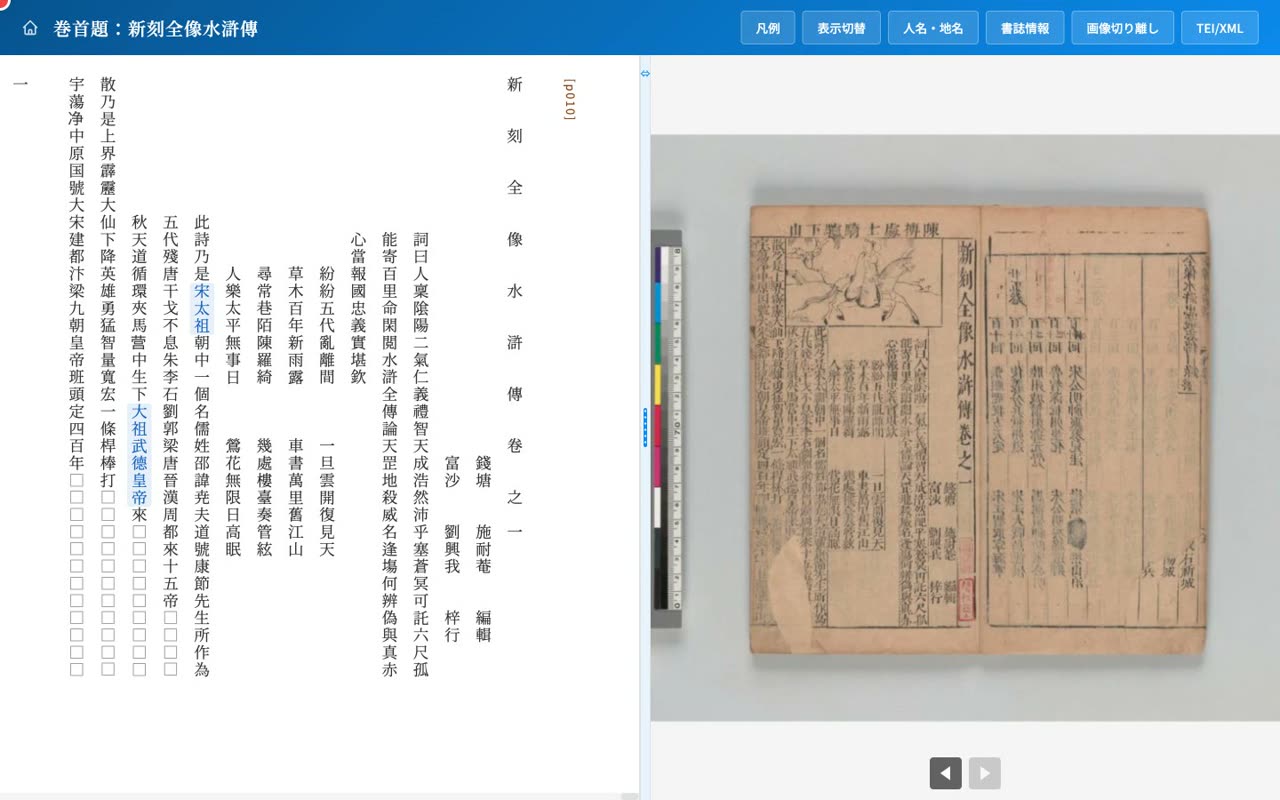
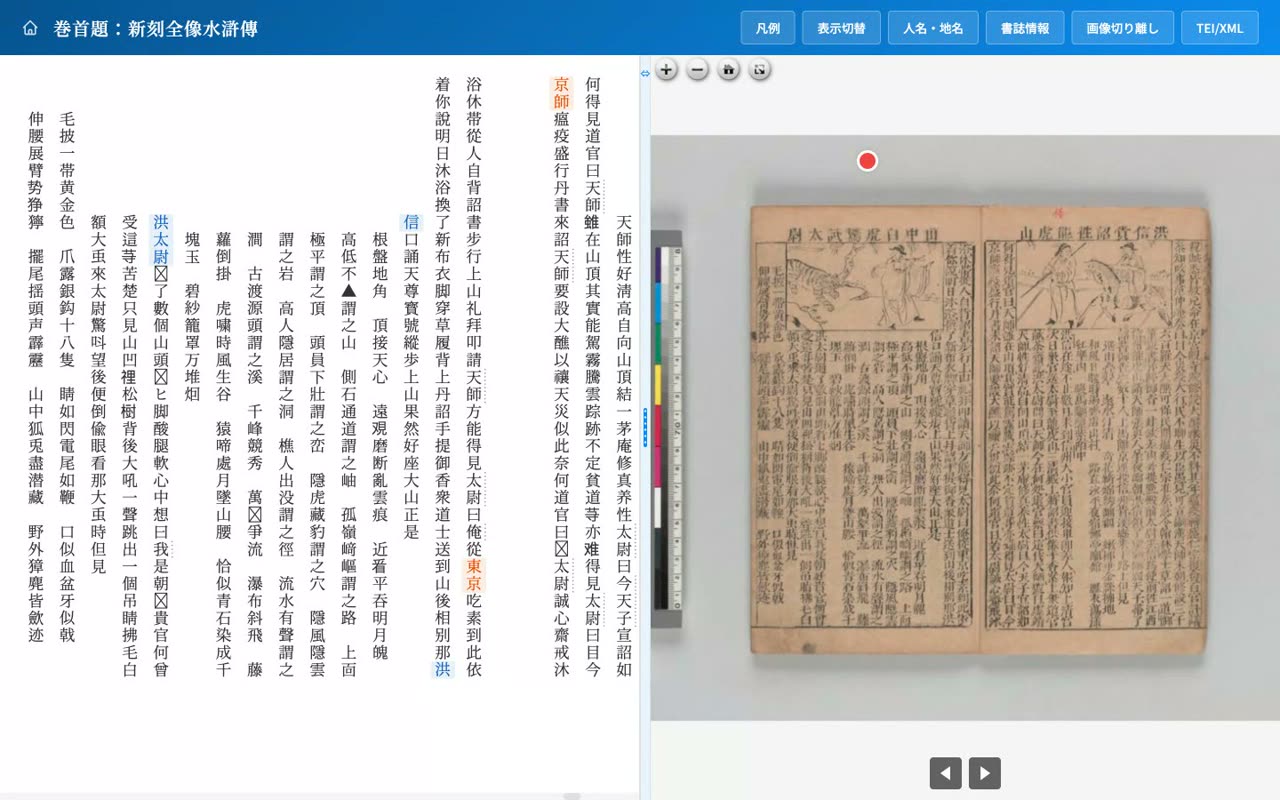
- 0:03Left: vertical transcription / Right: IIIF image
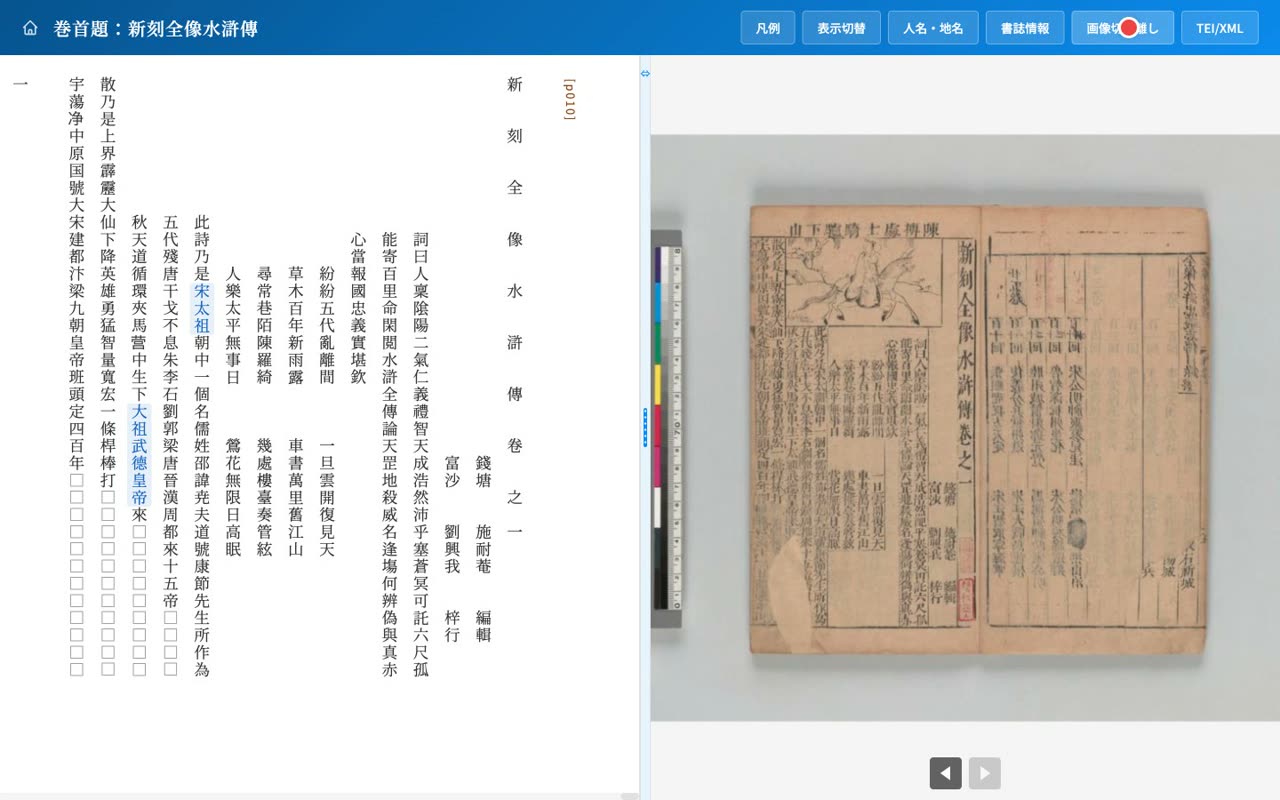
The viewer shows the vertical transcription on the left and the original IIIF image on the right, so you can compare the text and the original.
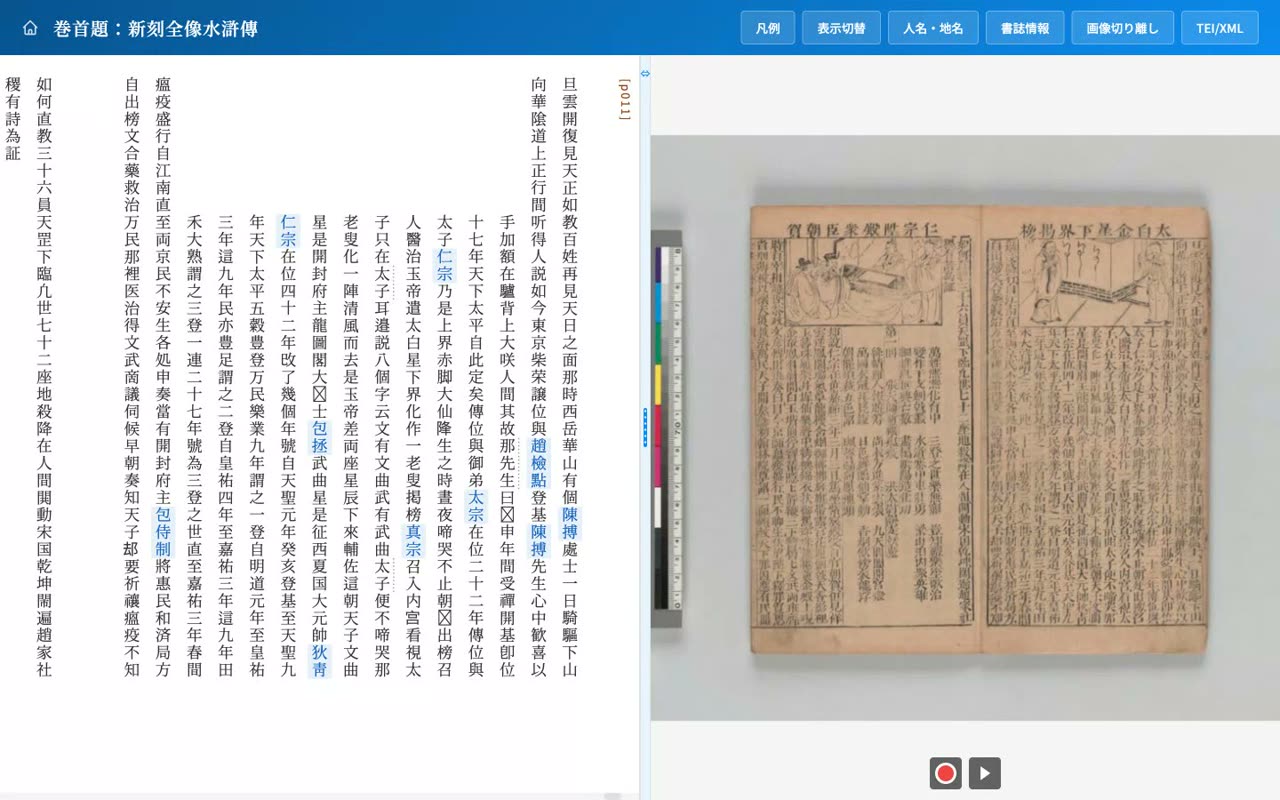
- 0:12Paging in the order of a Japanese-bound book
The buttons below the image turn the leaves in the direction of a traditionally bound book. The OpenSeadragon image supports free zooming and panning.
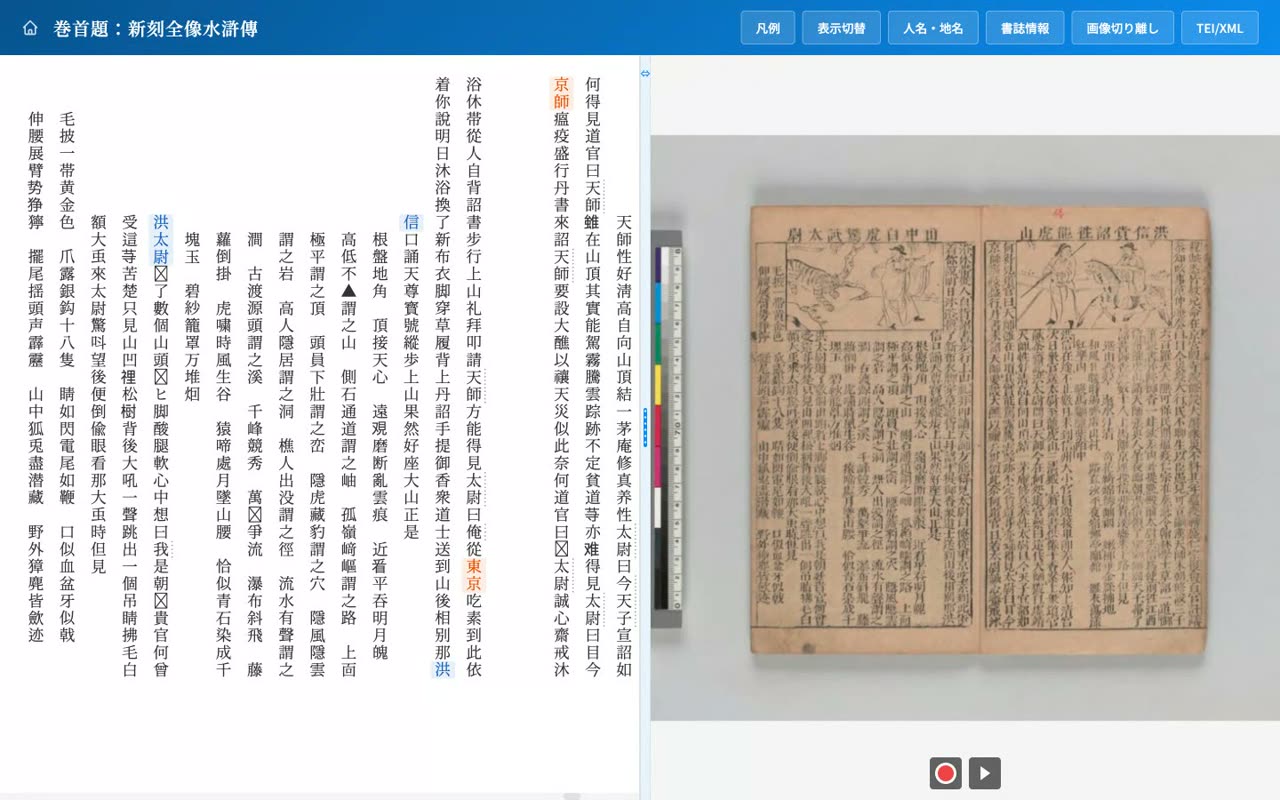
- 0:21The image follows the text scroll
As you read down the transcription, the image on the right follows automatically at each change of leaf, so you always know which leaf you are reading.
- 0:31Sync can be toggled on and off
If you want to view the image and text independently, you can turn the linkage off from the display settings.
- 4
Resizable divider
Drag the divider to resize the text/image split; double-click to reset
Narration script
- 0:03The divider between text and image
Between the text and the image there is a divider you can drag. It is handy when you want to read the transcription more widely.
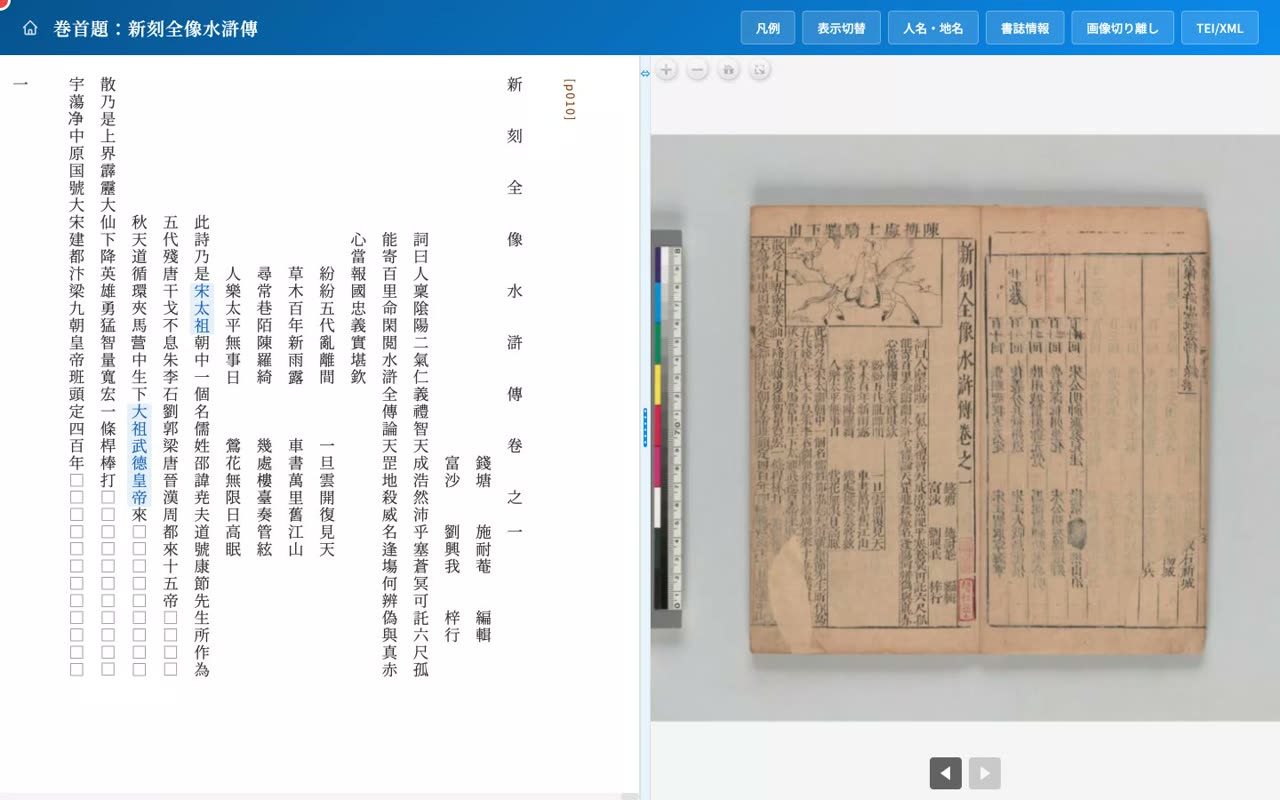
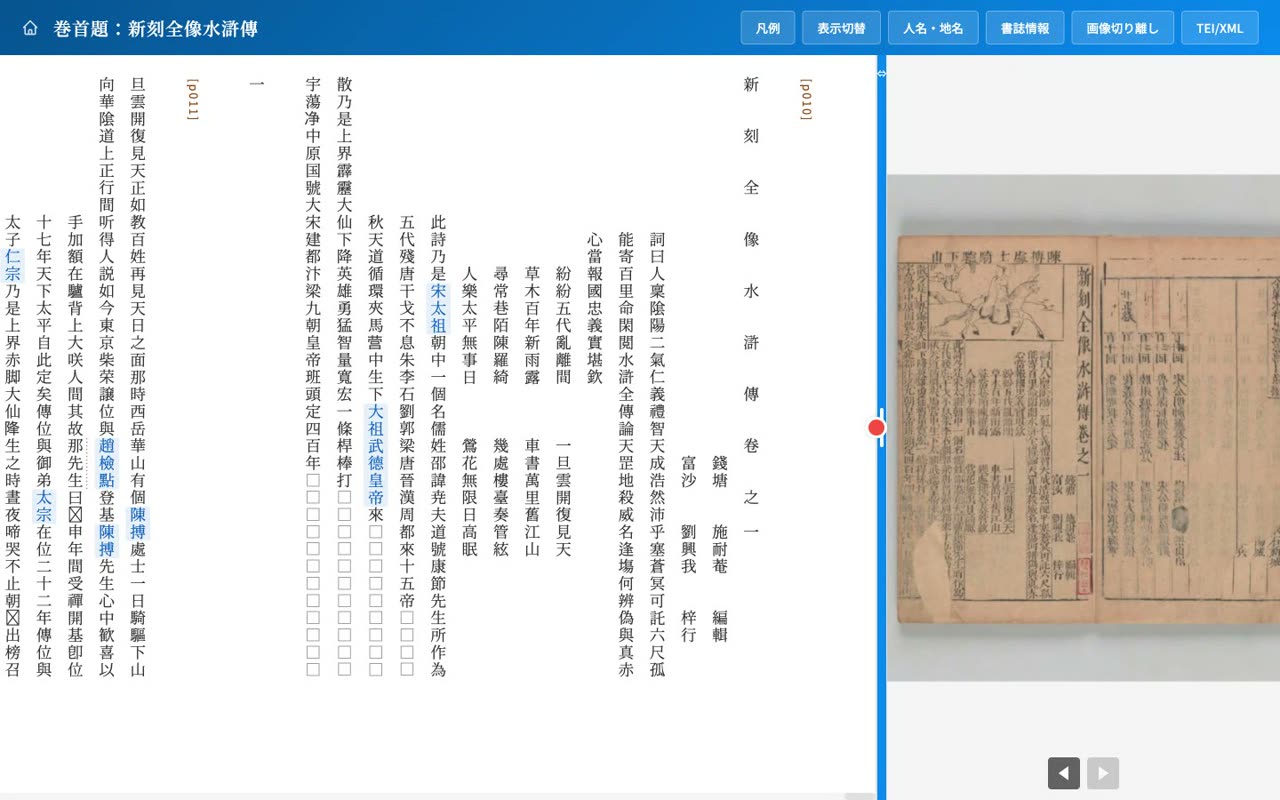
- 0:16Drag to widen the transcription
Drag the divider left or right to freely adjust the widths of the text and the image, for example to show a whole opening of transcription at once.
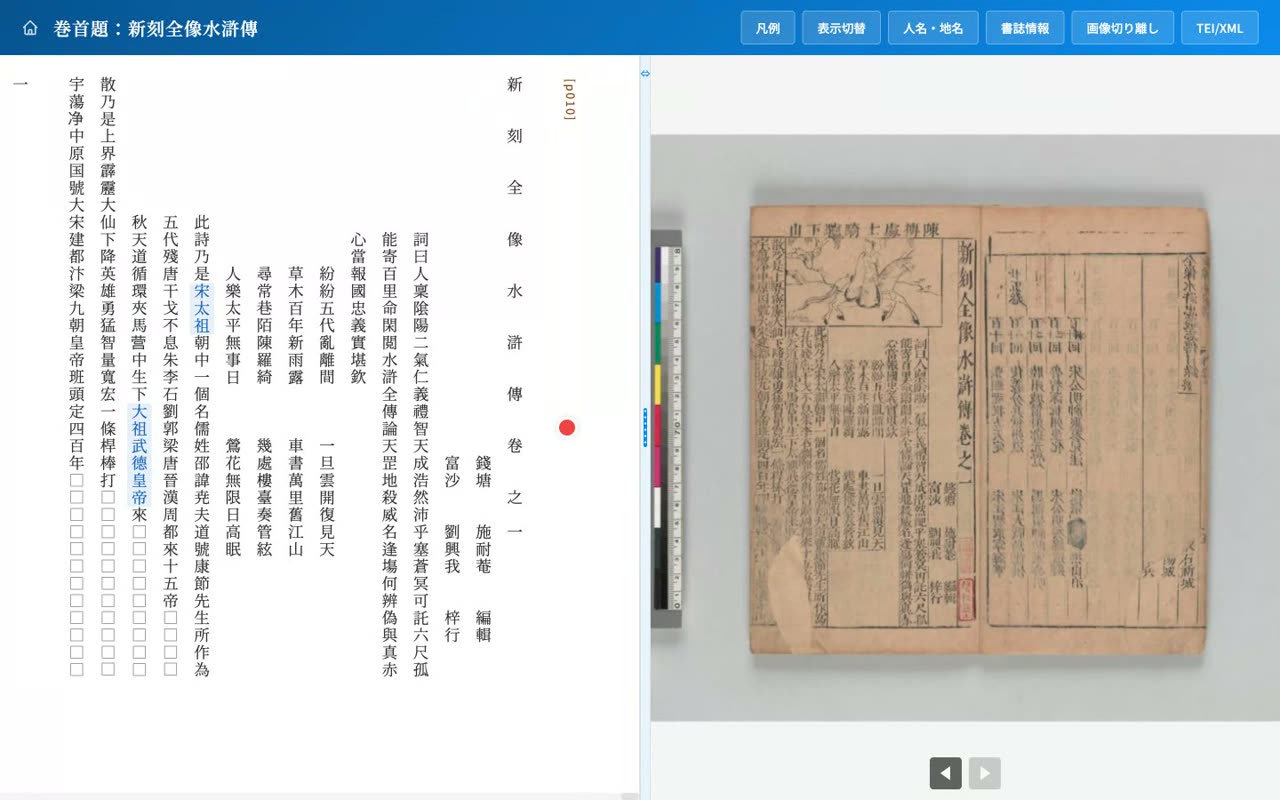
- 0:32Double-click to reset to equal halves
Double-click the divider to return to an evenly split layout at any time.
- 5
People & places
Auto-highlight of names, click to highlight all occurrences, list/chart/jump panel
Narration script
- 0:03Names in blue, places in orange
In the transcription, personal names are highlighted in blue and place names in orange, so the people and places in the story stand out at a glance.
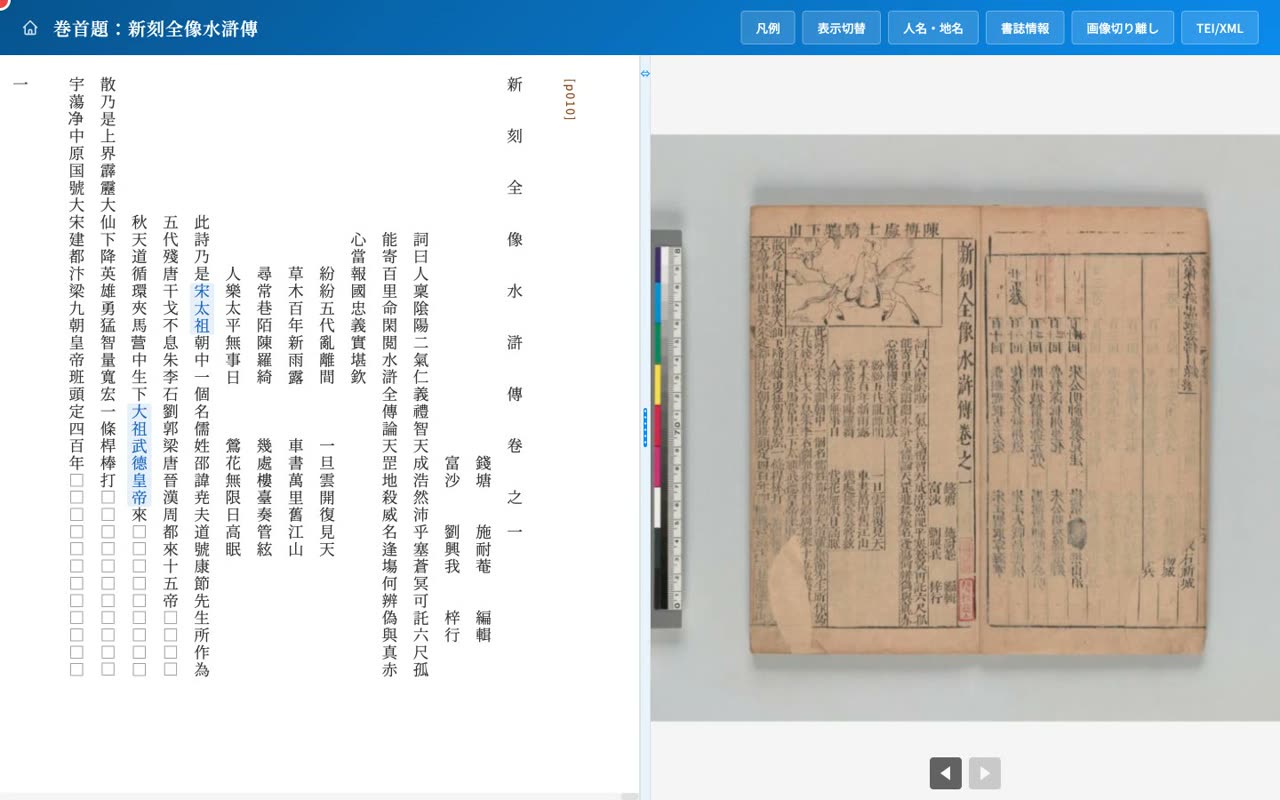
- 0:12Click to highlight every occurrence of a person
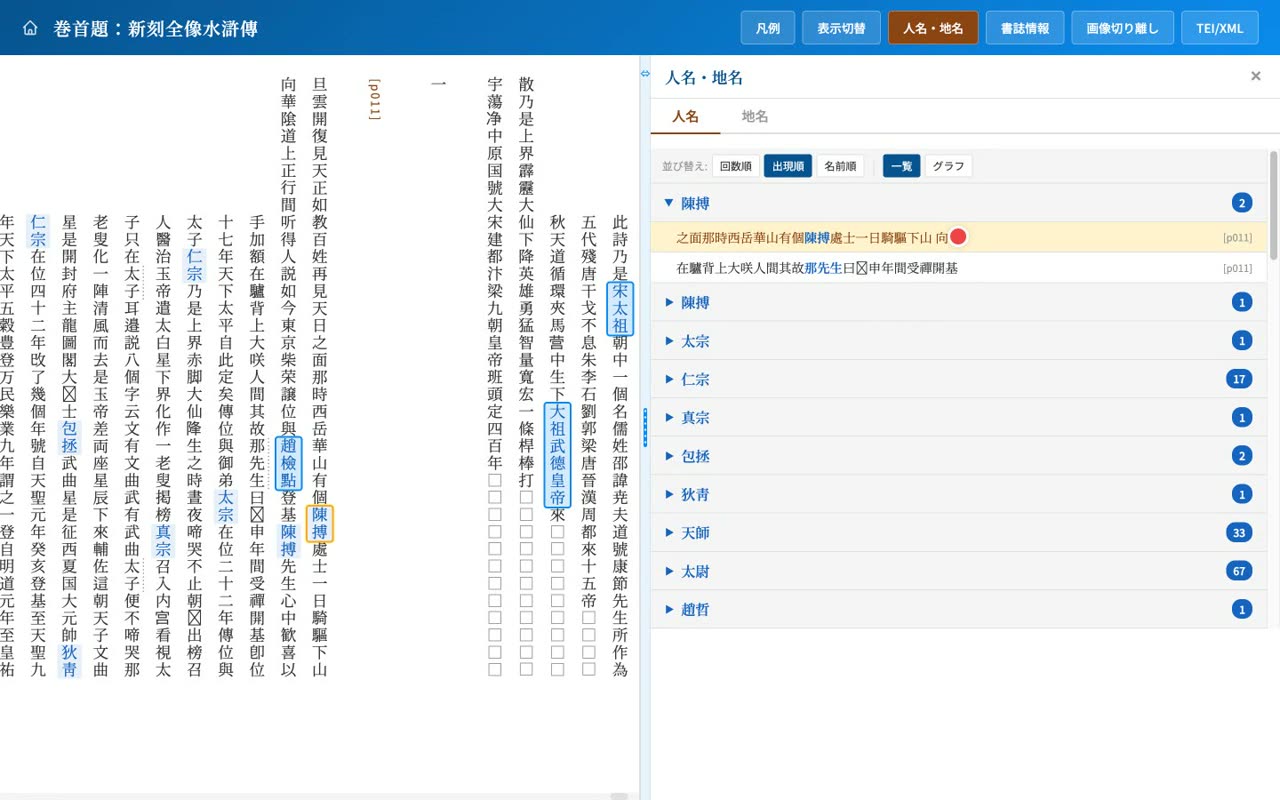
Click a name and every place where the same person appears is emphasized with a blue outline, so you can follow a single character as you read.
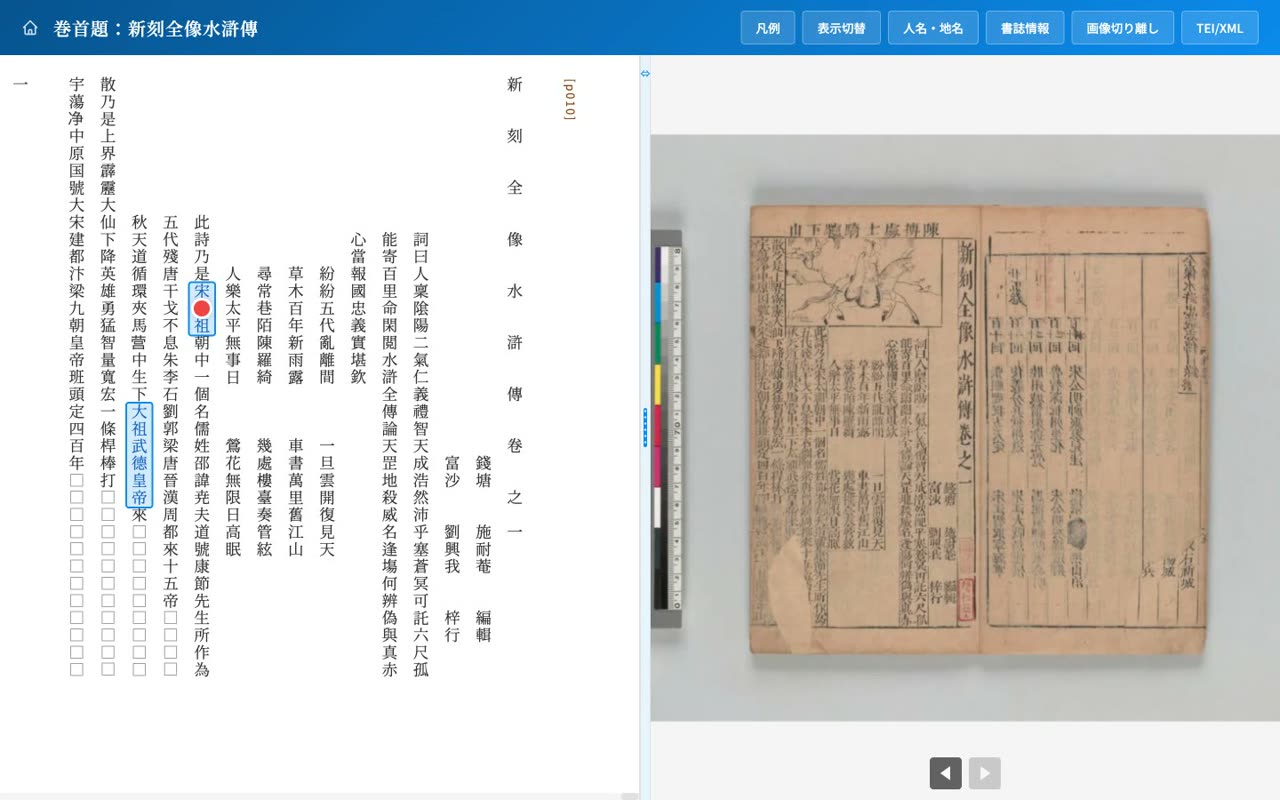
- 0:20The People and Places panel
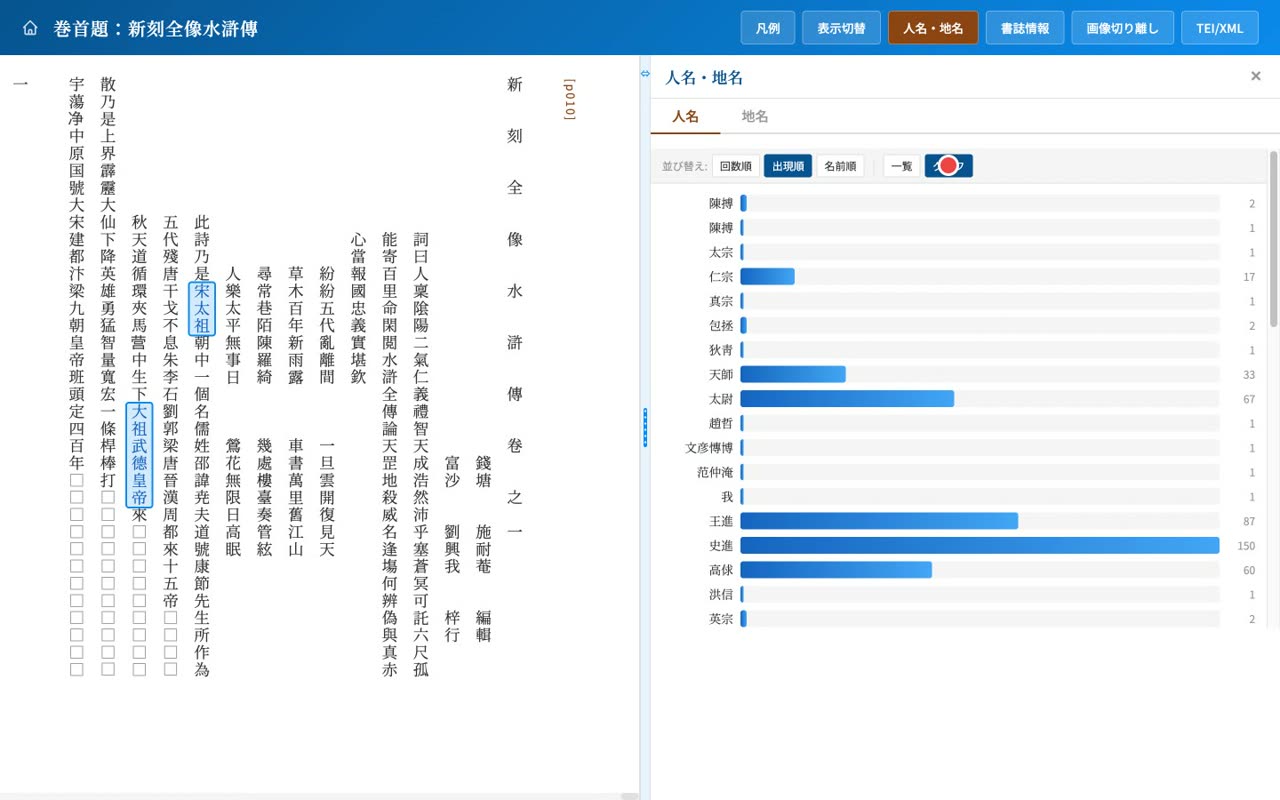
Open the People and Places panel to see a list of the people and places that appear, with occurrence counts.
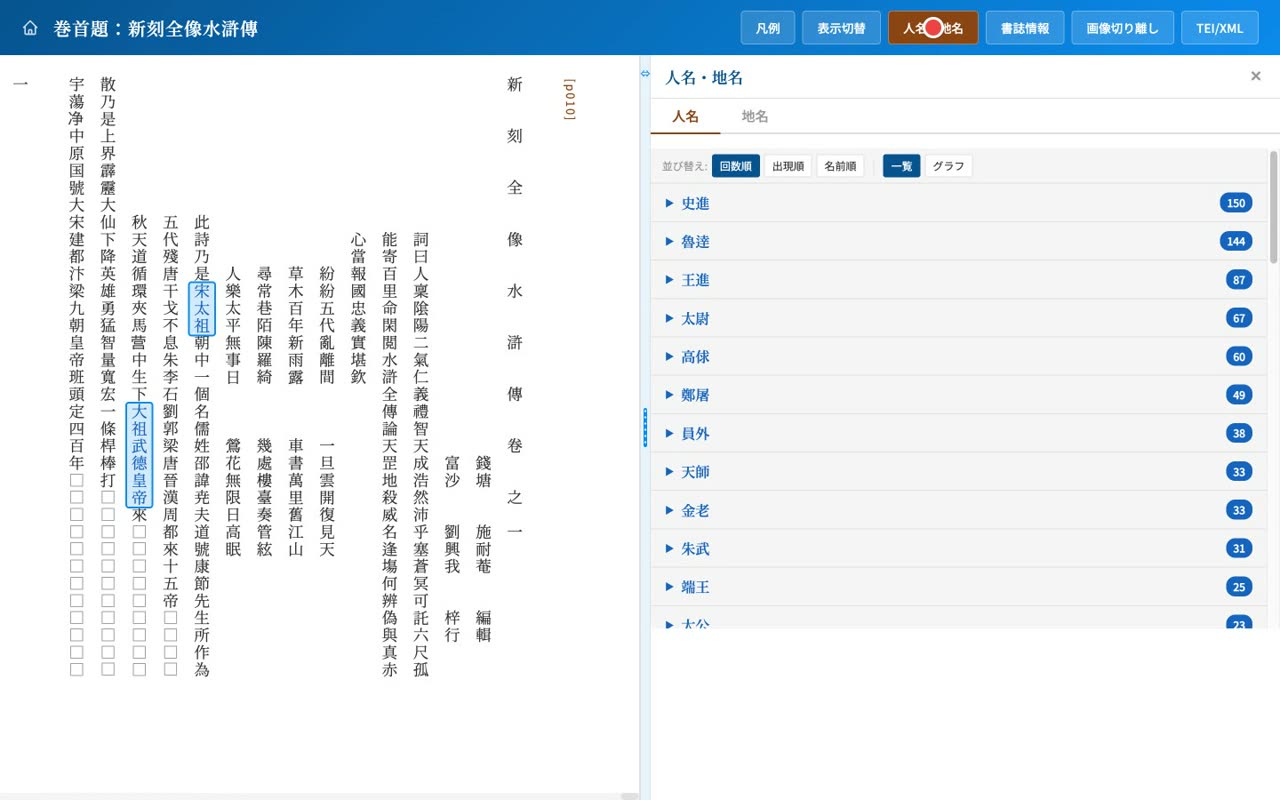
- 0:28Sort by count, appearance, or name
You can sort by number of occurrences, by first appearance, or by name.
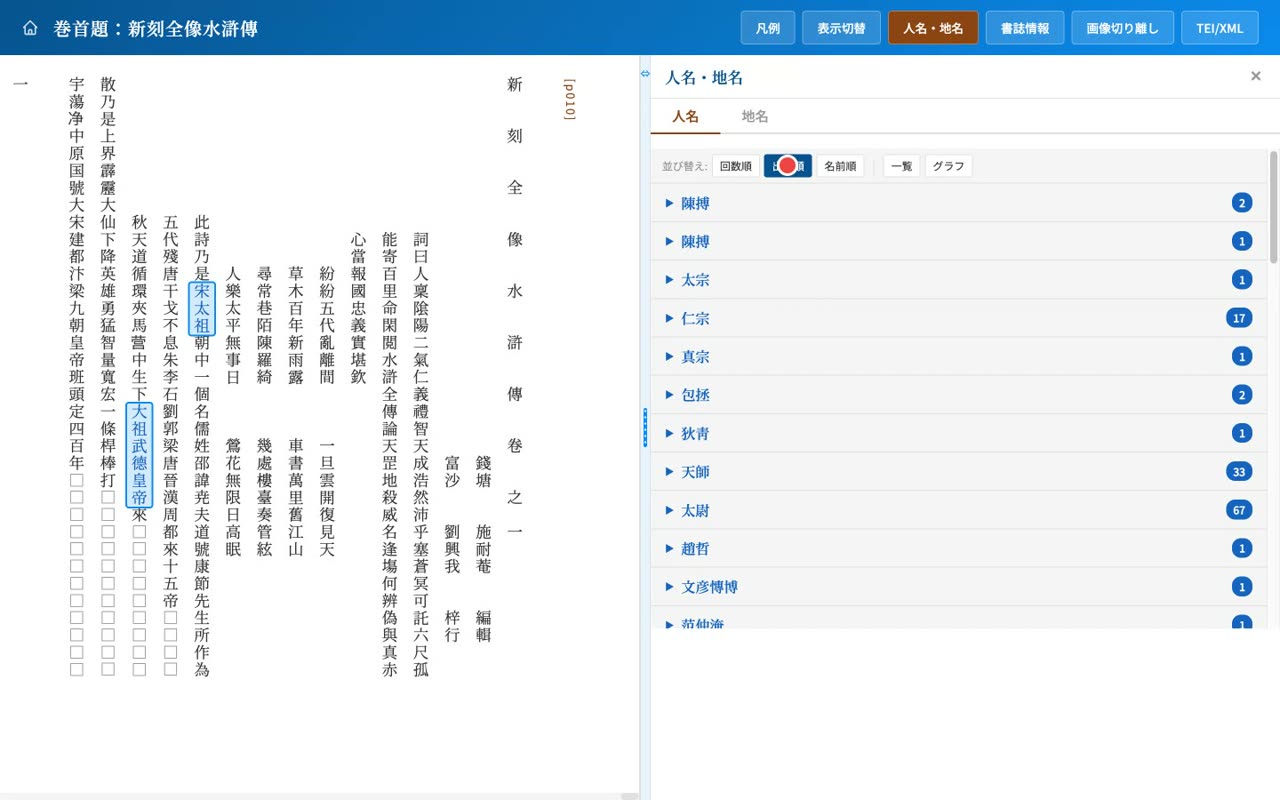
- 0:35Also shown as a bar chart
Switch to a horizontal bar chart to see at a glance which figures appear most often.
- 0:45Click an occurrence to jump to text and image
Click an occurrence in the list and the text scrolls to that spot while the image moves to the corresponding leaf.
- 6
Display toggles
Toggle names, notes, references and punctuation; legend
Narration script
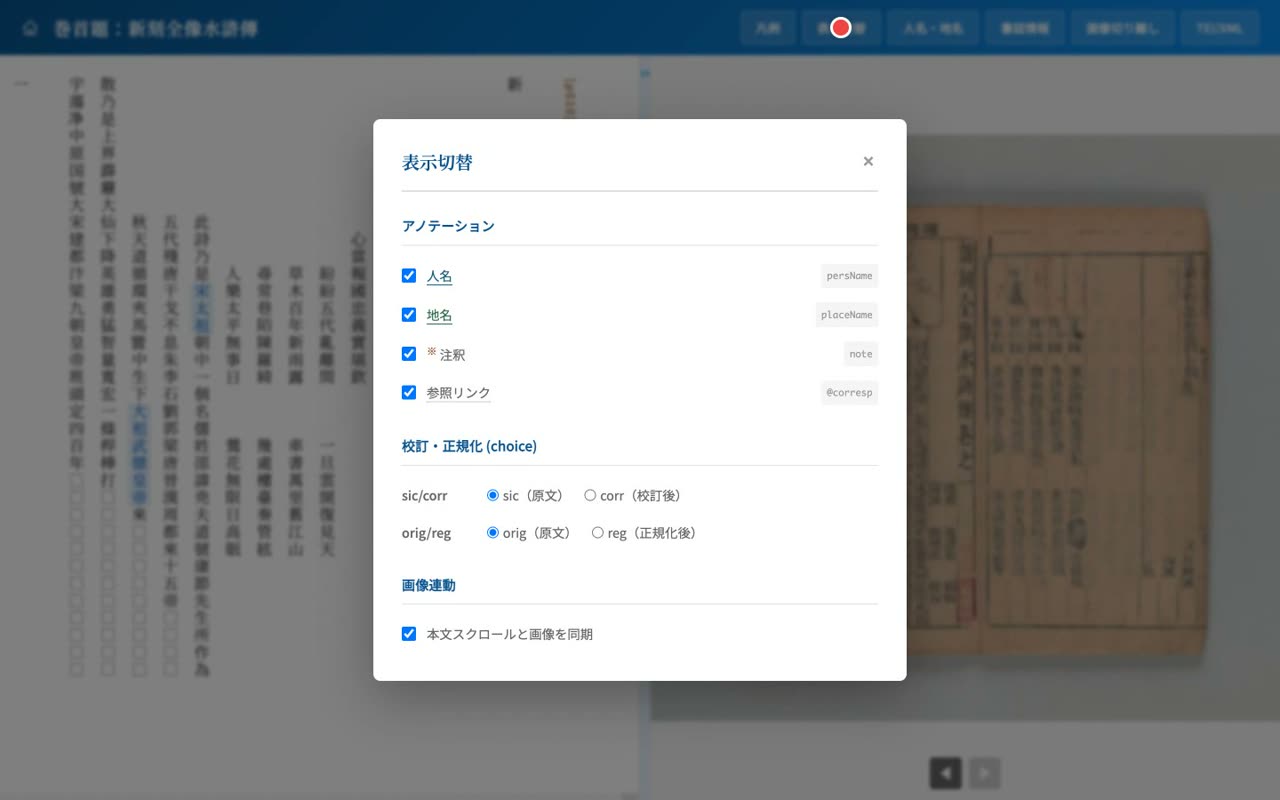
- 0:04Control annotations from Display settings
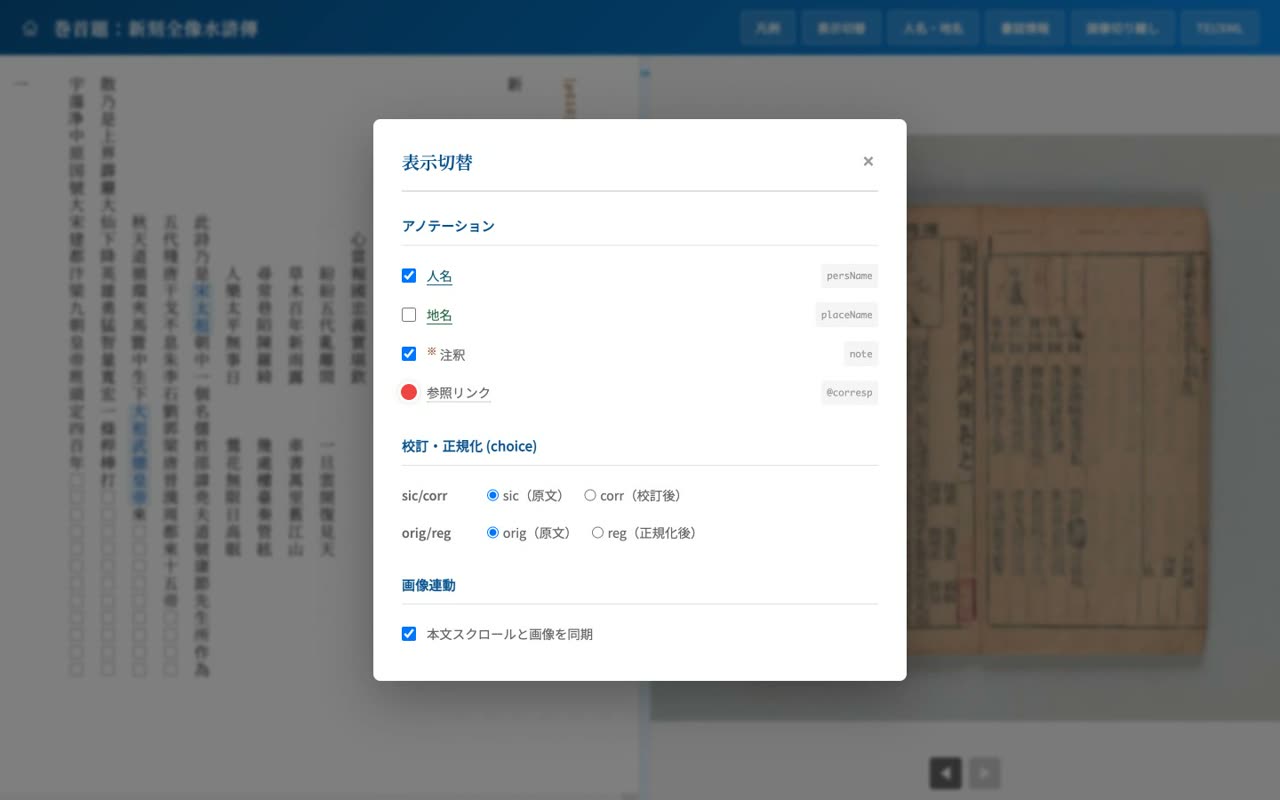
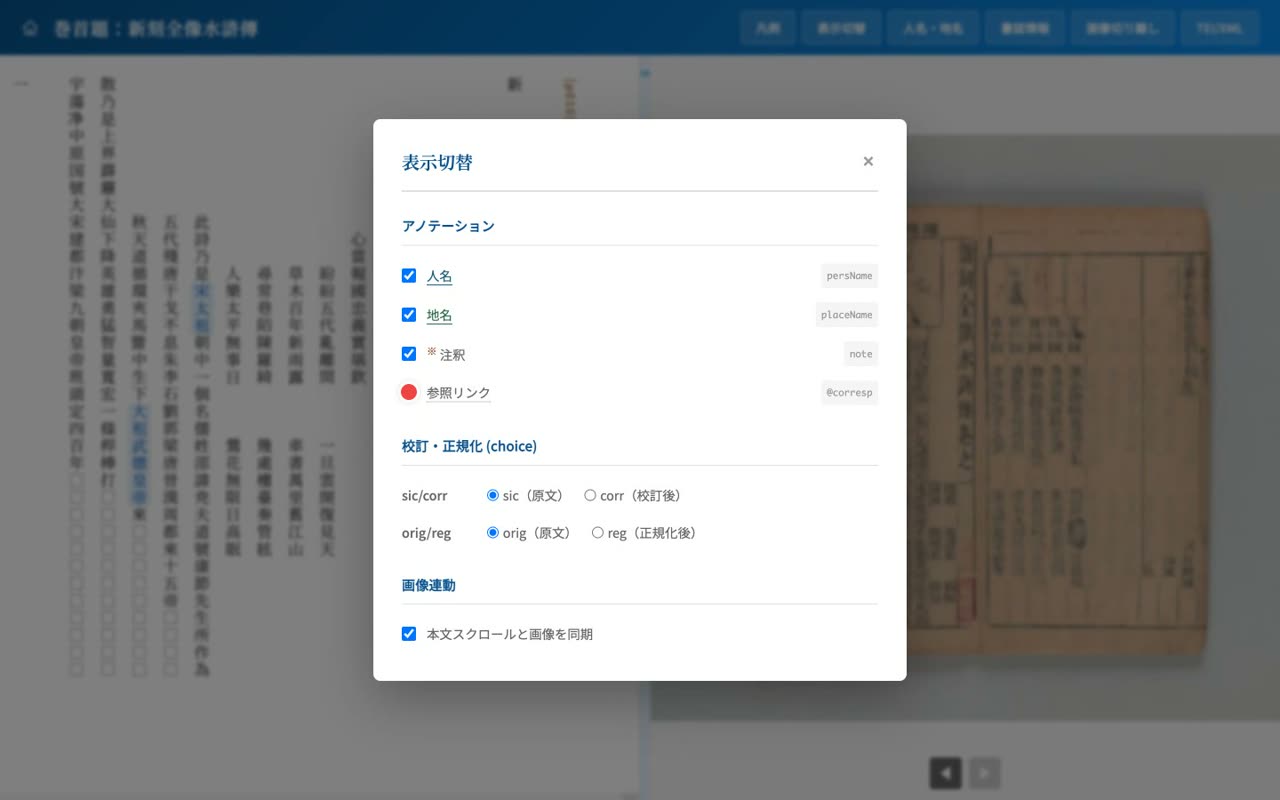
Open the display settings to control the annotations in detail. You can show or hide personal names, place names, notes, and reference links individually.
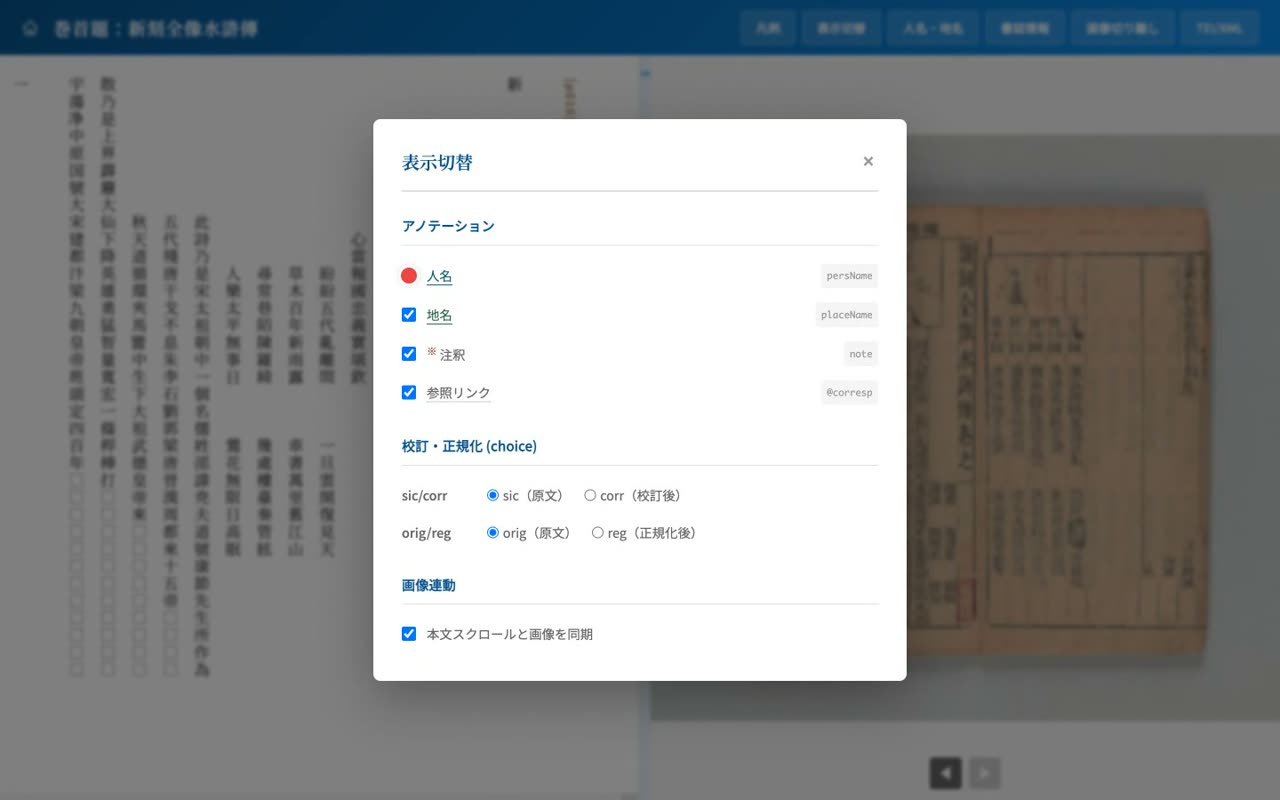
- 0:13Turn off name highlighting
For example, turning off name highlighting removes the coloring and gives a look closer to the plain original.
- 0:22Toggle places and references too
Place names and the dotted underline for references that point to the same entity can also be toggled as needed.
- 0:30Punctuation (pc) toggle is supported
For data that carries punctuation, a punctuation toggle also appears, letting you show or hide the editor's punctuation.
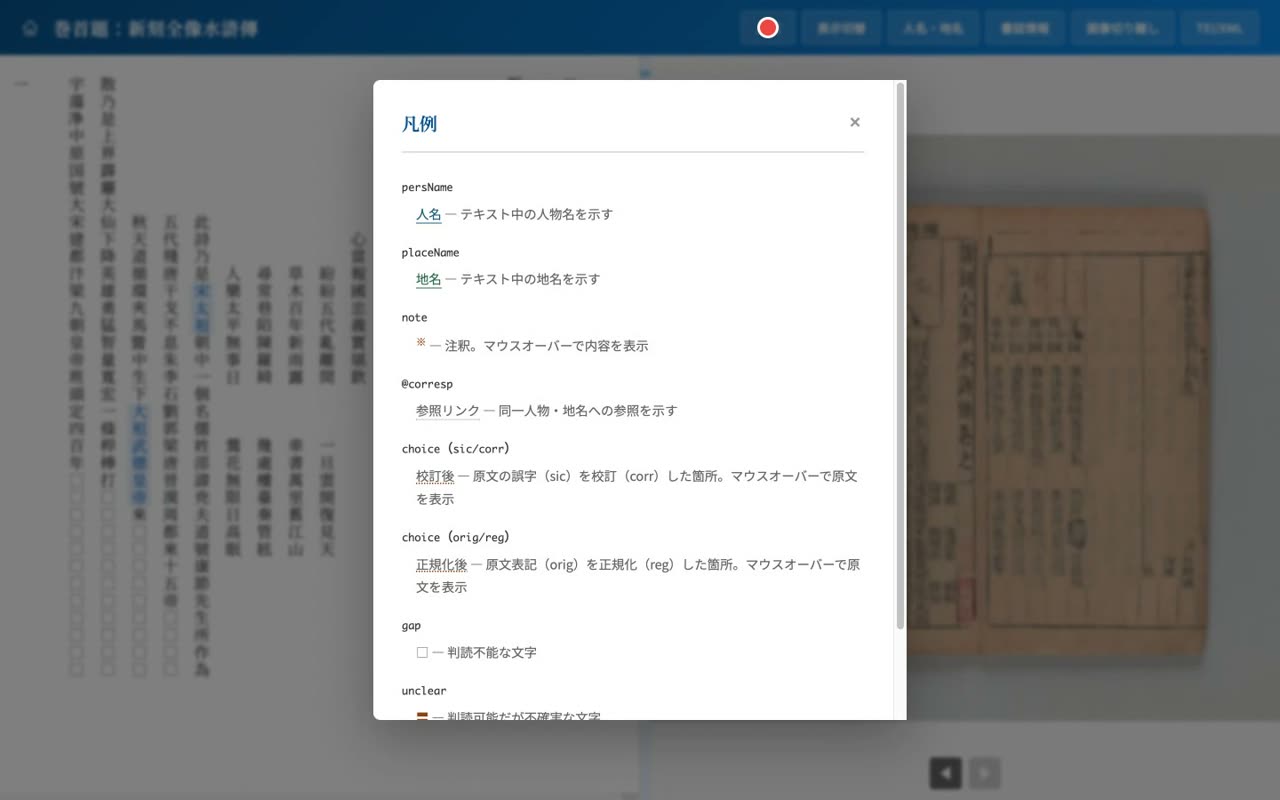
- 0:39Check the Legend for symbols and tags
The Legend gathers the meanings of the symbols and tags, such as names, places, collation, and illegible characters.
- 7
Collation & normalization
sic/corr and the orig/normalized/usage forms; marginalia, seals, gaps, gaiji
Narration script
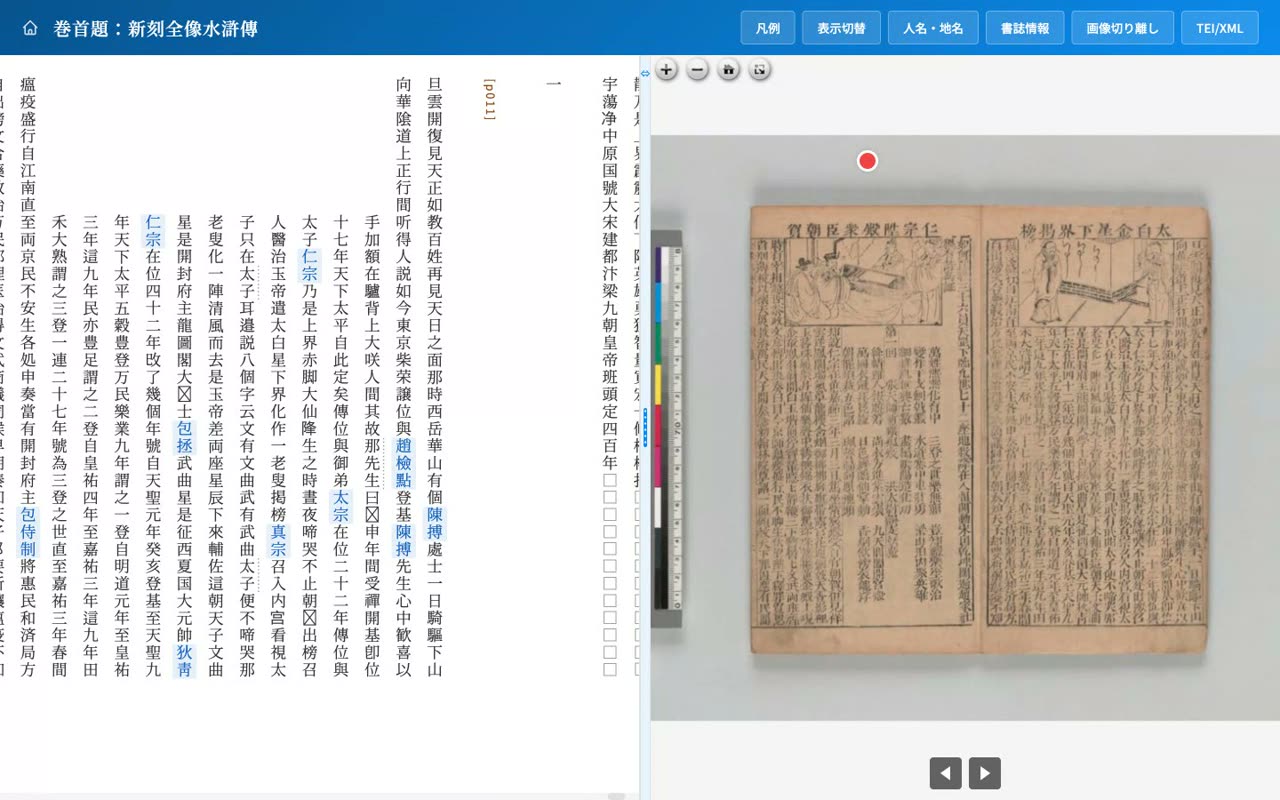
- 0:04Collation: original (sic) vs corrected (corr)
The transcription records where the original text was corrected. From the display settings you can switch between the original reading and the corrected reading.
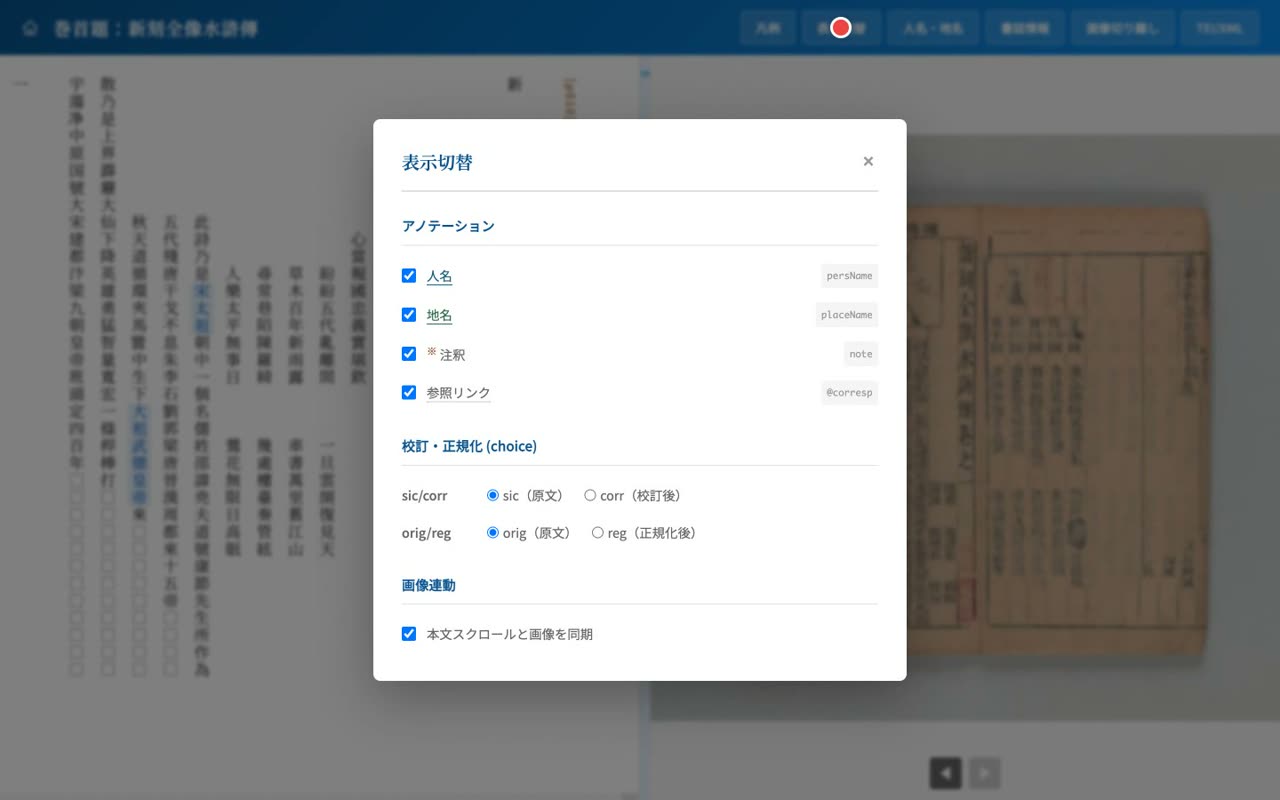
- 0:15Switch to corrected (original on hover)
When you switch to the corrected face, the corrected character is shown in yellow, and hovering reveals the original.
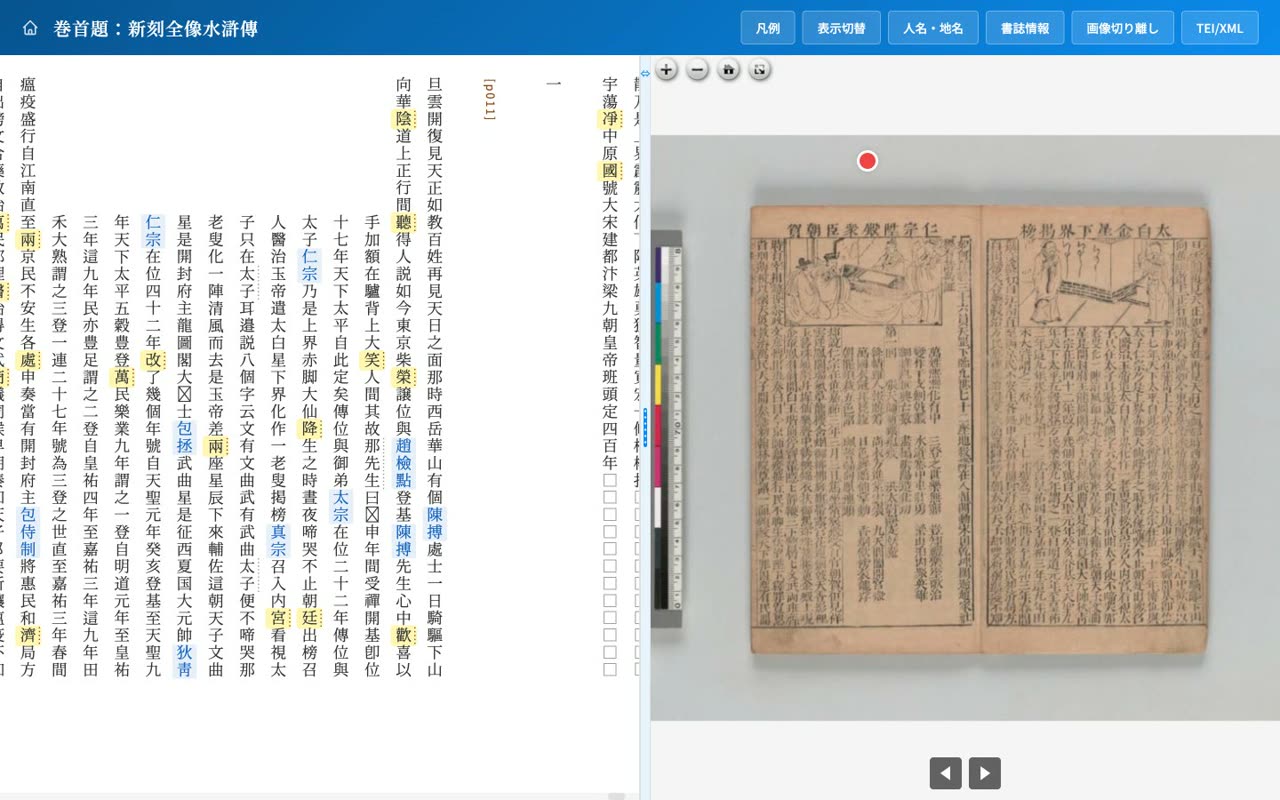
- 0:25Normalization: variant to standard form
You can also switch to a face that normalizes variant characters to standard forms. It even supports two-stage normalization, from a variant to its standard form and then to the character it stands for in context.
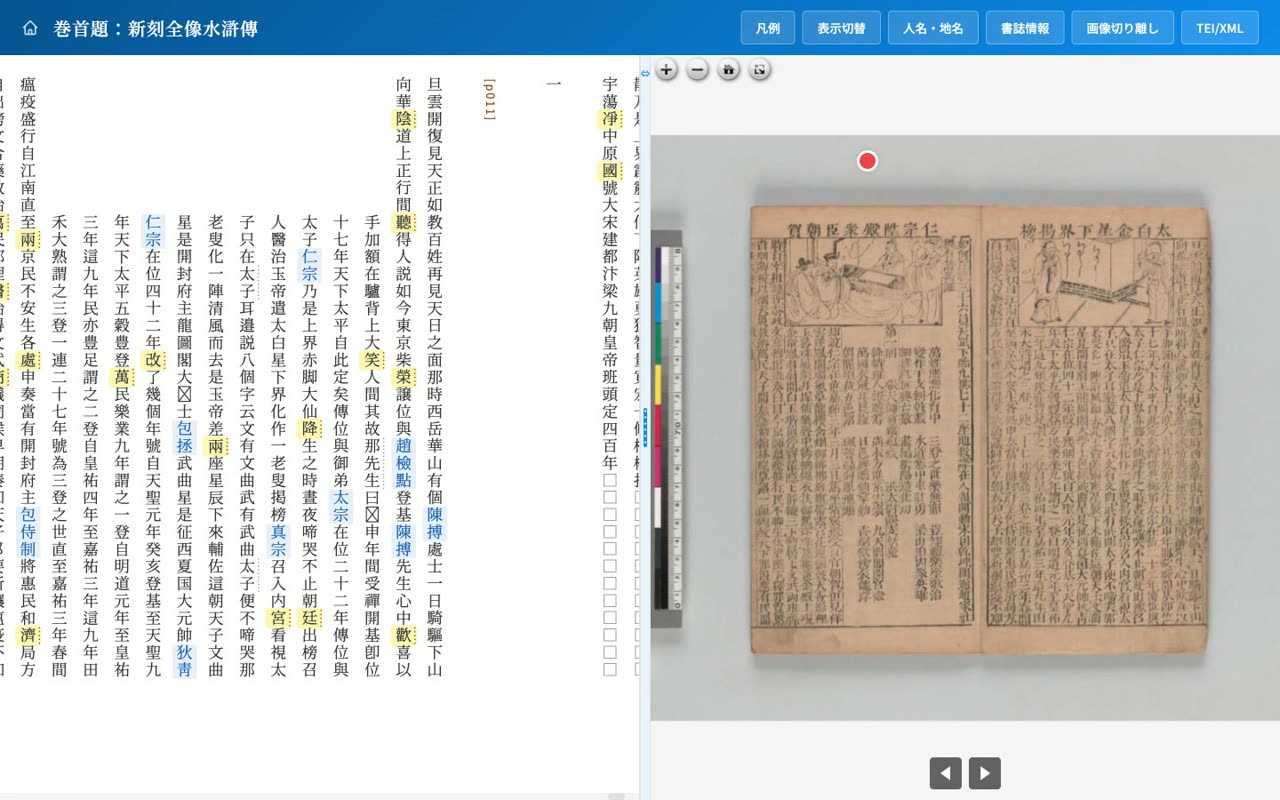
- 0:35Marginalia, seals, gaps, and gaiji too
Information outside the main text is supported as well: marginal notes and collection seals have their own markers, illegible characters are shown as squares, and external characters use a separate symbol, all with explanations on hover.
- 8
Bibliography
Bibliographic info, holding-DB link, and TEI/XML source
Narration script
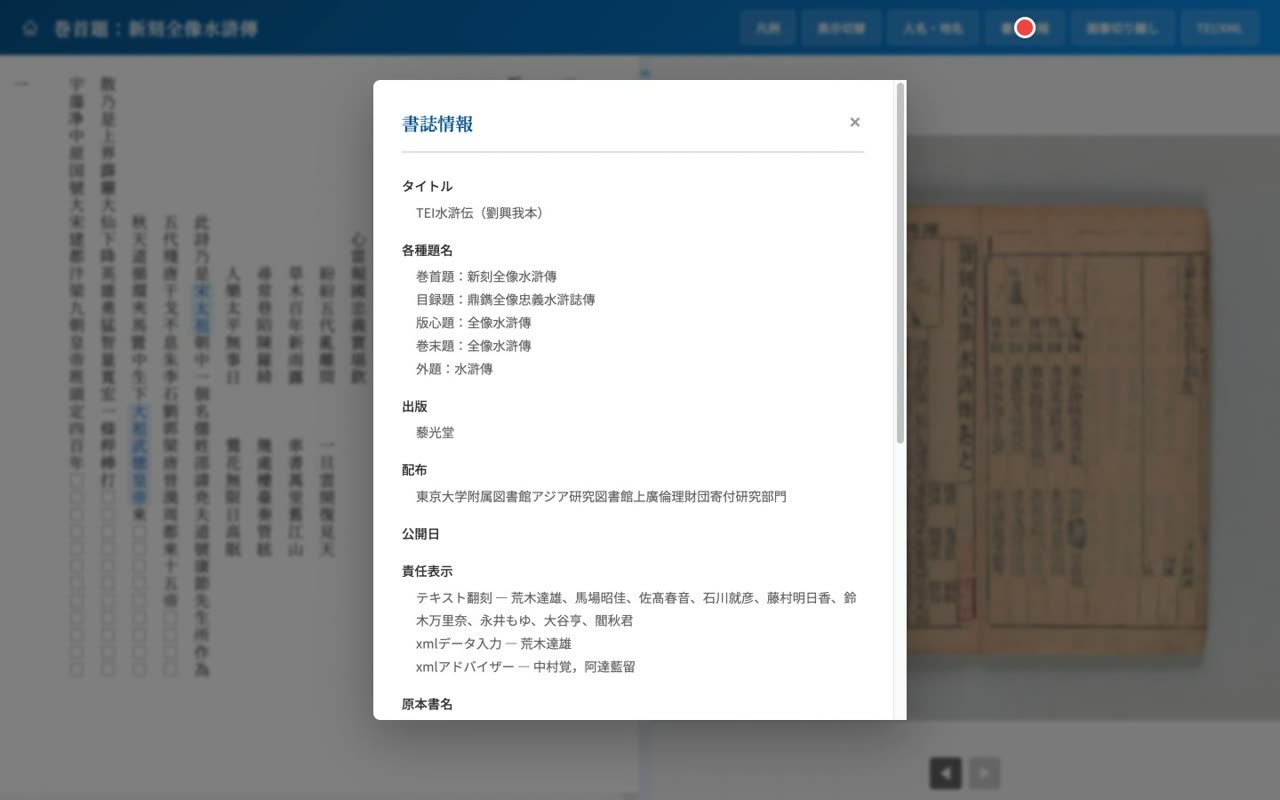
- 0:05Bibliography: the teiHeader at a glance
The Bibliography panel lists the various titles, the transcription credits, the holding institution and shelf mark, the source bibliography, and the license. The Liu Xingwo edition is held in the Soukoudou collection of the Institute for Advanced Studies on Asia.
- 0:15Links to holding databases too
With a parameter, you can also show a link button to the holding institution's database, keeping a reference to the original materials.
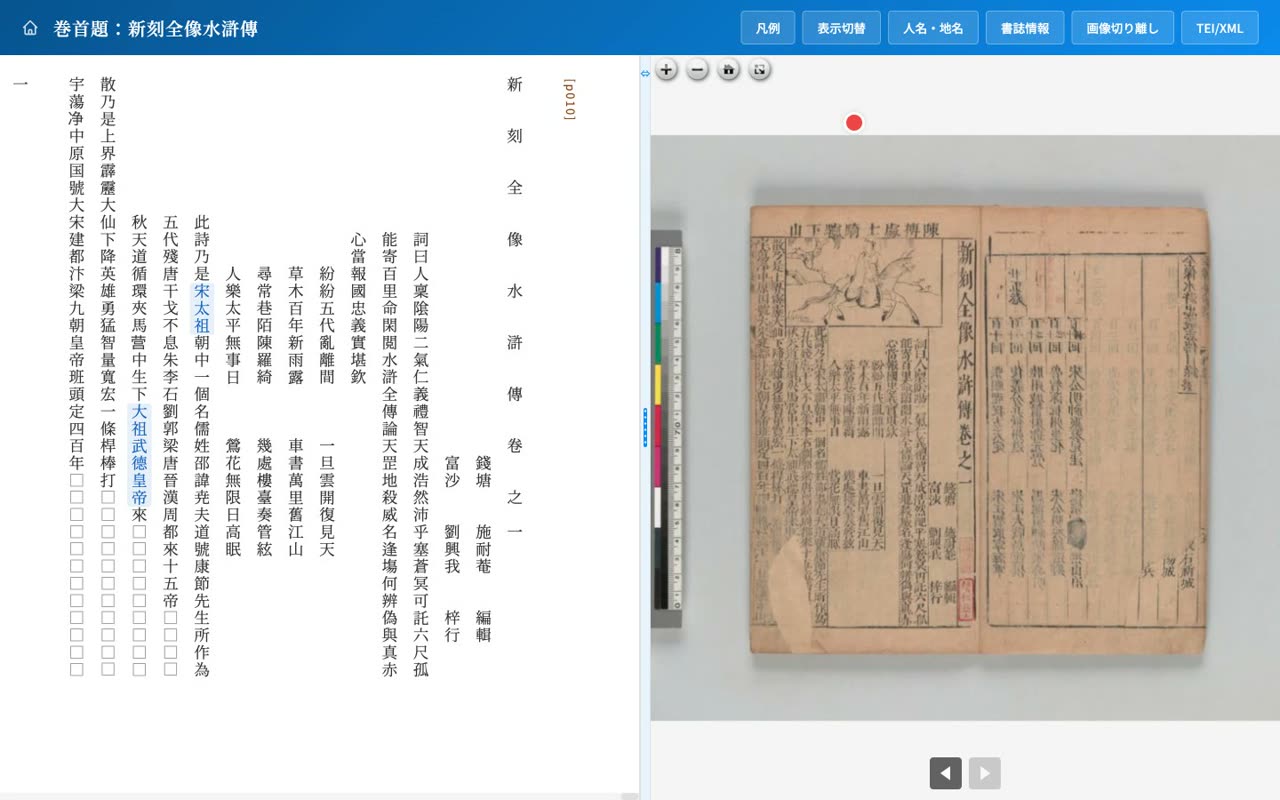
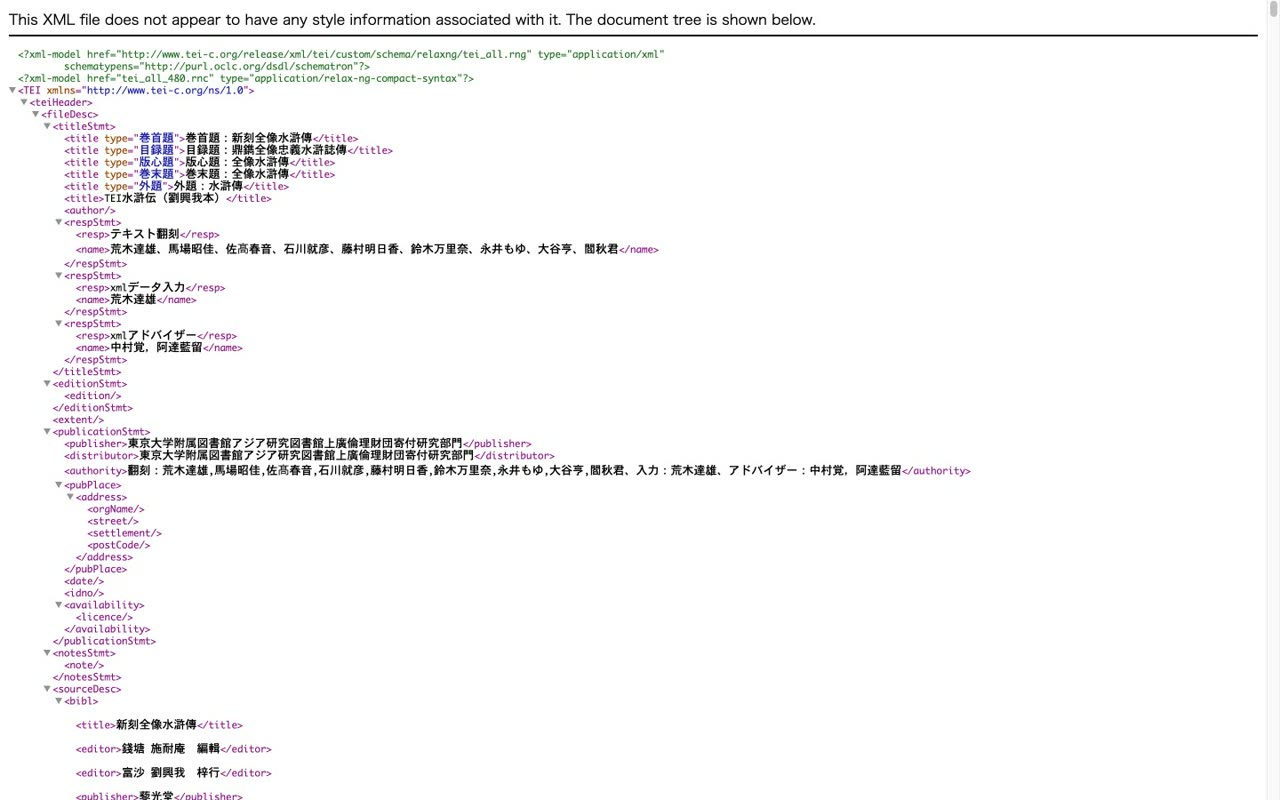
- 0:26Open the TEI/XML source directly
The TEI/XML button opens the underlying TEI source itself. The transcription data is published in a form that can be reused for research.
- 9
Detached image
Detach the image into a second window with synchronized paging
Narration script
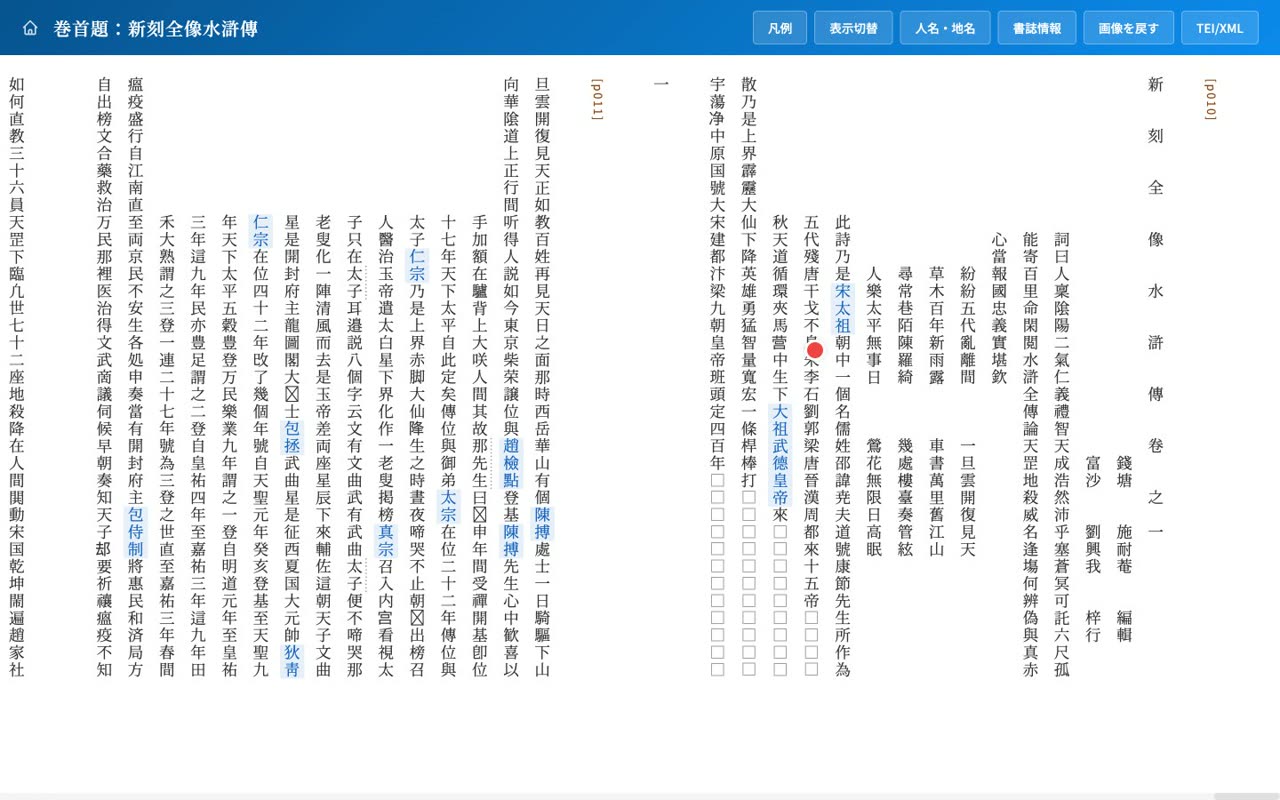
- 0:03Detach the image for dual displays
You can detach the original image into a separate window. On a large display or dual monitors, you can read the transcription while viewing the image at a large size.
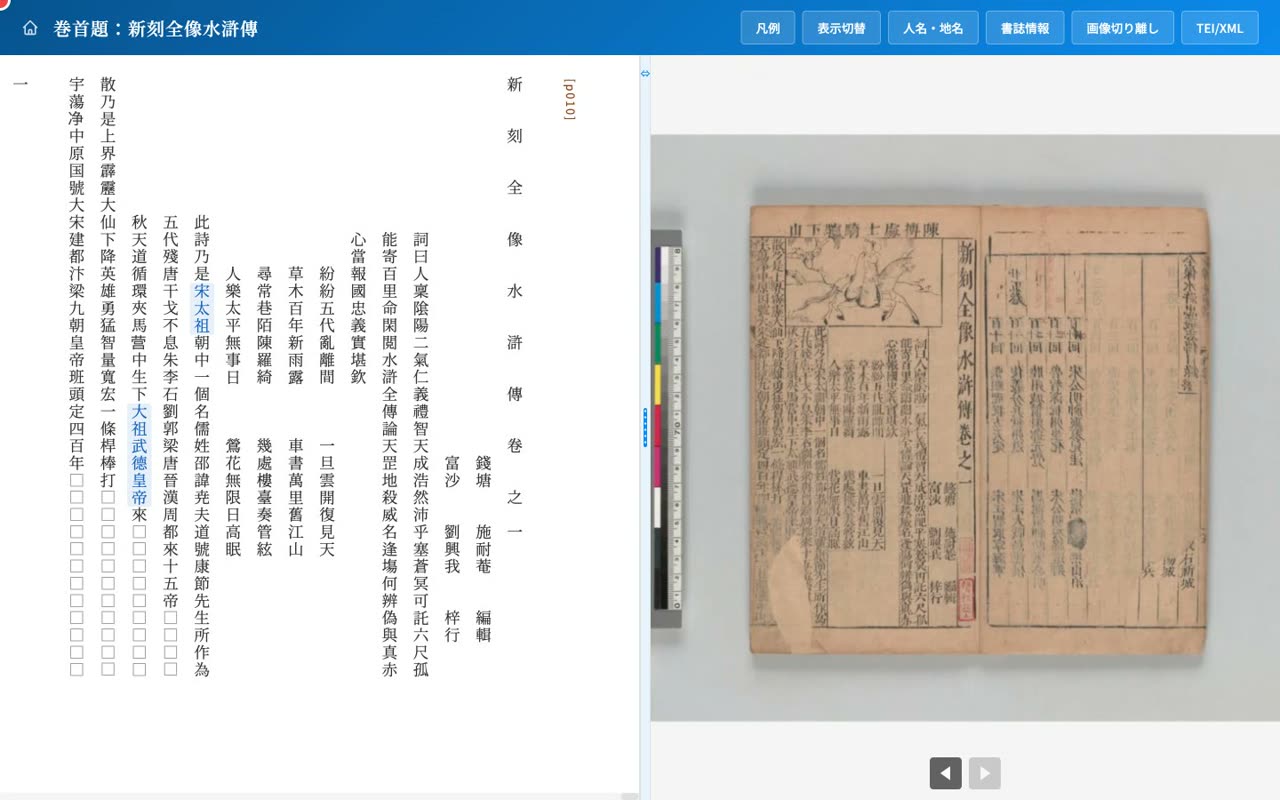
- 0:45Image to a second window, text full width
When detached, the main window shows the transcription at full width and the image moves to a separate window.
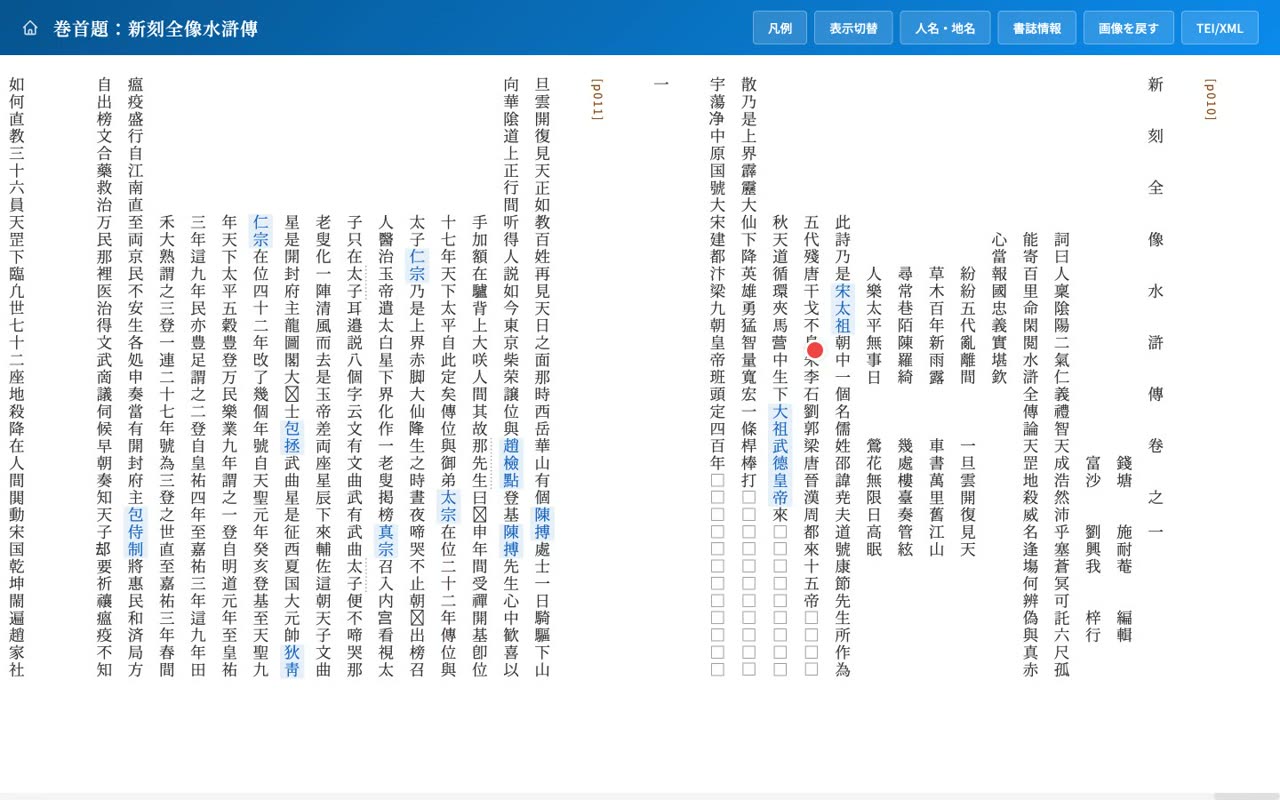
- 1:22Pages stay in sync across both windows
Turn the page in either window and the other follows to the same leaf, so the spot you are viewing always stays aligned.
- 1:31Restore the layout with Return image
Press Return image to go back to the original side-by-side layout.
- 10
Wrap-up
Summary and reference links (GitHub, CC BY 4.0, U-PARL)
Narration script
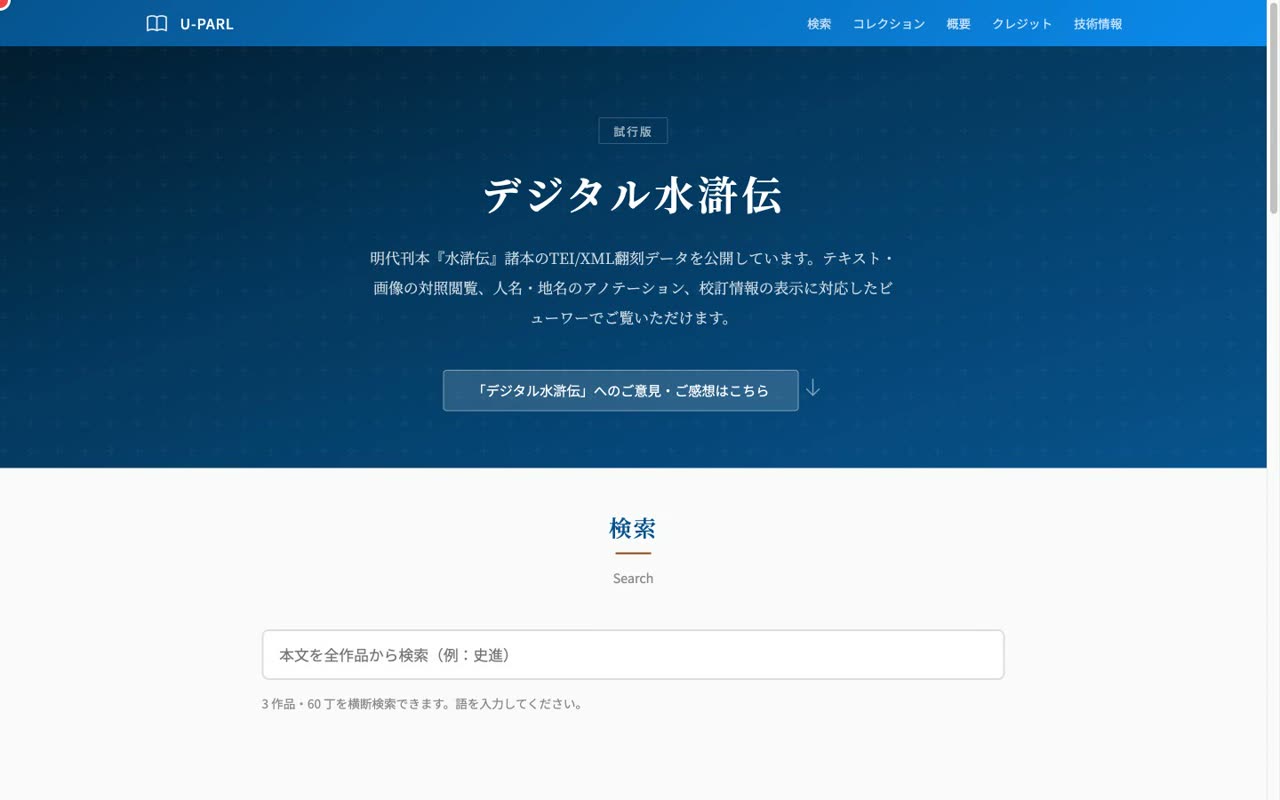
- 0:01Text, image, annotation, and search as one
Digital Suikoden brings together side-by-side vertical transcription and IIIF images, annotation of people and places, collation and normalization, and cross-work search, all in a single viewer.
- 0:09Reusable transcription data in TEI/XML
The transcriptions are structured as TEI/XML and can be reused for research. New editions can be published in the same viewer simply by adding XML.
- 0:17GitHub: nakamura196/uparl-suikoden / CC BY 4.0
The project is published on GitHub under a CC BY 4.0 license. The transcription is the work of Araki Tatsuo and others at the University of Tokyo's U-PARL. Please give it a try.