Overview
This is a note on how to describe multiple VTT files for Audio/Visual materials using IIIF.
Here, we describe transcription text in both Japanese and English as shown below.


Manifest File Description
An example is stored at the following location.
 GitHub
Please also refer to the following article.

Specifically, by describing them as multiple annotations as shown below, they were correctly processed by the Ramp viewer.
...
"annotations": [
        {
          "id": "https://nakamura196.github.io/ramp_data/demo/3571280/canvas/page/2",
          "type": "AnnotationPage",
          "items": [
            {
              "id": "https://nakamura196.github.io/ramp_data/demo/3571280/canvas/annotation/webvtt",
              "type": "Annotation",
              "label": {
                "ja": [
                  "日本語 (machine-generated)"
                ]
              },
              "motivation": "supplementing",
              "body": {
                "id": "https://nakamura196.github.io/ramp_data/demo/3571280/3571280.vtt",
                "type": "Text",
                "format": "text/vtt",
                "label": {
                  "ja": [
                    "日本語 (machine-generated)"
                  ]
                }
              },
              "target": "https://nakamura196.github.io/ramp_data/demo/3571280/canvas"
            },
            {
              "id": "https://nakamura196.github.io/ramp_data/demo/3571280/canvas/annotation/webvtt/2",
              "type": "Annotation",
              "label": {
                "ja": [
                  "English (machine-generated)"
                ]
              },
              "motivation": "supplementing",
              "body": {
                "id": "https://nakamura196.github.io/ramp_data/demo/3571280/3571280_en.vtt",
                "type": "Text",
                "format": "text/vtt",
                "label": {
                  "ja": [
                    "English (machine-generated)"
                  ]
                }
              },
              "target": "https://nakamura196.github.io/ramp_data/demo/3571280/canvas"
            }
          ]
        }
      ]
...
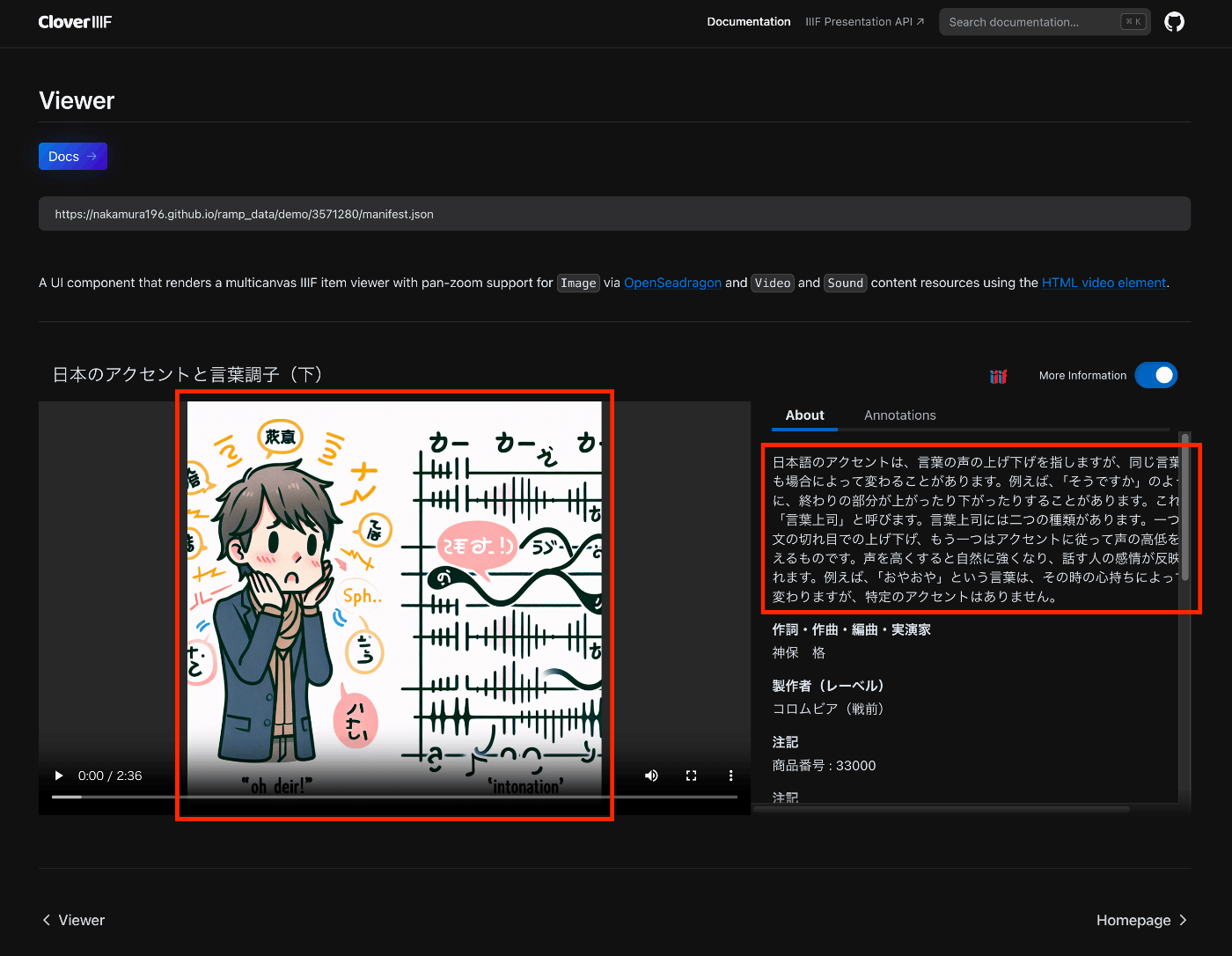
Note that in Clover, the two transcription texts were displayed consecutively.

(Reference) Creating English Transcription Text
For creating the English transcription text, the following program was used. This is an example using the GitHub version of Whisper.
GitHubdef format_timestamp(seconds):
"""Converts time in seconds to a formatted string 'HH:MM:SS.mmm'."""
hours = int(seconds // 3600)
minutes = int((seconds % 3600) // 60)
seconds = seconds % 60
return f"{hours:02}:{minutes:02}:{seconds:06.3f}"
def write_vtt(transcription, file_path):
with open(file_path, 'w') as file:
file.write("WEBVTT\n\n")
for i, segment in enumerate(transcription['segments']):
start = format_timestamp(segment['start'])
end = format_timestamp(segment['end'])
text = segment['text'].strip()
file.write(f"{start} --> {end}\n{text}\n\n") # {i + 1}\n
def translate(input_path, output_path, verbose=False):
model = whisper.load_model('medium')
result = model.transcribe(input_path, verbose=verbose, language="ja", task="translate")
write_vtt(result, output_path)
return result
Initially, I tried translation using the API version of Whisper as follows, but it output in Japanese and I was unable to successfully create English text.
transcript = client.audio.translations.create(
    model="whisper-1",
    file=audio_file,
    response_format="vtt",
)
Summary
I hope this is helpful for describing multiple transcription text and subtitle files.

Comments
…