Overview
This is a note on trying out the Audio Presentation with Accompanying Image recipe.
 iiif.io
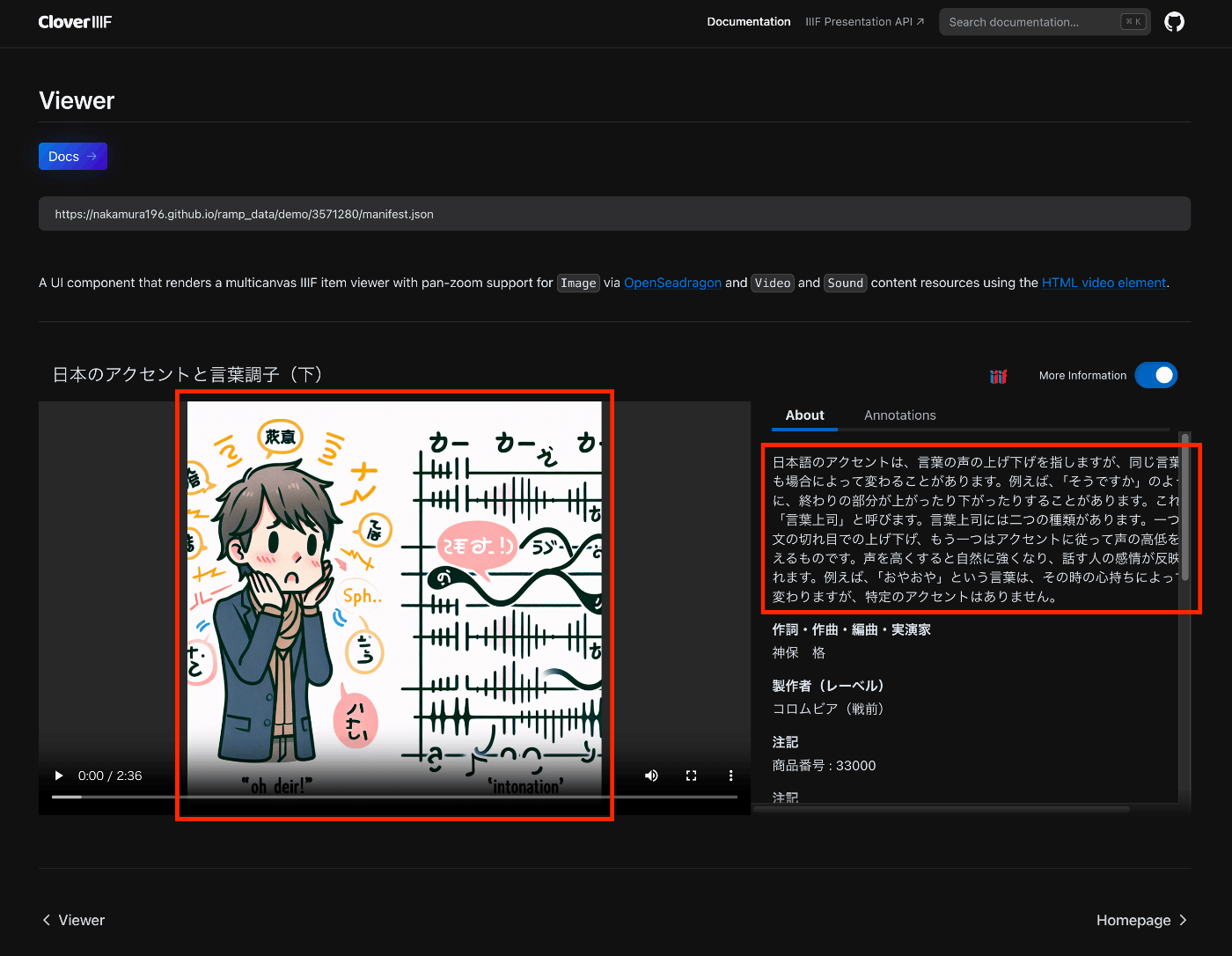
The following is an example displayed in Clover, where the configured image appears in the player.
Manifest File Description
An example is stored at the following location.
 GitHub
Specifically, it was necessary to add an accompanyingCanvas to the Canvas as follows.
    {
      "id": "https://nakamura196.github.io/ramp_data/demo/3571280/canvas",
      "type": "Canvas",
      "duration": 156.07999999999998,
      "accompanyingCanvas": {
        "id": "https://nakamura196.github.io/ramp_data/demo/3571280/canvas/accompanying",
        "type": "Canvas",
        "height": 1024,
        "width": 1024,
        "items": [
          {
            "id": "https://nakamura196.github.io/ramp_data/demo/3571280/canvas/accompanying/annotation/page",
            "type": "AnnotationPage",
            "items": [
              {
                "id": "https://nakamura196.github.io/ramp_data/demo/3571280/canvas/accompanying/annotation/image",
                "type": "Annotation",
                "motivation": "painting",
                "body": {
                  "id": "https://nakamura196.github.io/ramp_data/demo/3571280/3571280_summary_image.jpg",
                  "type": "Image",
                  "height": 1024,
                  "width": 1024,
                  "format": "image/jpeg"
                },
                "target": "https://nakamura196.github.io/ramp_data/demo/3571280/canvas/accompanying/annotation/page"
              }
            ]
          }
        ]
      },
It may be a bit hard to follow, but here is the code example using iiif_prezi3. The accompanyingCanvas is created via create_accompanying_canvas() and associated with the canvas.
    def add_accompanying_image(self):
        if self.verbose:
            print("Adding accompanying image")
            print(self.image_path)
        if os.path.exists(self.image_path):
            accompanyingCanvas = self.create_accompanying_canvas()
            self.canvas.accompanyingCanvas = accompanyingCanvas

    def create_accompanying_canvas(self):
        im = Image.open(self.image_path)
        w, h = im.size
        accompanyingCanvas = iiif_prezi3.Canvas(id=f"{self.prefix}/canvas/accompanying")
        anno_page, anno = self.create_image_annotation(w, h)
        accompanyingCanvas.set_hwd(height=h, width=w)
        accompanyingCanvas.add_item(anno_page)
        return accompanyingCanvas

    def create_image_annotation(self, width, height):
        anno_page = iiif_prezi3.AnnotationPage(id=f"{self.prefix}/canvas/accompanying/annotation/page")
        anno = iiif_prezi3.Annotation(
            id=f"{self.prefix}/canvas/accompanying/annotation/image",
            motivation="painting",
            body=iiif_prezi3.ResourceItem(
                id=f"{self.prefix}/{self.item_id}_summary_image.{self.image_format}",
                type="Image",
                format="image/jpeg",
                height=height,
                width=width
            ),
            target=anno_page.id
        )
        anno_page.add_item(anno)
        return anno_page, anno
(Reference) Creating Image Files
Since the National Diet Library's Historical Sound Archive (Rekion) does not provide image data, sample images were created using DALL-E 3.
For image creation, the transcribed text was summarized and used as a prompt.
The summary text was also stored in the summary field. Note that since there are errors in the transcribed text, the summary text may also contain errors.
{
  "@context": "http://iiif.io/api/presentation/3/context.json",
  "id": "https://nakamura196.github.io/ramp_data/demo/3571280/manifest.json",
  "type": "Manifest",
  "label": {
    "ja": [
      "日本のアクセントと言葉調子(下)"
    ]
  },
  "summary": {
    "ja": [
      "日本語のアクセントは、言葉の声の上げ下げを指しますが、同じ言葉でも場合によって変わることがあります。例えば、「そうですか」のように、終わりの部分が上がったり下がったりすることがあります。これを「言葉上司」と呼びます。言葉上司には二つの種類があります。一つは文の切れ目での上げ下げ、もう一つはアクセントに従って声の高低を変えるものです。声を高くすると自然に強くなり、話す人の感情が反映されます。例えば、「おやおや」という言葉は、その時の心持ちによって変わりますが、特定のアクセントはありません。"
    ]
  }
}
...
Summary
I hope this is helpful for combining audio and images using IIIF.


Comments
…