
Overview
This describes how to authenticate with Drupal using Nuxt 3 and @sidebase/nuxt-auth.
Background
The following article introduced a method for authenticating with GakuNin RDM.

Authenticating with GakuNin RDM Using Nuxt 3 and @sidebase/nuxt-auth
Authenticating with GakuNin RDM using Nuxt 3 and @sidebase/nuxt-auth
The following article introduced a method for using Drupal OAuth from Next.js.

Using Drupal OAuth with NextAuth.js
Using Drupal OAuth with NextAuth.js
Using these as reference, we use Drupal OAuth from Nuxt 3.
Method
The source code can be found in the following repository.
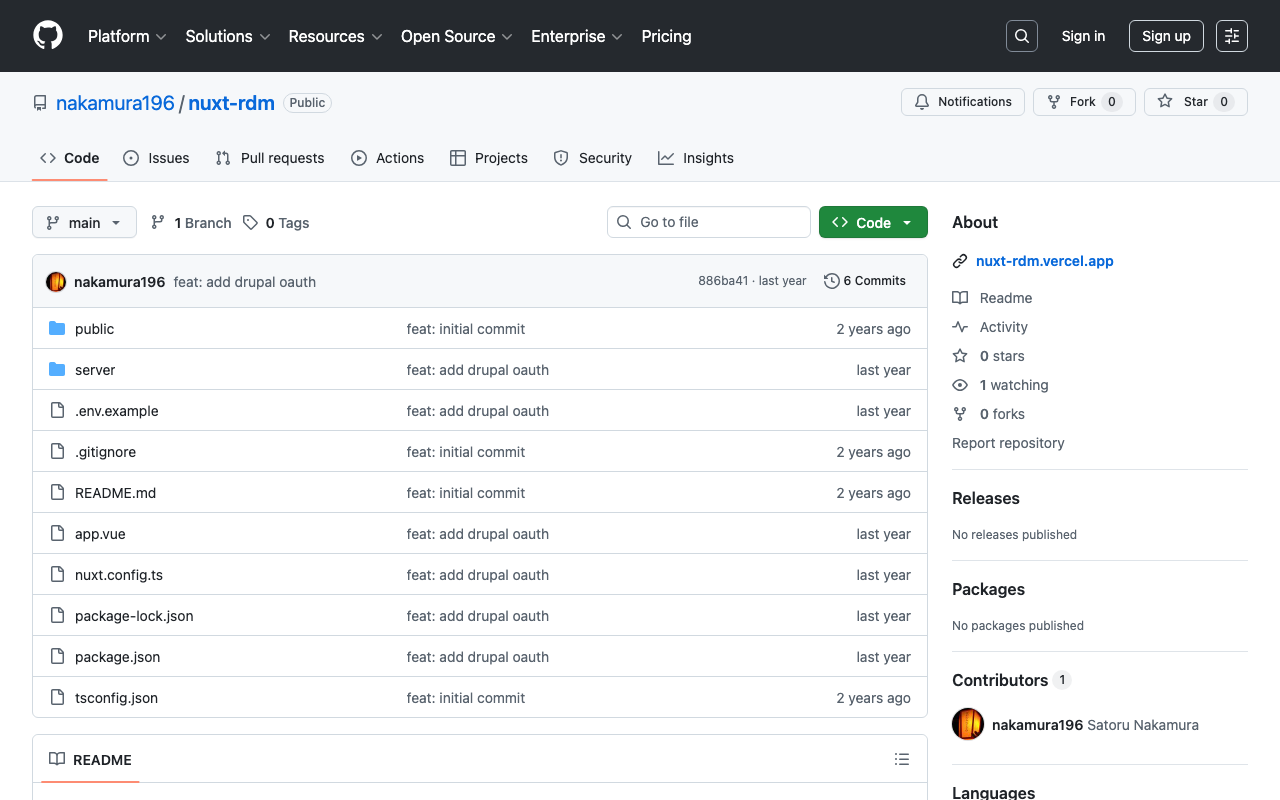
GitHub - nakamura196/nuxt-rdm
Contribute to nakamura196/nuxt-rdm development by creating an account on GitHub.
 GitHub
Specifically, the implementation is here.
https://github.com/nakamura196/nuxt-rdm/blob/main/server/api/auth/[...].ts
{
      id: "drupal",
      name: "Drupal",
      type: "oauth",
      clientId: useRuntimeConfig().drupalClientId,
      clientSecret: useRuntimeConfig().drupalClientSecret,
      authorization: {
        url: process.env.DRUPAL_AUTH_URL,
        params: {
          scope: process.env.DRUPAL_SCOPE,
          response_type: "code",
          redirect_uri: `${
            useRuntimeConfig().nextAuthUrl
          }/api/auth/callback/drupal`,
        },
      },
      token: {
        async request(context) {
          const body = new URLSearchParams({
            client_id: useRuntimeConfig().drupalClientId,
            client_secret: useRuntimeConfig().drupalClientSecret,
            code: context.params.code || "",
            grant_type: "authorization_code",
            redirect_uri: `${
              useRuntimeConfig().nextAuthUrl
            }/api/auth/callback/drupal`,
          });

          const res = await fetch(process.env.DRUPAL_TOKEN_URL || "", {
            method: "POST",
            headers: {
              "Content-Type": "application/x-www-form-urlencoded",
            },
            body,
          });

          const json = await res.json(); // Parse the response body once

          if (!res.ok) {
            throw new Error(`Token request failed: ${res.statusText}`);
          }

          return { tokens: json };
        },
      },
      profile(profile) {
        return {
          id: profile.sub, // Use "sub" as the user's unique ID
          name: profile.name || profile.preferred_username || "Unknown User", // Set name priority
          email: profile.email || "No Email Provided", // Fallback when no email
          image: profile.profile || null, // Use profile URL as image (adjust as needed)
        };
      },
    },
Summary
There may be some errors, but I hope this serves as a helpful reference.


Comments
…