Overview
This article introduces how to use LEAF Writer from Next.js.
Demo
You can try it from the following URL.
leaf-writer-nextjs.vercel.app
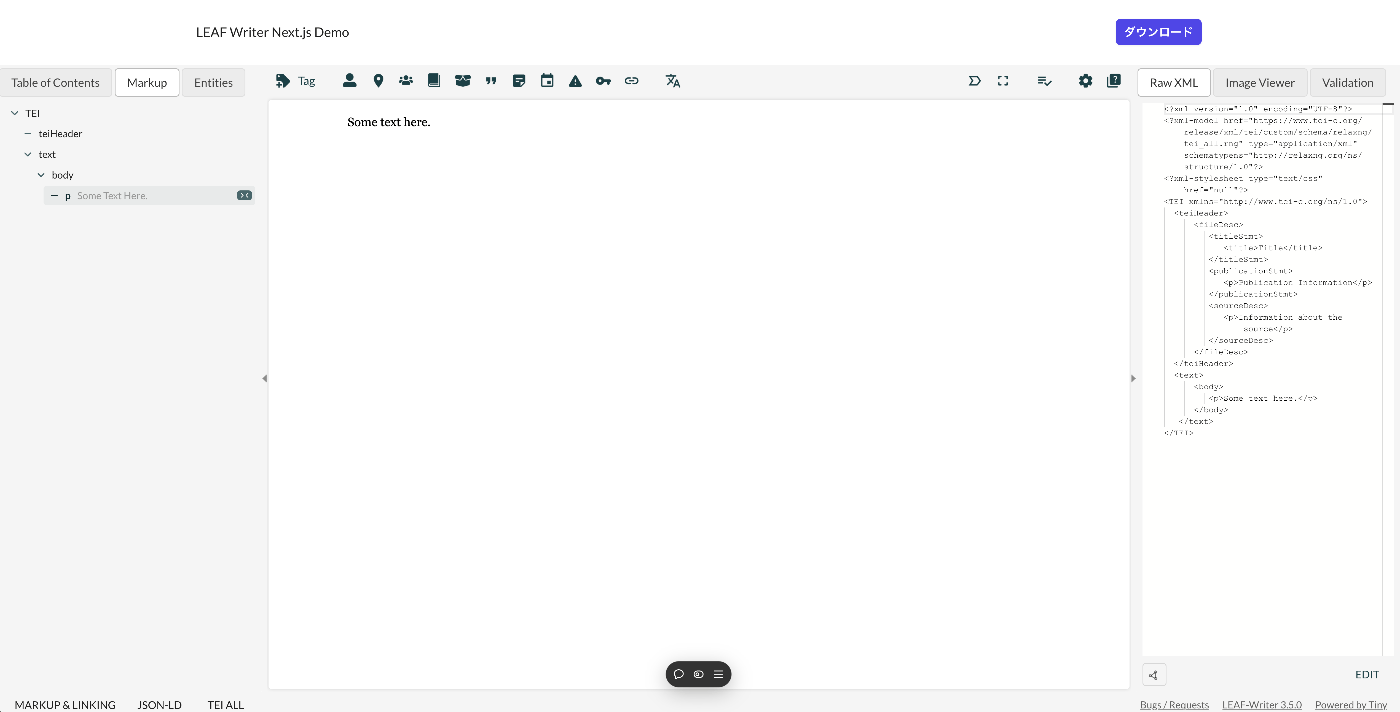
Below is a screenshot example. The header section is the part added using Next.js. The editor section uses LEAF Writer.
The source code is available at the following link.
GitHub - nakamura196/leaf-writer-nextjs
Contribute to nakamura196/leaf-writer-nextjs development by creating an account on GitHub.
 GitHub
Usage
Instructions are described at the following link.

packages/cwrc-leafwriter · main · Canada LINCS / CWRC / LEAF-Writer / LEAF-Writer · GitLab
https://leaf-writer.leaf-vre.org
 GitLab
As a note, the div container's id must be set to leaf-writer-container. I found that not doing so causes the styling to break. I would like to submit a pull request regarding this in the future.
# const container = document.getElementById('#leaf-writer');
const container = document.getElementById('#leaf-writer-container');
Summary
We hope this is helpful for applications of LEAF Writer.

Comments
…