Overview
Let's try the overlay feature provided by Cantaloupe.
BasicStrategy
With BasicStrategy, overlays are applied based on the settings in cantaloupe.properties.
As shown below, you can overlay an image on another image. I used the following image from Irasutoya.

Since I set position to bottom right in the configuration file described below, the specified image appeared in the bottom right as shown below.
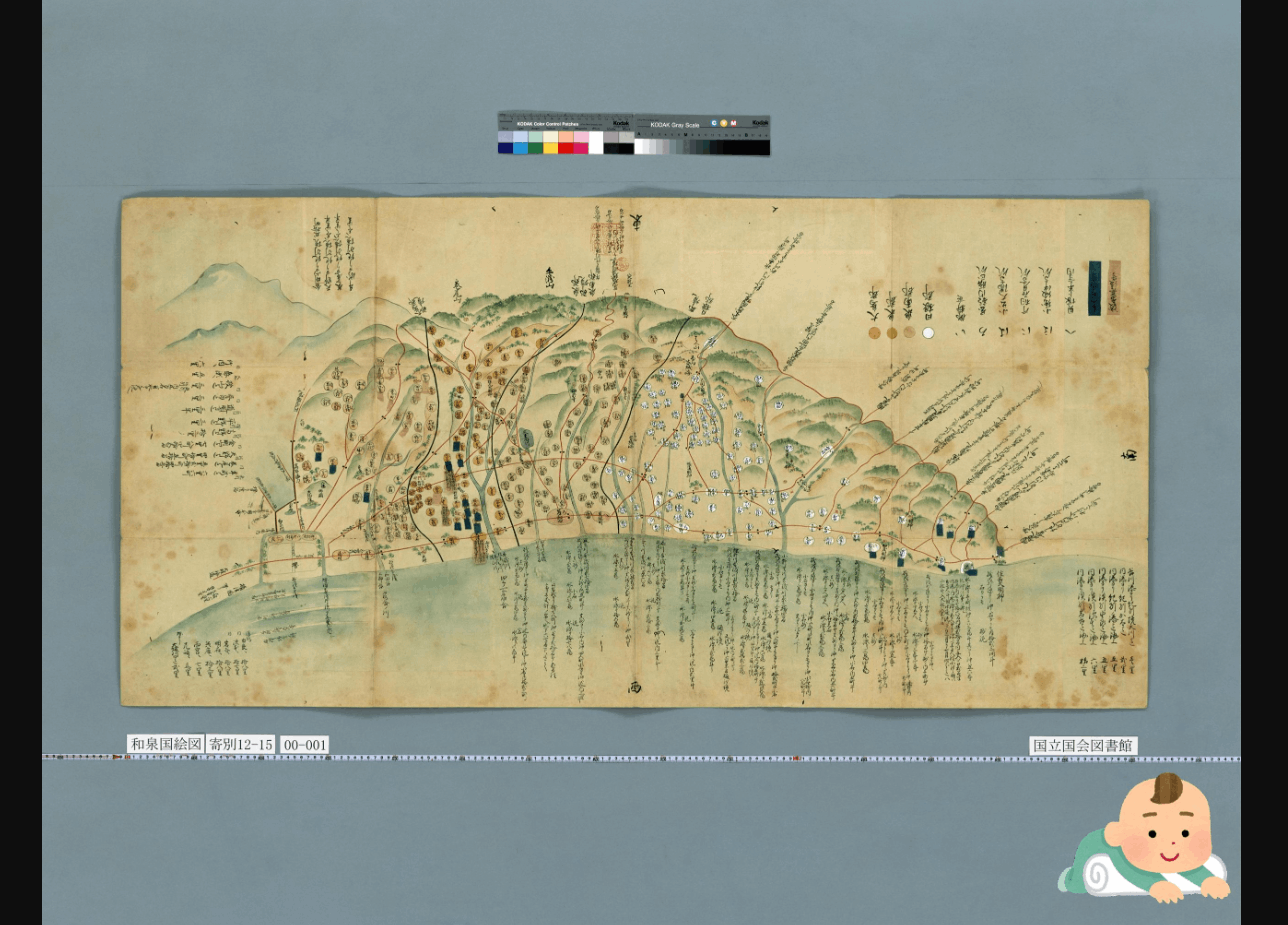
I modified overlays.BasicStrategy.enabled and overlays.BasicStrategy.image in cantaloupe.properties.
###########################################################################
# OVERLAYS
###########################################################################

# Controls how overlays are configured. `BasicStrategy` will use the
# `overlays.BasicStrategy.*` keys in this section. `ScriptStrategy` will
# use a delegate method. (See the user manual.)
overlays.strategy = BasicStrategy

# Whether to enable overlays using the BasicStrategy.
overlays.BasicStrategy.enabled = true # false

# `image` or `string`.
overlays.BasicStrategy.type = image

# Absolute path or URL of the overlay image. Must be a PNG file.
overlays.BasicStrategy.image = https://1.bp.blogspot.com/-8FUEz6vBnoQ/X7zMVAuhQMI/AAAAAAABcZ0/VI1Z9eN76pIj2rfHshveNbFoMKubXYTpACNcBGAsYHQ/s400/baby_role_towel_utsubuse.png
ScriptStrategy
With ScriptStrategy, overlays are applied based on the overlay function in the script set in delegate_script.pathname of cantaloupe.properties.
In this case, the target script file is /home/ubuntu/delegates.rb.
By setting position to repeat in the script described below, I was able to overlay images as shown below.
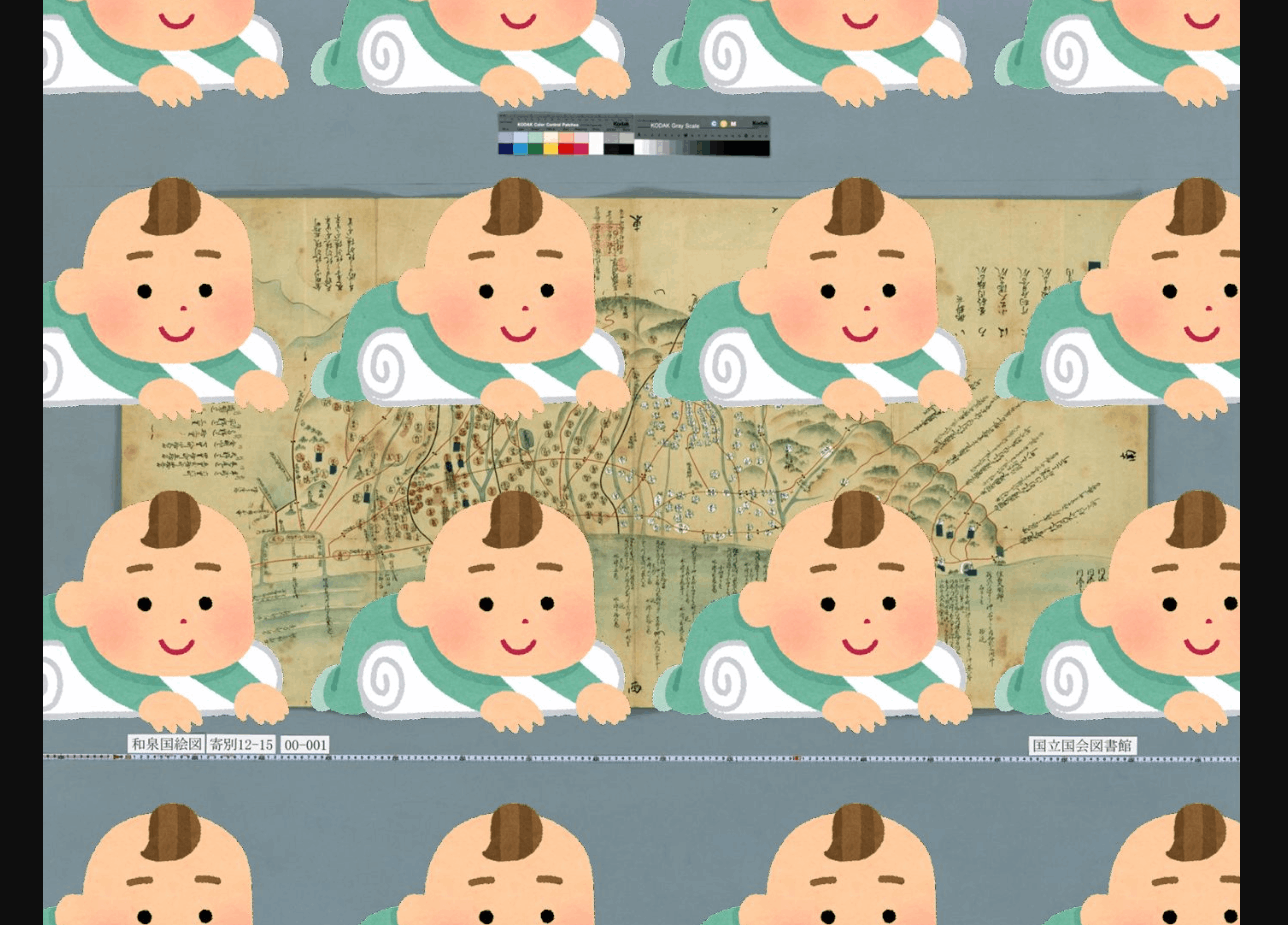
An example of the script is as follows:
def overlay(options = {})
    return {
     'image' => 'https://1.bp.blogspot.com/-8FUEz6vBnoQ/X7zMVAuhQMI/AAAAAAABcZ0/VI1Z9eN76pIj2rfHshveNbFoMKubXYTpACNcBGAsYHQ/s400/baby_role_towel_utsubuse.png',
      'position' => 'repeat'
    }
  end
When I tried the following example from the official site, resulting_size was nil and it did not work properly. I plan to continue investigating.
class CustomDelegate
  MIN_SIZE_CUTOFF = 300

  def overlay(options = {})
    resulting_size = context['resulting_size']
    return nil if resulting_size['width'] < MIN_SIZE_CUTOFF or
        resulting_size['height'] < MIN_SIZE_CUTOFF
    {
      'image' => '/path/to/overlay.png',
      'position' => 'bottom right',
      'inset' => 5
    }
  end
end
Text Overlay
As shown below, not only images but also text string overlays are possible. The text string is displayed in the bottom right.
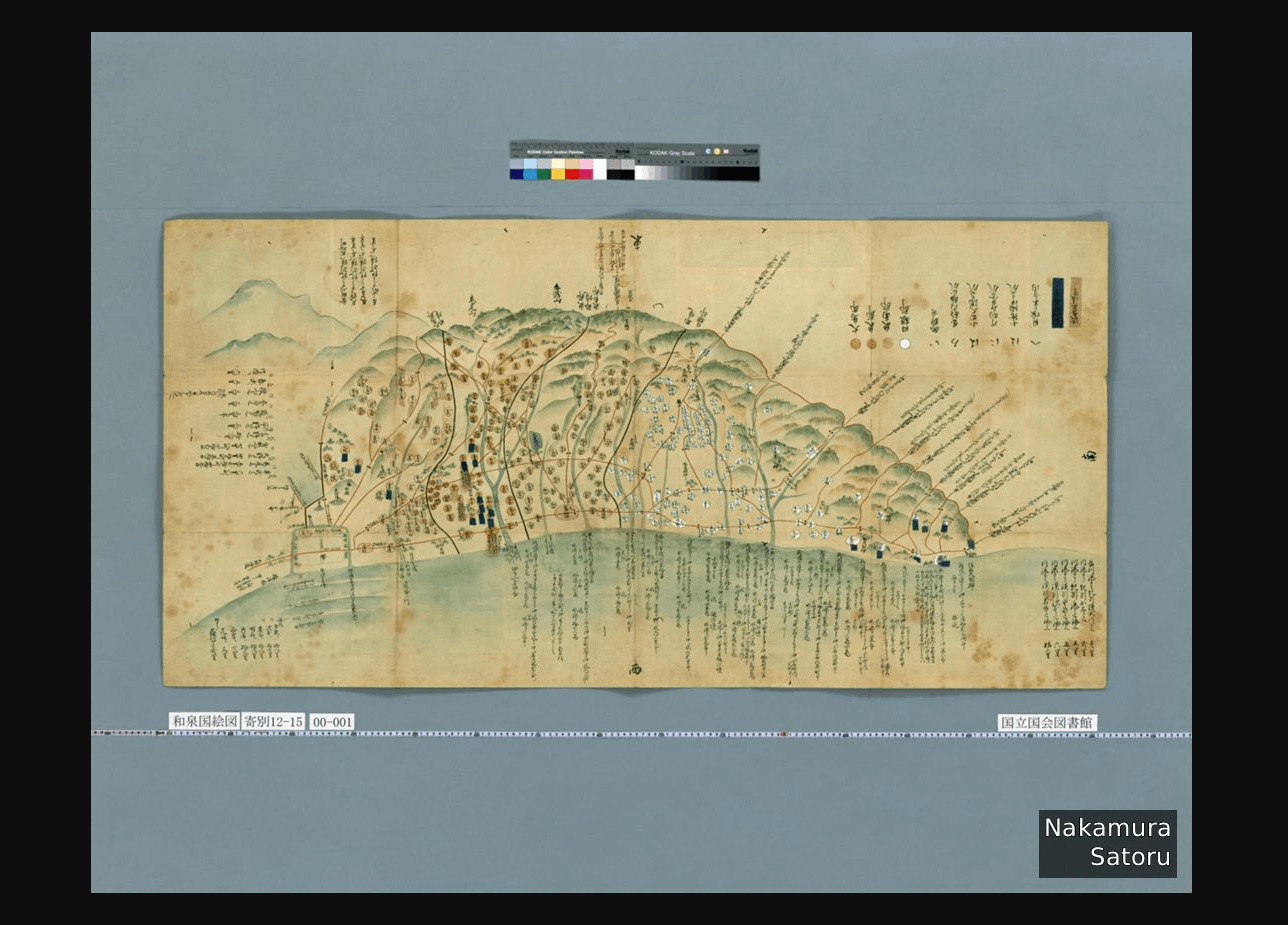
This time I used the BasicStrategy described above and modified cantaloupe.properties as follows:
##########################################################################
# OVERLAYS
###########################################################################

# Controls how overlays are configured. `BasicStrategy` will use the
# `overlays.BasicStrategy.*` keys in this section. `ScriptStrategy` will
# use a delegate method. (See the user manual.)
overlays.strategy = BasicStrategy

# Whether to enable overlays using the BasicStrategy.
overlays.BasicStrategy.enabled = true

# `image` or `string`.
overlays.BasicStrategy.type = string

# Overlay text.
overlays.BasicStrategy.string = Nakamura\nSatoru

# For a list of possible values, launch with the -list-fonts argument.
overlays.BasicStrategy.string.font = Helvetica
Summary
Cantaloupe provides a diverse range of features, and I felt that it has wide applicability. I plan to continue investigating.
Comments
…