Overview
This is a memo on tools related to LLMs.
LangChain
 www.langchain.com
It is described as follows.
LangChain is a composable framework to build with LLMs. LangGraph is the orchestration framework for controllable agentic workflows.
LlamaIndex
 Developer Documentation
It is described as follows.
LlamaIndex is a framework for building context-augmented generative AI applications with LLMs including agents and workflows.
LangChain and LlamaIndex
The response from gpt-4o was as follows.
Both LangChain and LlamaIndex are frameworks that support application development using LLMs (Large Language Models).
From a brief investigation, it appeared that LlamaIndex is easier to use when performing RAG (Retrieval-Augmented Generation).
Ollama
 GitHub
It is described as follows.
Get up and running with Llama 3.2, Mistral, Gemma 2, and other large language models.
It appears to be a tool for running LLMs in a local environment.
Download from the following page.

 ollama.com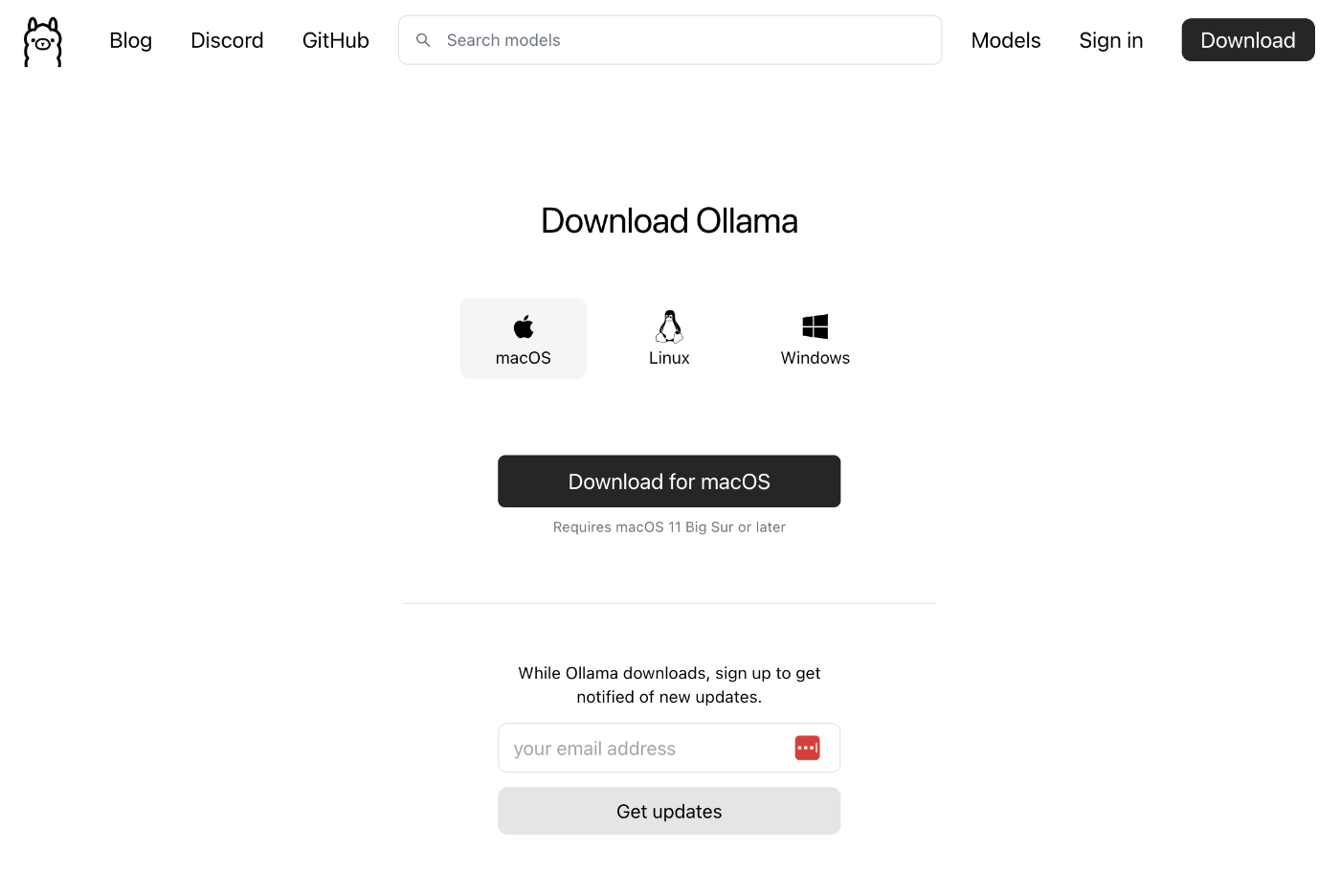
After launching the app, it could be used from commands like the following.
ollama run llama3.2
>>> 日本の首都は?
東京です。
>>> /bye
Additionally, by combining with LlamaIndex, Ollama could also be used from Python.
 docs.llamaindex.ai
pip install llama-index-llms-ollama
from llama_index.llms.ollama import Ollama

llm = Ollama(model="llama3.2", request_timeout=60.0)

response = llm.complete("日本の首都は?")
print(response)
OpenRouter
 OpenRouter Documentation
It is described as follows.
OpenRouter provides an OpenAI-compatible completion API to 278 models & providers that you can call directly, or using the OpenAI SDK. Additionally, some third-party SDKs are available.
After account registration, you can select a model and try chat and other features.
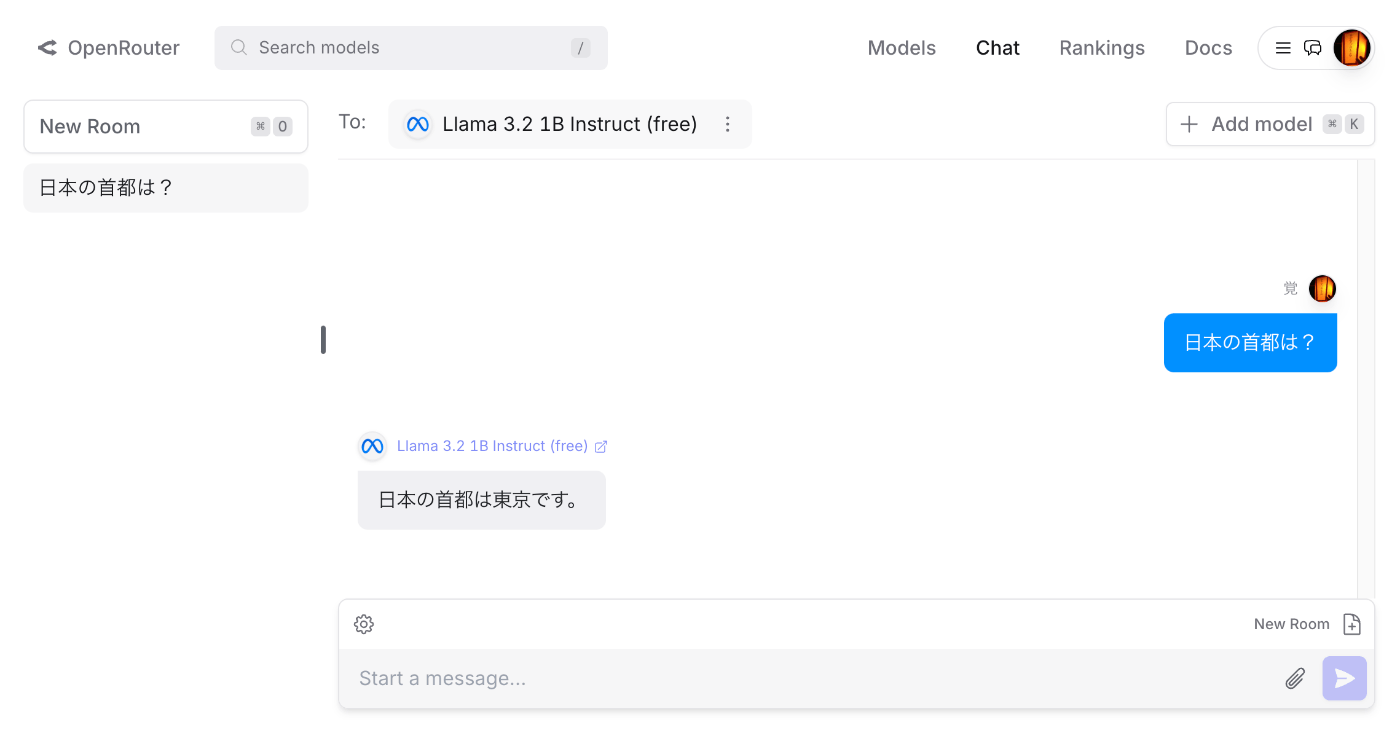
By purchasing credits, gpt-4o and other models could also be used.
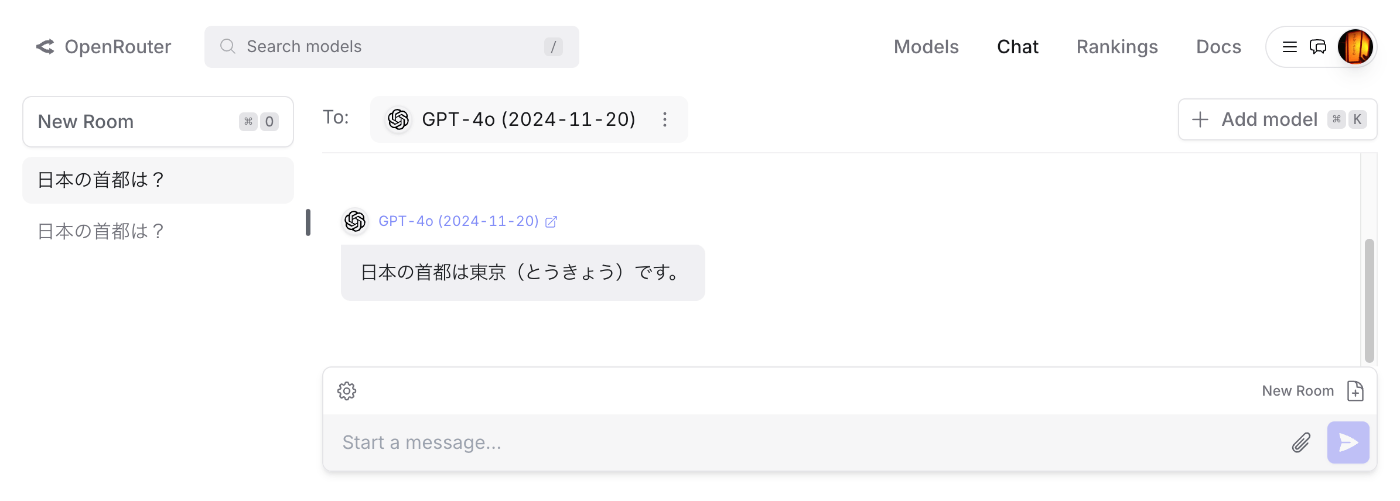
Additionally, by combining with LlamaIndex, OpenRouter could also be used from Python.
docs.llamaindex.aiAfter issuing an API key in OpenRouter, the following script could be executed.
The following is an example using the model Meta: Llama 3.2 1B Instruct (free).
from llama_index.llms.openrouter import OpenRouter
from llama_index.core.llms import ChatMessage
from dotenv import load_dotenv
import os

load_dotenv()
api_key = os.getenv("OPENROUTER_API_KEY")

llm = OpenRouter(
    api_key=api_key,
    model="meta-llama/llama-3.2-1b-instruct:free",
)

message = ChatMessage(role="user", content="日本の首都は?")
resp = llm.chat([message])
print(resp)
The following is an example using the model OpenAI: GPT-4o (2024-11-20). By only changing model, the same script could be used.
pip install llama-index-llms-openrouter
llm = OpenRouter(
    model="openai/gpt-4o-2024-11-20",
)

message = ChatMessage(role="user", content="日本の首都は?")
resp = llm.chat([message])
print(resp)
Model names can be found on pages like the following.
 openrouter.ai
LiteLLM
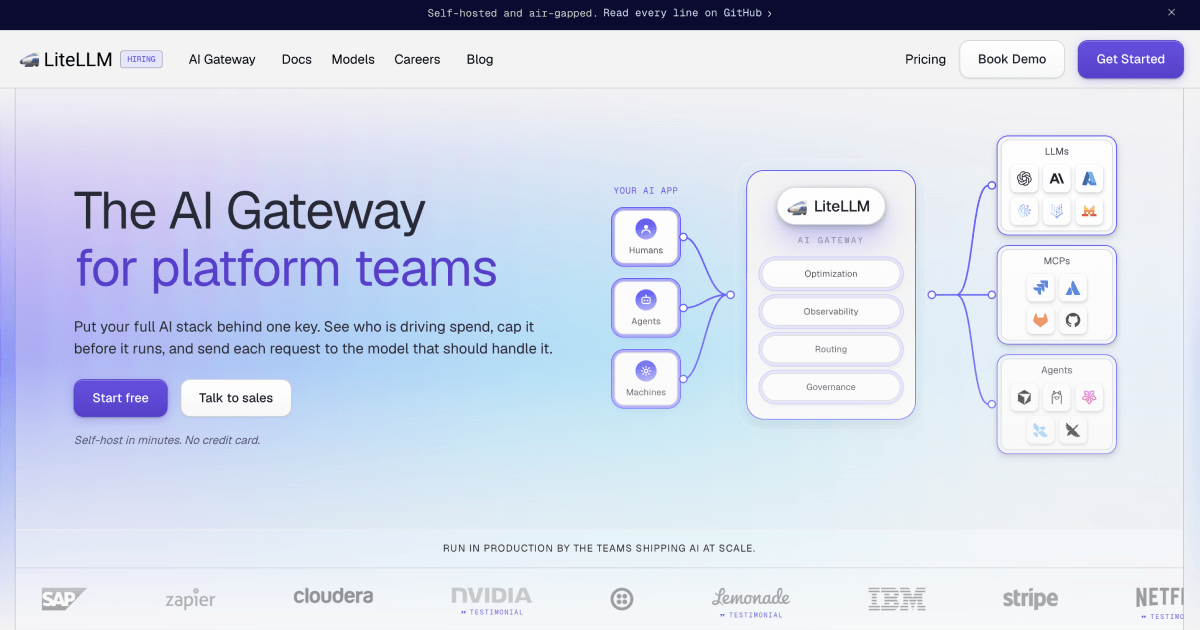
 www.litellm.ai
It is described as follows.
LLM Gateway to manage authentication, loadbalancing, and spend tracking across 100+ LLMs. All in the OpenAI format.
The following describes how to use OpenRouter from LiteLLM.
 docs.litellm.ai
It could be executed with the following code.
pip install litellm
from litellm import completion
import os
api_key = os.getenv("OPENROUTER_API_KEY")
response = completion(
            model="openrouter/openai/gpt-4o-2024-11-20",
            messages=[{ "content": "日本の首都は?","role": "user"}],
)
print(response.choices[0].message.content)
Summary
I have not fully understood the differences between the tools mentioned here, and there are likely many other useful tools available, but we hope this article serves as a useful reference for understanding the tools surrounding LLMs.

Comments
…