
Overview
Two-factor authentication is becoming mandatory on PyPI.
Securing PyPI accounts via Two-Factor Authentication - The Python Package Index Blog
PyPI will require all users who maintain projects or organizations to enable one or more forms of two-factor authentication (2FA) by the end of 2023.
After setting up two-factor authentication and attempting to upload, the following error occurred.
Uploading xxxx.whl
100% ━━━━━━━━━━━━━━━━━━━━━━━━━━━━━━━━━━━━━━━━ 22.2/22.2 kB • 00:00 • 65.2 MB/s
WARNING  Error during upload. Retry with the --verbose option for more details.
ERROR    HTTPError: 401 Unauthorized from https://upload.pypi.org/legacy/
         User <アカウント名> has two factor auth enabled, an API Token or Trusted Publisher must be used to
         upload in place of password.
Solution
I had ~/.pypirc configured as follows.
[pypi]
username = <アカウント名>
password = <パスワード>
Changing it to the following resolved the error. The API token can be created in the PyPI account settings page.
[pypi]
username = __token__
password = <発行したAPIトークン>
Summary
In my case, I needed to change from the method described at the following page when using nbdev.
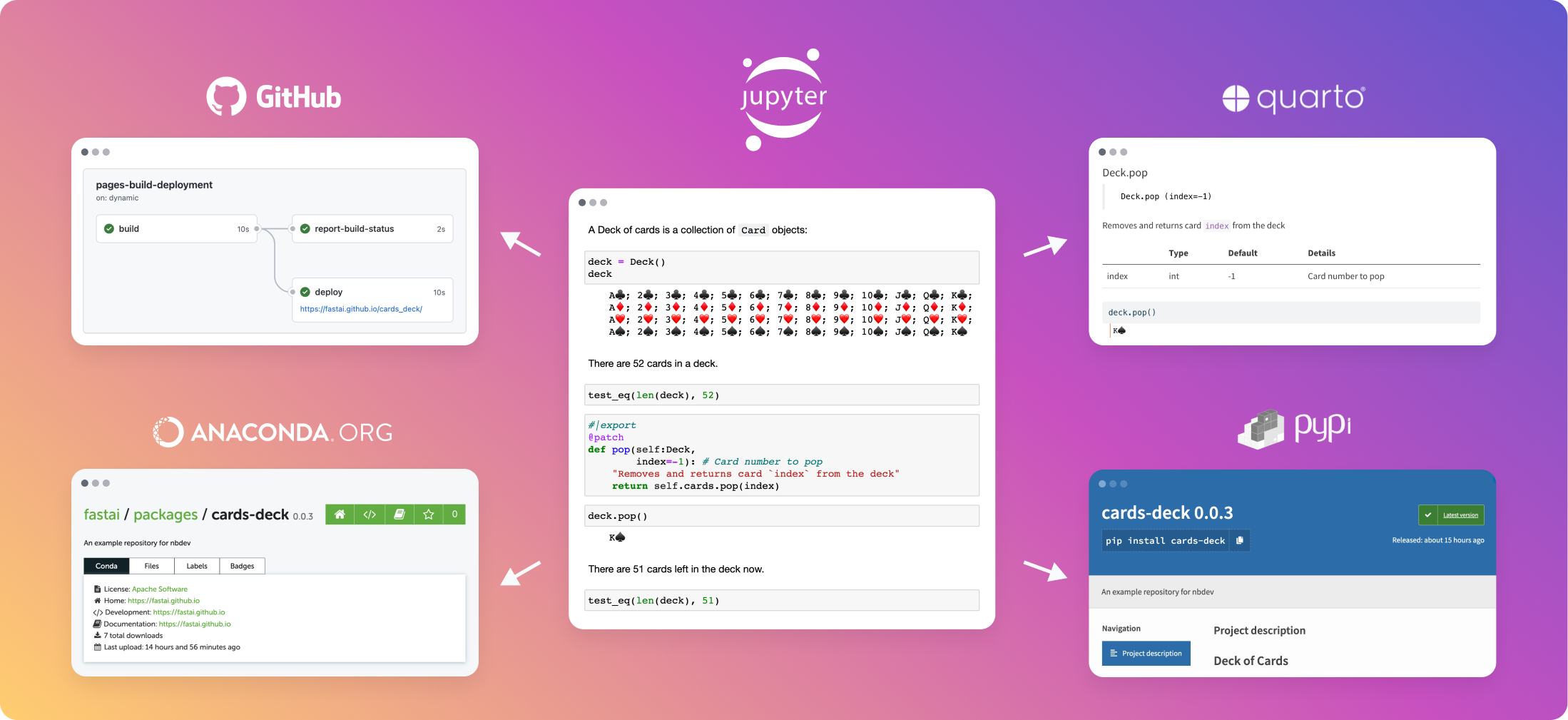
End-To-End Walkthrough – nbdev
A step-by-step guide to using nbdev
 nbdev
nbdevWhether or not you are using nbdev, I hope this serves as a useful reference for anyone experiencing the same issue.


Comments
…