
Notes on disk space after installing ndlocr_cli with Docker.
I set up ndlocr_cli by following the steps described in the following article.
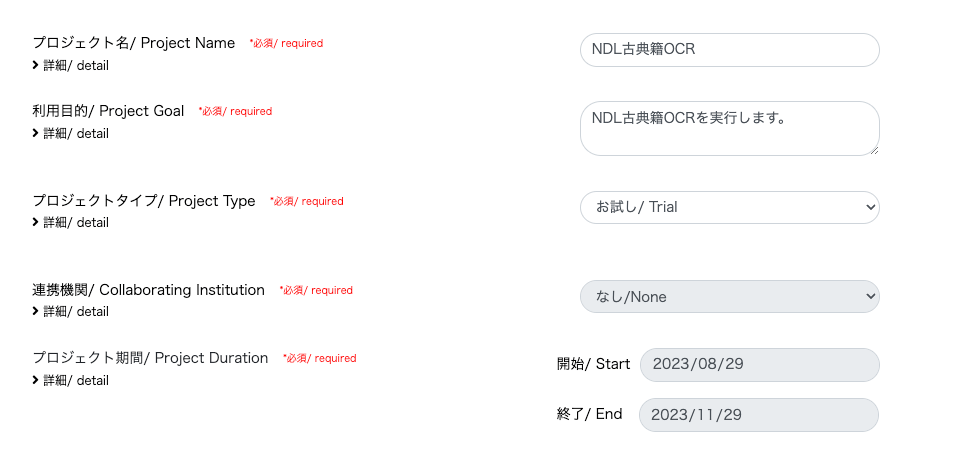
Running NDL Classical Japanese OCR on mdx
Running NDL Classical Japanese OCR on mdx
As shown below, approximately 50GB of space is used, so you need to process input/output image files etc. with the remaining capacity. (The example below shows a case with 200GB of disk space allocated.)
mdxuser@ubuntu-2204:~/ndlocr_cli$ df -h
Filesystem      Size  Used Avail Use% Mounted on
tmpfs           5.7G  1.4M  5.7G   1% /run
/dev/sda2       196G   45G  143G  24% /
tmpfs            29G     0   29G   0% /dev/shm
tmpfs           5.0M     0  5.0M   0% /run/lock
/dev/sda1       1.1G  6.1M  1.1G   1% /boot/efi
tmpfs           5.7G  4.0K  5.7G   1% /run/user/1000
I hope this is helpful when specifying the virtual disk size (GB) when launching virtual machines on AWS (Amazon Web Services) or mdx (Data-Driven Society Creation Platform).
I hope this serves as a useful reference.


Comments
…