Overview
I tried building a RAG-based chat using Azure OpenAI, LlamaIndex, and Gradio, so here are my notes.
Azure OpenAI
Create an Azure OpenAI resource.

Then, click "Endpoint: Click here to view endpoint" to note down the endpoint and key.

Then, navigate to the Azure OpenAI Service.

Go to "Model catalog" and deploy "gpt-4o" and "text-embedding-3-small".

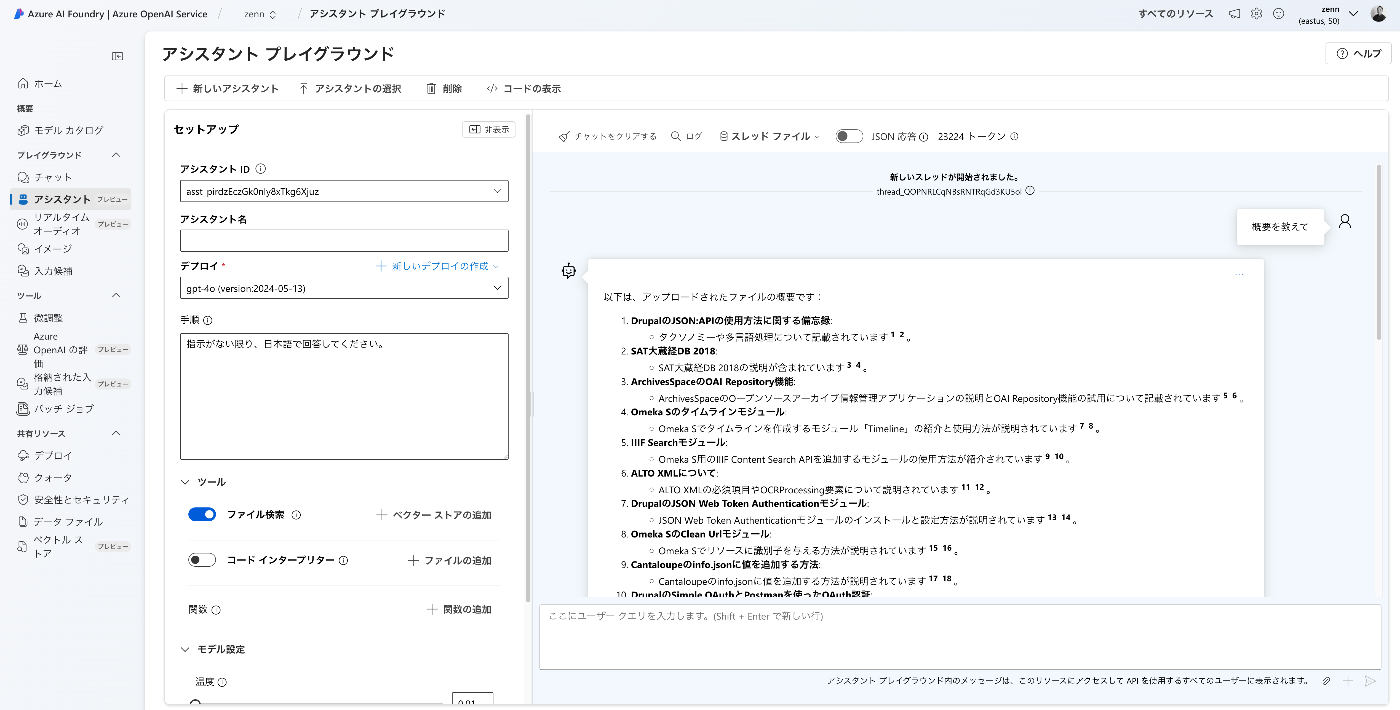
The result is displayed as follows.

Downloading the Text
This time, we target "The Tale of Genji" published on Aozora Bunko (a free digital library of Japanese literature).
Download the texts in bulk using the following script.
import requests
from bs4 import BeautifulSoup
import os

url = "https://genji.dl.itc.u-tokyo.ac.jp/data/info.json"

response = requests.get(url).json()

selections = response["selections"]

for selection in selections:

    members = selection["members"]

    for member in members:

        aozora_urls = []

        for metadata in member["metadata"]:

            if metadata["label"] == "aozora":

                aozora_urls = metadata["value"].split(", ")

        for aozora_url in aozora_urls:

            filename = aozora_url.split("/")[-1].split(".")[0]

            opath = f"data/text/{filename}.txt"

            if os.path.exists(opath):
                continue
                # pass

            response = requests.get(aozora_url)

            response.encoding = response.apparent_encoding

            soup = BeautifulSoup(response.text, "html.parser")

            div = soup.find("div", class_="main_text")

            txt = div.get_text().strip()

            os.makedirs(os.path.dirname(opath), exist_ok=True)

            with open(opath, "w") as f:
                f.write(txt)
Creating the Index
Prepare environment variables.
AZURE_OPENAI_ENDPOINT=xxxx
AZURE_OPENAI_API_KEY=xxxx
Then, create the index using the following script.
import os
from llama_index.llms.azure_openai import AzureOpenAI
from llama_index.embeddings.azure_openai import AzureOpenAIEmbedding
from llama_index.core import SimpleDirectoryReader, Settings, VectorStoreIndex

# Environment variables
api_key = os.getenv("AZURE_OPENAI_API_KEY")
api_version = "2024-05-01-preview"
azure_endpoint = os.getenv("AZURE_OPENAI_ENDPOINT")

# LLM
llm = AzureOpenAI(
    model="gpt-4o",
    deployment_name="gpt-4o",
    api_key=api_key,
    azure_endpoint=azure_endpoint,
    api_version=api_version,
)

# Embedding
embed_model = AzureOpenAIEmbedding(
    model="text-embedding-3-small",
    deployment_name="text-embedding-3-small",
    api_key=api_key,
    azure_endpoint=azure_endpoint,
    api_version=api_version,
)

Settings.llm = llm
Settings.embed_model = embed_model

# Data Source -> Document conversion step
documents = SimpleDirectoryReader(
    input_dir="./data/text"
).load_data()

# Save
index = VectorStoreIndex.from_documents(documents)
index.storage_context.persist(persist_dir="./data/index")
Gradio
Finally, create an app using Gradio.
import os
import gradio as gr
from llama_index.core import StorageContext, load_index_from_storage, Settings
from llama_index.llms.azure_openai import AzureOpenAI
from llama_index.embeddings.azure_openai import AzureOpenAIEmbedding

api_key = os.getenv("AZURE_OPENAI_API_KEY")
api_version = "2024-05-01-preview"
azure_endpoint = os.getenv("AZURE_OPENAI_ENDPOINT")

llm = AzureOpenAI(
    model="gpt-4o",
    deployment_name="gpt-4o",
    api_key=api_key,
    azure_endpoint=azure_endpoint,
    api_version=api_version,
)

# You need to deploy your own embedding model as well as your own chat completion model
embed_model = AzureOpenAIEmbedding(
    model="text-embedding-3-small",
    deployment_name="text-embedding-3-small",
    api_key=api_key,
    azure_endpoint=azure_endpoint,
    api_version=api_version,
)

Settings.llm = llm
Settings.embed_model = embed_model

# rebuild storage context
storage_context = StorageContext.from_defaults(persist_dir="./data/index")

# load index
index = load_index_from_storage(storage_context)

query_engine = index.as_query_engine(similarity_top_k=10)

# Function to handle chat messages with history
def echo(message, history):
    print("History:", history)
    context = "\n".join([f"User: {user_msg}\nBot: {bot_msg}" for user_msg, bot_msg in history])
    full_context = f"{context}\nUser: {message}"
    response = query_engine.query(full_context).response
    history.append((message, response))
    return response # history

demo = gr.ChatInterface(
    fn=echo,
    examples=[
        "What kind of person is Hikaru Genji?",
        "What kind of person is Yugao?"
    ],
    title="Llama Index Chatbot",
)
demo.launch()
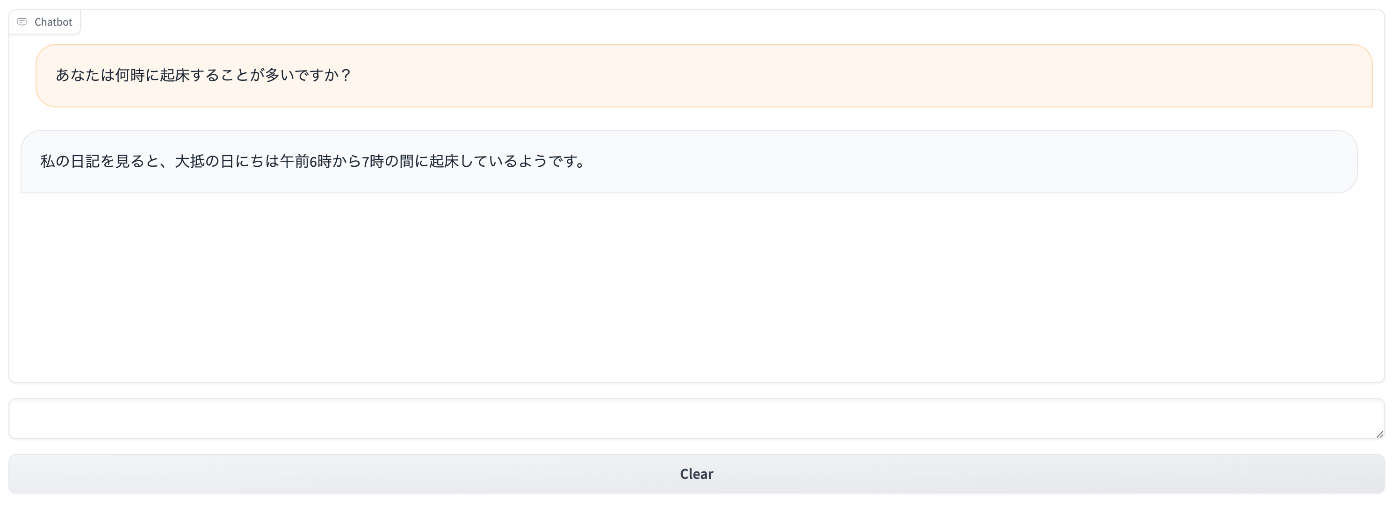
The chatbot was successfully created as shown below.

Summary
There may be some misunderstandings on my part, but I hope this serves as a helpful reference.

Comments
…