Overview
This is a personal note on an example of deploying Nuxt 3 to Netlify and AWS.
Below are the deployment examples.
Netlify
app.vue
server/api/hello.ts
AWS (Serverless)
app.vue
server/api/hello.ts
The source code is at the following URL.
I will explain each of them below.
Netlify
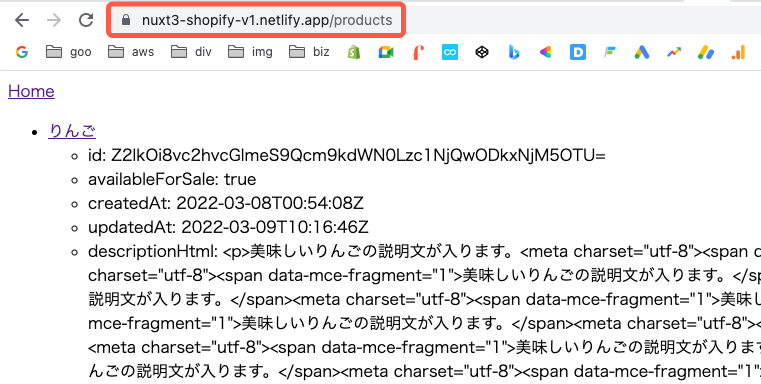
By referring to the following article, I was able to deploy including BFF (Backend for Frontend).
AWS (Serverless)
The following article was helpful for the method using Lambda Functions URL.

 Qiita
QiitaOn the other hand, this time I will show the method using API Gateway. The following article was helpful.
By referring to the above, I was able to deploy as follows.
 9f4jl2wn81.execute-api.us-east-1.amazonaws.com
Next, I configure a custom domain. Below, I explain both the case of using only API Gateway and the case of using CloudFront.
API Gateway Only
Create a domain name from "Custom domain names" in API Gateway.

Then, select the above API from API mappings.

Then, add a record in Route 53.

This allows you to publish using a custom domain as follows.
Using CloudFront
When creating a CloudFront distribution, enter the API Gateway URL as the origin domain.

For "Default cache behavior" under "Viewer", I selected "Redirect HTTP to HTTPS".

Under "Settings", specify the alternate domain name and custom SSL certificate.

Finally, add a record in Route 53 using the CloudFront domain name.

This allowed me to publish using a custom domain as follows.
Summary
There may be better methods, but I hope this serves as a useful reference for deploying Nuxt 3.
When deploying as SPA or SSG, using GitHub Pages is also an option.
I would like to use different approaches depending on the use case.


Comments
…